Yazi is easy to describe as a faster terminal file manager. That is accurate, but it undersells the project. The stronger introduction is that Yazi tries to make terminal file work behave like an inspectable working surface: directories load without freezing the interface, previews appear beside navigation, selected files can cross directory boundaries, and shell handoff lets a user browse visually without abandoning the command line.[1][3]
That matters because file management in the terminal often splits into two awkward modes. One mode is fast but blind: ls, cd, find, rg, cp, and mv are precise when you already know the shape of the tree. The other mode is visual but context-switching: open a GUI file manager, inspect, drag, copy, then return to the shell with state now living somewhere else. Yazi's promise sits between those modes. It does not replace shell commands. It gives the shell a navigable, preview-aware control surface for moments when path memory is not enough.
As of 2026-06-22T16:31:50Z UTC, the GitHub API reported 39,650 stars, 905 forks, 67 open issues, and a most recent push timestamp of 2026-06-22T16:12:56Z for sxyazi/yazi; the latest release endpoint reported v26.5.6, published on 2026-05-05T18:30:21Z.[10][11] Those numbers do not prove fit. They do show a live project with enough adoption and release motion that teams can treat it as more than a weekend TUI experiment.
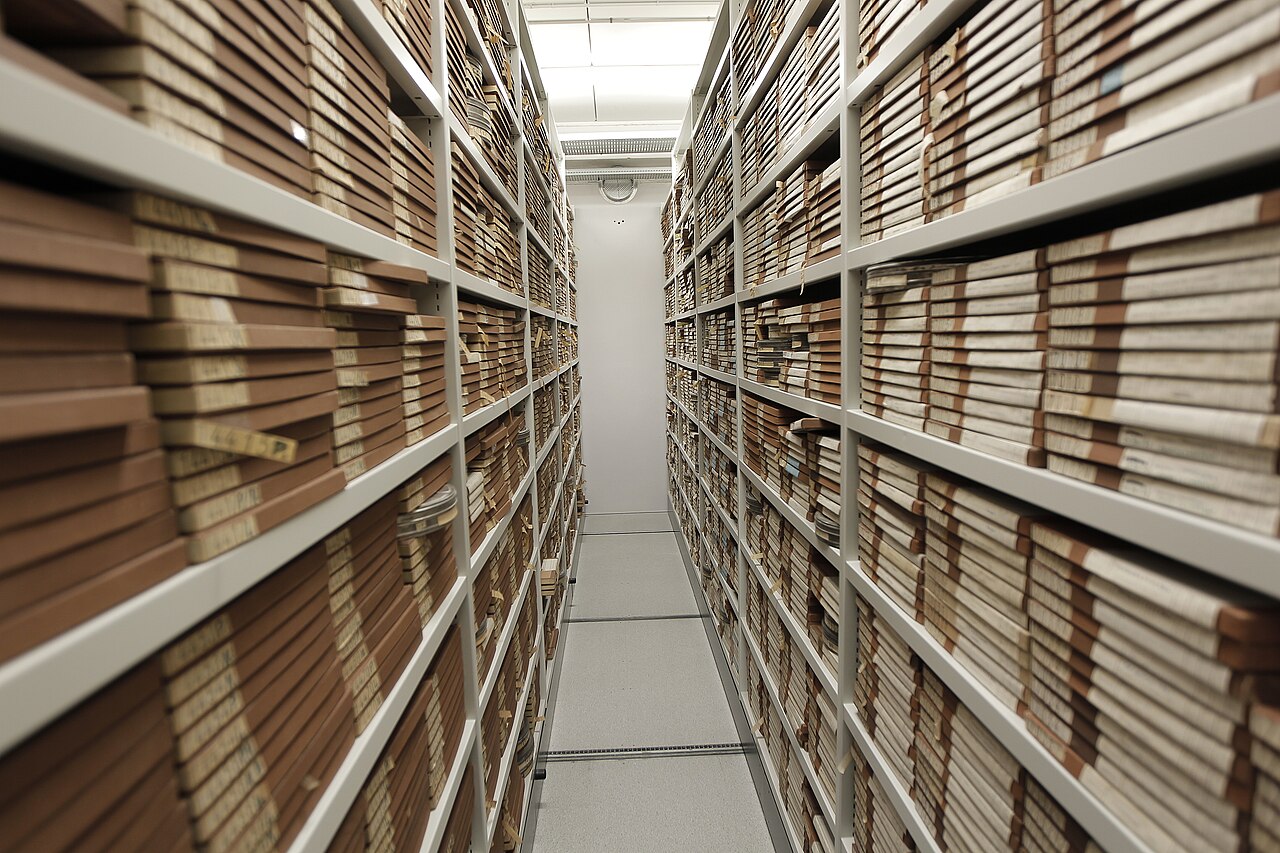
Image context: the lead photograph shows film archive shelves, not a terminal screenshot. That choice is deliberate. Yazi's best idea is not terminal aesthetics. It is file organization under motion: a workspace where browsing, previewing, selecting, opening, and returning to the shell remain part of one flow rather than separate rituals.[9]
The Real Product Is The Browse-Preview Loop
Yazi's project page describes it as a terminal file manager written in Rust and based on non-blocking async I/O.[1] The feature list then adds the practical shape: async task scheduling, image protocols, code highlighting, a concurrent plugin system, virtual filesystem work, a data distribution service, a package manager, and integrations with tools such as ripgrep, fd, fzf, and zoxide.[1] Read as a list, that can sound like feature accumulation. Read as a workflow, the pieces have a clearer center.
The center is the browse-preview loop. A user moves through a directory tree, keeps parent context visible, sees the current directory, and inspects hovered files or directories without opening a separate program. The official quick start shows ordinary terminal-file-manager behavior: arrow or Vim-style navigation with h, j, k, l; selection with Space; yanking, pasting, trashing, creating, renaming, filtering, searching by filename with fd, searching by content with ripgrep, and jumping through fzf or zoxide.[3] That is not a new category of file operation. It is a better staging area for existing ones.
The independent It's FOSS walkthrough captures why this lands for users who are not terminal maximalists. Its author frames Yazi as a way to browse and interact with files more comfortably than repeated ls and cd, then points to previews, archive inspection, image support, search, bulk rename, and the wrapper behavior that returns the shell to the directory where the user quit.[8] That outside response is useful because it confirms the project is not only solving for people who already love modal file managers. It is also making the terminal less blind for people who normally keep a GUI file explorer nearby.
The adoption boundary follows from that. Yazi is strongest when a developer, data worker, support engineer, or platform operator already spends serious time in terminal sessions but still needs fast visual confirmation: which file is this, what is inside that archive, what changed in this generated output directory, which image or PDF is the right one, which subfolder did the incident notes land in? It is weaker when the team's file work is either fully scripted or fully graphical. If the correct operation is already one deterministic command, Yazi is unnecessary ceremony. If the correct operation depends on desktop affordances, drag-heavy workflows, rich metadata columns, or cloud-drive collaboration state, Yazi is not trying to be that product.
Async Is A User-Experience Boundary
Yazi's performance story is not just "Rust is fast." The project's own performance note is more specific: Yazi is designed as an async application, treating time-consuming I/O and CPU work as non-blocking, event-driven tasks.[4] For large directories, the article points to chunked loading and background preloading of directory file lists rather than forcing the whole view to arrive before interaction continues.[4]
That matters because file managers fail in a very visible way. The user enters a large directory, hovers a heavy file, or triggers a preview, and the interface stops responding. A terminal file manager cannot hide that behind animation. It either keeps moving or it feels broken. Yazi's design puts responsiveness ahead of perfect eagerness: load enough to keep navigation alive, preload likely work in the background, and discard preview tasks that no longer matter when the cursor has moved.[4]
The preview pipeline makes the same design concrete. The performance note describes preloading MIME data in chunks, using image preprocessing and cache files, pre-converting video and PDF previews into image-like artifacts, and calculating directory sizes lazily only when sorting by size requires it.[4] Those details are the difference between a preview pane and a preview engine. A naive preview pane would simply try to render whatever the cursor touches. Yazi treats preview as scheduled work that can be paged, cached, cancelled, or deferred.
For teams, this is the first pilot test. Do not evaluate Yazi only in a neat source tree with 200 files. Point it at the awkward places that usually expose file-manager weakness: vendor directories, build outputs, generated reports, nested media folders, archives, large log trees, and folders where file type detection is noisy. The question is not whether Yazi can open a directory. The question is whether it keeps the operator oriented while the expensive work catches up.
The Shell Wrapper Is Small, But It Explains The Tool
The quick start recommends a y shell wrapper that starts Yazi with --cwd-file, then changes the shell's current working directory to the directory where the user exits with q; exiting with Q leaves the original directory unchanged.[3] That sounds like convenience glue, but it is one of the cleanest indicators of Yazi's philosophy.
Without that wrapper, a terminal file manager can become a cul-de-sac: you browse somewhere useful, quit, and return to the shell where you started. With the wrapper, browsing becomes a way to set shell state. Yazi is not trying to swallow the terminal session. It helps the user find a location, inspect it, act on files when useful, then hand control back to ordinary commands in the right directory.[3][8]
This is why the best adoption pattern is conservative. Let y be the entry point for visual navigation, not a replacement for every cd, find, or editor command. Teach the handful of primitives that matter: enter and leave directories, select files, preview and scroll, search by name or content, bulk rename, copy paths, and quit with or without changing directories.[3] A team does not need to memorize every keybinding to get value. It needs enough shared muscle memory that "open Yazi, inspect, select, return to shell" becomes predictable.
The shell-wrapper boundary also protects automation. Shell scripts should still use shell commands. CI should still use deterministic paths. Runbooks should still prefer explicit commands when exactness matters. Yazi is for interactive navigation and file triage, where human judgment needs more visual context than a single command offers.
The Dependency Story Is Honest
Yazi's installation page is unusually candid about the extra tools behind the richer experience. The required baseline is file for file-type detection. Optional tools unlock specific lanes: Nerd Fonts for icons, ffmpeg for video thumbnails, 7-Zip for archive extraction and preview, jq for JSON preview, Poppler for PDF preview, fd for filename search, ripgrep for content search, fzf for subtree navigation, zoxide for historical-directory jumps, resvg for SVG preview, ImageMagick for font, HEIC, and JPEG XL preview, plus clipboard tools on Linux.[2]
That is not a flaw. It is the correct Unix-shaped contract. Yazi is strongest when it composes with specialized tools rather than reimplementing every parser and search engine internally. But it also means "install Yazi" and "get the full Yazi experience" are not the same operational event. A minimal install can browse. A capable workstation setup needs the dependency bundle aligned with the file types and workflows the user actually touches.[2][8]
The image-preview docs sharpen this point. Yazi supports multiple terminal image protocols directly, including Kitty, iTerm2-style inline images, Sixel-capable terminals, Ghostty, Windows Terminal at a sufficiently recent version, and others; for X11 or Wayland it can fall back through Überzug++, and for a lower-fidelity fallback it can use Chafa.[5] It also warns that support depends on terminal and multiplexer behavior, with specific notes for tmux, Zellij, Windows, and WSL.[5]
That makes image preview a boundary condition, not a marketing checkbox. If a team uses modern terminals with supported protocols, Yazi can feel surprisingly rich. If the team lives inside older multiplexers, constrained SSH sessions, unsupported Windows paths, or locked-down hosts where dependencies cannot be installed, the preview story changes. The tool remains useful, but the "visual file manager inside the terminal" promise narrows.
Lua Plugins And DDS Make It More Than A Pane Layout
Yazi's plugin docs describe Lua plugins placed under the Yazi config directory, either as functional plugins bound to keys or as custom previewers and preloaders configured in yazi.toml.[6] The same page says the plugin system is async-first unless explicitly marked sync.[6] That is the right shape for a file manager whose core interaction model depends on staying responsive. Plugins should extend the workspace without turning every user script into a UI freeze risk.
The Data Distribution Service, or DDS, is the more advanced signal. Yazi describes DDS as a client-server architecture, without requiring an extra server process, for communication and state synchronization between multiple Yazi instances and for state persistence. It integrates with Lua publish-subscribe APIs and exposes CLI commands such as ya pub, ya pub-to, ya emit, and ya emit-to for messages and actions.[7]
Most users will not start with DDS. They should not. But its presence explains where the project is going: away from "one pane tree in one process" and toward a terminal file-management runtime that can communicate across instances, plugins, and external commands. That is more architecture than many people need. It is also why Yazi has room to grow without becoming only a prettier clone of older terminal file managers.
The risk is scope creep. A file manager that can run plugins, preview many formats, coordinate instances, and integrate with search tools can become a dumping ground for unrelated workflow automation. The healthy rule is to keep Yazi near file context. Use plugins for preview, metadata, selection, local actions, and small workflow hooks. Do not turn it into a hidden deployment dashboard or business-logic runner just because Lua makes that possible.
Where Yazi Fits
Yazi is a strong fit when terminal work is already central and the missing piece is visual context. It helps with codebases where filenames are not enough, media or document folders where previews prevent wrong opens, generated artifacts where inspection precedes cleanup, and support workflows where selected files need to be copied, renamed, archived, or opened with confidence.[1][3][8]
It is a weaker fit for minimal remote boxes, highly locked-down servers, teams that cannot standardize terminal dependencies, and workflows where every file operation should be scripted for auditability. On those systems, find, rg, tar, rsync, git, and ordinary shell commands remain the clearer primitive.
The best pilot is narrow. Install Yazi plus the dependency set that matches your workstation reality. Add the shell wrapper. Test it in one real project tree, one media or report directory, one archive-heavy folder, and one large generated-output directory. Keep notes on three things: whether navigation stays responsive, whether previews remove context switches, and whether users return to the shell in a better state than before. If the answer is yes, Yazi earns a place in the terminal stack. If the pilot devolves into fixing image protocols and optional tools for every host, keep it personal until the environment is ready.
Yazi's value is not that it makes every file operation faster. It makes the uncertain middle of file work more legible: the moment before a command, when the user still needs to see, compare, select, and decide. That is where a terminal file manager can justify itself, and that is where Yazi is strongest.
Sources
- Yazi GitHub repository README - project definition, async I/O claim, feature list, image-preview support matrix, project status, license, and release summary.
- Yazi documentation, "Installation" - required
filedependency, optional companion tools, packaging notes, and dependency-to-feature mapping. - Yazi documentation, "Quick Start" -
yshell wrapper, quit behavior, navigation, selection, search, file operations, sorting, and tabs. - sxyazi, "Why is Yazi fast?" Yazi Blog, October 29, 2023 - async design, chunked loading, preloading, preview caches, lazy directory-size calculation, and discardable tasks.
- Yazi documentation, "Image Preview" - supported image protocols, terminal and multiplexer boundaries, tmux/Zellij/Windows/WSL notes, and fallback paths.
- Yazi documentation, "Plugins (BETA)" - Lua plugin directory structure, functional plugins, previewer/preloader extension points, and async-first plugin behavior.
- Yazi documentation, "DDS" - cross-instance communication, state persistence, publish-subscribe model, and
ya pub/ya emitCLI integration. - Abhishek Prakash, "Yazi is the Terminal-based File Manager I Didn't Know I Needed," It's FOSS, May 12, 2026 - independent user walkthrough of install, wrapper, previews, search, bulk rename, and TUI workflow fit.
- Wikimedia Commons, "File:Film archive storage (6498619601).jpg" - DRs Kulturarvsprojekt photograph used as the article image source.
- GitHub REST API,
repos/sxyazi/yazi- repository activity snapshot sampled at article creation for stars, forks, open issues, default branch, and latest push timestamp. - GitHub REST API,
repos/sxyazi/yazi/releases/latest- latest release tag, publication timestamp, and release artifact list sampled at article creation.