OpenCode is worth reading as more than another AI coding CLI. Its stronger promise is that the terminal can become the operating surface for a coding agent without hiding the parts that serious teams still need to control: model choice, tool permissions, language-server feedback, repo instructions, and the difference between planning and writing code.[1][3][4][5][6]
That matters because coding agents fail in a specific way. A chat model can be wrong and still leave the codebase untouched. A coding agent can read files, edit files, run shell commands, fetch URLs, spawn subagents, and follow diagnostics until it has changed the project. The adoption question is therefore not "Can it write code?" The better question is: where are the boundaries?
OpenCode's project shape gives a useful answer. It is an open-source agent that can work in the terminal, IDE, or desktop; it advertises LSP support, multi-session work, shareable sessions, GitHub Copilot and ChatGPT account paths, and support for many model providers, including local models through Models.dev.[1][3] Those features are attractive, but the real engineering value is the way they turn agent behavior into visible configuration instead of a black-box chat session.
What OpenCode is trying to be
OpenCode sits in the expanding class of "agent in the repo" tools. It is not just a prompt box beside a file tree. The docs describe a model layer, an agent layer, a tool layer, an LSP layer, and a configuration layer that can live with the project or the user.[3][4][5][6][7]
That stack matters because each layer answers a different operational question.
The model layer answers: which provider is allowed to think about this code? OpenCode's model docs say it uses the AI SDK and Models.dev to support 75-plus LLM providers and local models, while the config docs expose provider, model, and small_model options.[3][7] In practice, that means a team can treat expensive reasoning models, cheaper helper models, and local/offline paths as separate choices rather than one global setting.
The agent layer answers: what kind of work is this session allowed to do? OpenCode includes primary agents such as Build and Plan, and subagents for narrower tasks.[4] The distinction is important. A planning agent that can analyze and suggest without writing code is a different risk profile from a build agent that can edit and run commands. Teams evaluating OpenCode should preserve that difference instead of flattening every session into "AI help."
The tool layer answers: what can the model actually touch? OpenCode's tools docs describe built-in and custom tools, while the permissions docs define controls for file reads, edits, globbing, grep, bash, subagents, skills, LSP queries, web fetches, web search, outside-directory access, and repeated-tool loop guards.[5] That is the adoption hinge. A coding agent is useful because it can act; it is safe enough to share only when those actions are bounded.
The LSP detail is not decorative
The homepage highlights LSP support, but it should not be read as a checklist feature.[1] The LSP docs say OpenCode can integrate with language servers so diagnostics become feedback for the agent, with built-in support paths for many languages and project-specific detection requirements.[6] That changes the workflow from "model writes a patch and hopes" to "model writes, asks the language tooling what broke, then iterates."
Independent engineering analysis of OpenCode makes the same point from the inside: tools are what turn an LLM from a chat interface into an actor inside the system, and LSP diagnostics give the actor a structured way to observe code validity after changes.[9] That does not make the agent correct. It makes the feedback loop less blind.
For teams, the practical takeaway is simple: OpenCode is strongest when the repo already has boring verification surfaces. Type checks, lint rules, tests, and language servers become the rails the agent can run against. If the project has weak local tooling, the agent has less to anchor on and more room to produce plausible drift.
Configuration becomes operating policy
The config surface is where OpenCode starts to look like infrastructure rather than a personal shortcut. The docs expose shell selection, tool configuration, provider settings, model choices, context compaction, watcher ignore patterns, MCP servers, plugins, instruction files, disabled providers, and enabled-provider allowlists.[7]
Those controls are not all equally important on day one. The high-leverage ones are:
- use provider allowlists or disabled-provider lists when code cannot leave approved model paths,
- split a main model from a cheaper
small_modelso lightweight tasks do not burn the same budget as deep edits, - deny or require approval for
bashandedituntil the team has watched real sessions, - ignore noisy directories such as generated output and vendored dependencies,
- commit repo-local instructions only when they describe real commands, conventions, and failure modes.
OpenCode's rules docs also support AGENTS.md as a place for project instructions, including build, lint, test, architecture, setup quirks, and conventions.[8] That makes the project itself part of the agent's operating contract. The worst version of this pattern is a vague "be careful" file. The useful version is specific: exact test commands, package manager constraints, migration rules, generated-file warnings, and review expectations.
Where OpenCode fits
OpenCode fits teams that already live close to the terminal and want a coding agent that does not force a single vendor, editor, or hosted workspace. It is especially plausible for teams with mature local checks, clear ownership of API keys, and a habit of reviewing changes as patches rather than trusting screenshots of chat output.[3][5][6][7]
It is a weaker fit when a team wants a fully managed policy layer, centralized audit and procurement controls, or a non-technical workspace where users should not see providers, tools, permissions, or shell behavior. OpenCode can run in more than the terminal, but its soul is still developer-facing. That is a strength for engineers and a mismatch for organizations looking for a sealed business application.[1][2]
There is also a naming and maturity caution. The public search landscape around "OpenCode" includes more than one historical repository and writeup, while the current project site and anomalyco/opencode repository are the sources to anchor on for this article.[1][2] Teams should verify install paths, repository ownership, and release notes at adoption time rather than relying on stale tutorials or old package names.
The adoption path
The clean pilot is not "install it and let everyone use it." A better 30-day path is:
- choose one repo with fast local tests and a language server that already works,
- start with Plan-style analysis and read-only exploration,
- require approval for edits and shell commands,
- record which model/provider handles which class of task,
- add a short
AGENTS.mdwith real project commands, - review every agent change as a normal patch.
The success metric is not how impressive the first generated diff looks. The success metric is whether the agent improves throughput without weakening review quality. If OpenCode helps engineers understand unfamiliar code, propose smaller patches, run the right checks, and stay inside explicit permissions, it is doing useful work. If it mainly creates larger diffs that require more cleanup than they save, the boundary is wrong.
OpenCode's practical value is that it makes those boundaries inspectable. The terminal remains visible. Providers are configurable. Agents have roles. Tools can be permissioned. LSP diagnostics can push back. Project rules can travel with the repo. That is the right shape for an OSS coding agent: not a magic coworker, but a disciplined actor whose powers are legible enough for engineers to pilot honestly.
Sources
- OpenCode, "The open source AI coding agent" - project overview, terminal/IDE/desktop positioning, LSP support, multi-session work, provider breadth, and privacy framing.
- GitHub,
anomalyco/opencode- current public repository, installation notes, desktop beta links, and source context. - OpenCode documentation, "Models" - provider model configuration, AI SDK / Models.dev support, local models, and model selection flow.
- OpenCode documentation, "Agents" - primary agents, subagents, built-in Plan/Build separation, and tool-access framing.
- OpenCode documentation, "Permissions" - tool permission keys for reading, editing, bash, LSP, web access, external directories, and repeated-tool loop guards.
- OpenCode documentation, "LSP Servers" - language-server integration, diagnostics feedback, built-in server paths, and configuration notes.
- OpenCode documentation, "Config" - shell, tools, models, compaction, watcher, MCP, plugins, instructions, and provider allow/deny configuration.
- OpenCode documentation, "Rules" -
AGENTS.mdinstructions,/init, and project-specific guidance for build, lint, test, architecture, and conventions. - Moncef Abboud, "How Coding Agents Actually Work: Inside OpenCode" - independent technical analysis of OpenCode's tools, LSP feedback, and agent mechanics.
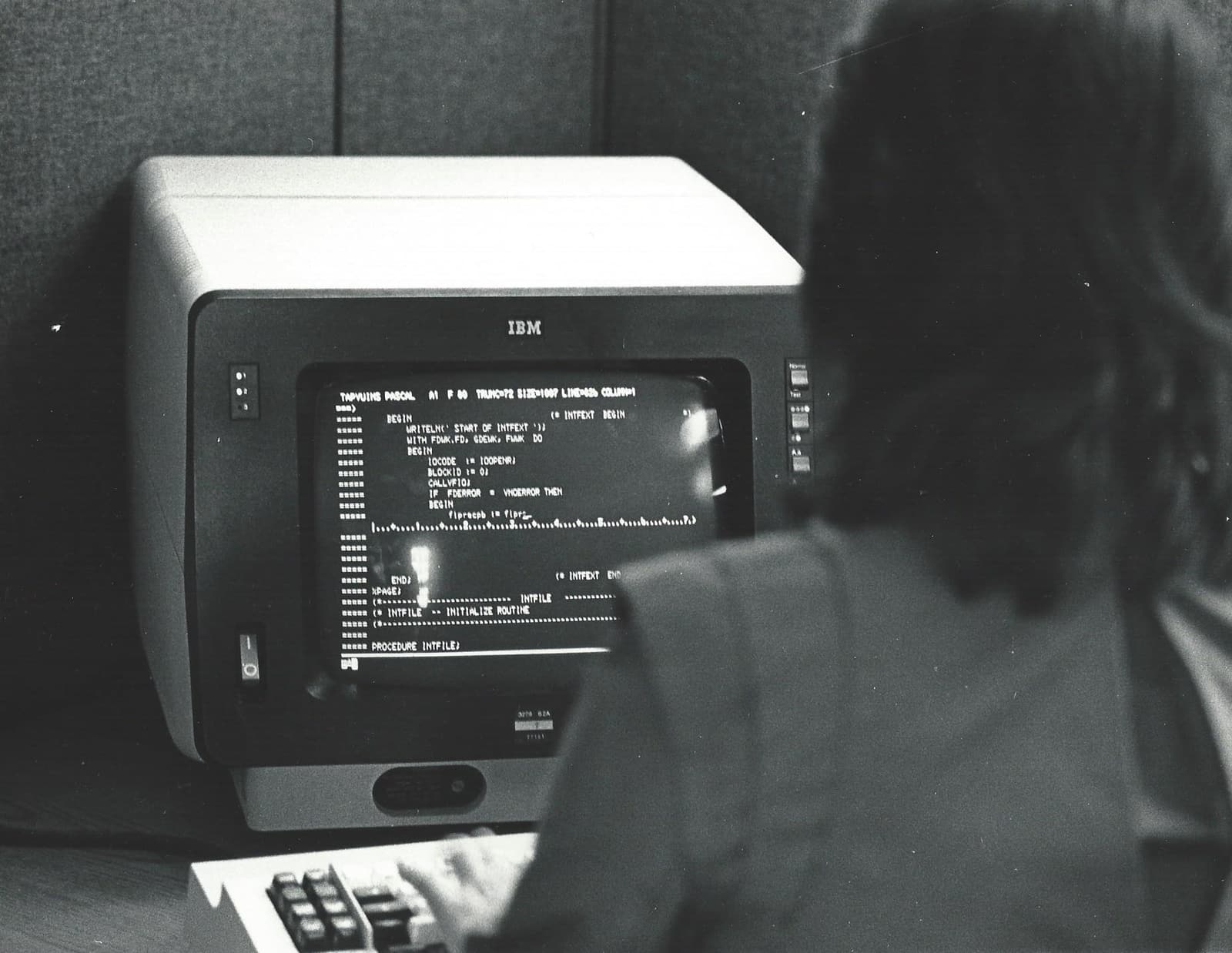
- Wikimedia Commons, "Informatics General programmer at terminal.jpg" - October 1983 photograph by Jonathan Schilling of a programmer using an IBM 3270 terminal.