Woodpecker CI is easiest to misunderstand if it is introduced as "open-source GitHub Actions." That comparison is useful only for orientation. The stronger reading is narrower: Woodpecker is a lightweight, self-hosted CI/CD engine for teams that want pipeline execution close to their own forge, their own runners, and their own operational rules without accepting a sprawling platform surface.[1][2]
The current project pitch is deliberately plain. Woodpecker describes itself as simple, extensible, open source, and based on Docker containers for pipeline steps.[1] Its docs say the system is designed to be lightweight, simple to use, and fast, and that it can even run on a Raspberry Pi.[1] The GitHub repository gives the operational scale of that pitch as of 2026-05-14T02:33:58Z UTC: woodpecker-ci/woodpecker reports 7,024 stars, 563 forks, 339 open issues, a most recent push at 2026-05-14T01:17:30Z, and latest release v3.14.1, published on 2026-05-12.[6][7]
Those numbers do not make Woodpecker the default CI choice. They do show an active project with enough adoption to deserve a clear evaluation. The key question is not whether Woodpecker can imitate every hosted CI feature. It is whether your team benefits from a smaller model: one server, one or more agents, YAML workflows in the repository, containerized steps, and a forge connection that turns pushes and pull requests into pipeline events.[2][3]
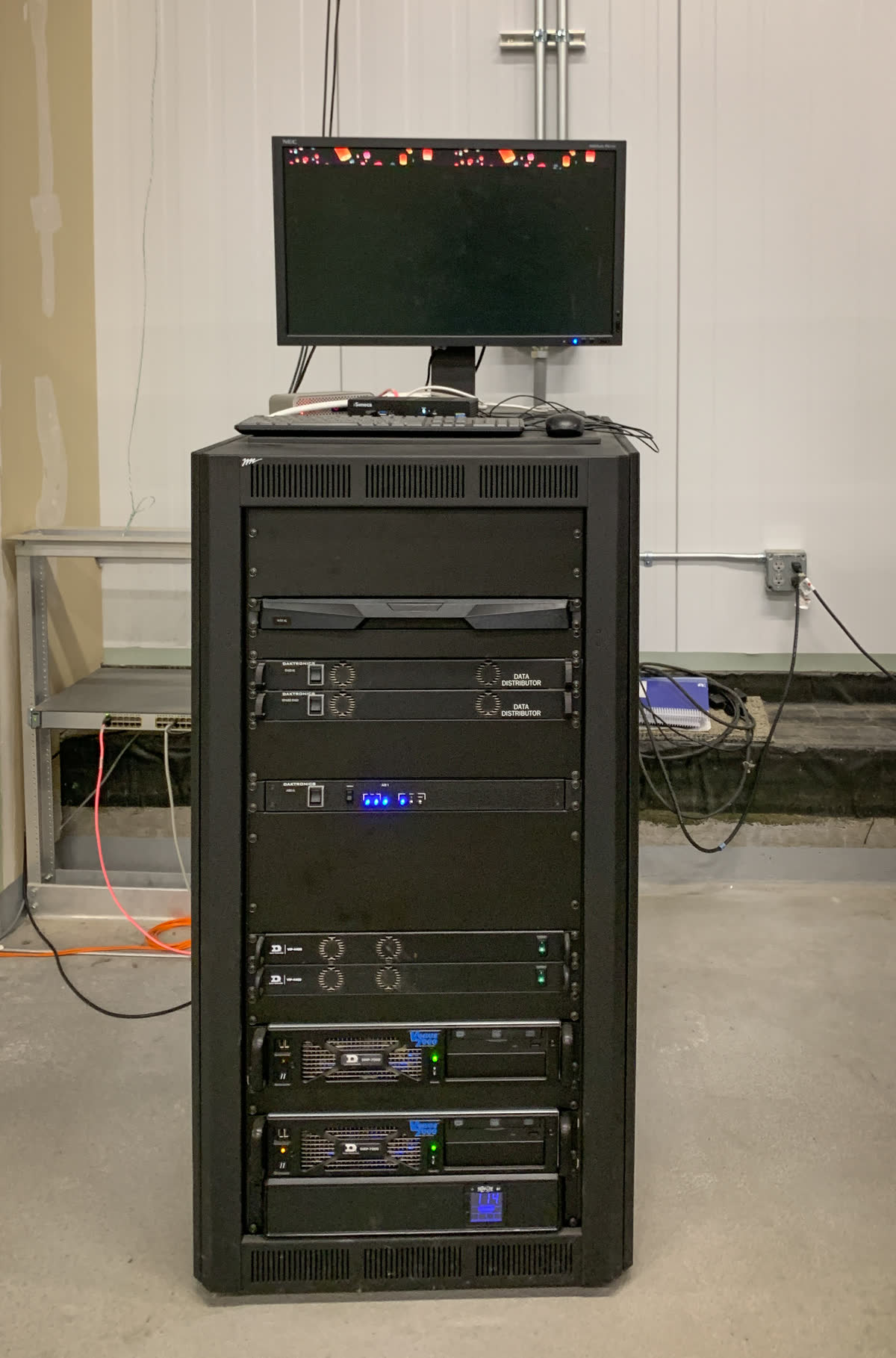
Image context: the cover uses Tony Webster's real server-rack photograph from Wikimedia Commons. It is not a generated infrastructure mood image or a diagram. It suits this article because Woodpecker's main promise is operational concreteness: CI work becomes server, agent, container image, workspace, and secret scope rather than an opaque hosted service panel.[2][9]
The useful shape is server plus agents
Woodpecker's administration docs define the system through three pieces: a server, an agent, and an optional autoscaler.[2] The server provides the UI, receives webhooks from the connected forge, serves the API, and analyzes pipeline configuration from YAML files. The agent executes workflows through a backend such as Docker, Kubernetes, or local execution and connects to the server over gRPC.[2]
That split is the article's core reason to care. In a small self-hosted setup, the control plane can stay modest while execution capacity scales by adding agents. The docs call out exactly that operational knob: add more agents to increase parallel workflows, or tune WOODPECKER_MAX_WORKFLOWS per agent.[2] This is a cleaner mental model than a CI system whose runner, queue, permissions, and UI behavior all feel fused together.
It also makes the failure boundary easier to discuss. If builds are queuing, the first question is agent capacity. If webhook handling is wrong, the first question is server-forge integration. If a job requires a different isolation level, the question moves to the backend or agent pool. Woodpecker does not remove CI operations work, but its component boundary gives that work names.[2]
The resource posture is part of the same argument. The README says Woodpecker runs with SQLite by default and requires about 100 MB of RAM for the server and 30 MB for an agent when idle.[6] That is not a substitute for load testing under real workloads, but it tells you what class of system the project is trying to be. Woodpecker is not selling a giant internal developer platform first. It is selling a compact pipeline engine.
Workflow files make the repository the operating surface
The workflow model is repo-native. A single .woodpecker.yaml creates one workflow, while files under a .woodpecker/ directory create multiple workflows named from their filenames.[3] The docs describe a workflow as a sequence of steps using a shared workspace that contains the repository and generated data from previous steps.[3]
That has two practical consequences. First, pipeline behavior becomes reviewable text. The same pull request that changes a service can change its build, lint, test, and deploy definitions. Second, Woodpecker's multi-workflow model avoids pretending that every task belongs in one long chain. Separate build, lint, test, and deploy files can run in parallel or use depends_on to express ordering.[3]
The boundary is important: Woodpecker documents that files are shared between steps of the same workflow, but workflows run separately and "share nothing" unless you explicitly move artifacts through a storage plugin.[3] That can surprise teams coming from CI systems where cross-job artifact passing is heavily abstracted. In Woodpecker, the model is simpler and more visible. If one workflow needs output from another, you should say how that output is stored and fetched.[3]
This is the right kind of constraint for many small infrastructure teams. It keeps pipeline files from silently becoming a distributed state machine. A lint workflow can stay independent, a deployment workflow can wait on named prerequisites, and any artifact handoff becomes an explicit design choice rather than a hidden convenience.[3]
Plugins are containers, not magic extensions
Woodpecker's plugin system is powerful because it is ordinary. The docs define plugins as pipeline steps that perform predefined tasks and are configured as steps in the pipeline.[4] They are pulled from the default container registry configured for the agents, and official plus community plugin indexes exist for common tasks.[4]
This matters because it keeps the extension model close to the execution model. A plugin is still a container step. It can deploy code, publish artifacts, or send notifications, but the underlying unit is not a separate proprietary integration layer. The docs are also clear about the security shape: plugins share the build workspace mounted at /woodpecker, and plugin authors are expected to expose only the intended function.[4]
The limitation is equally useful. Woodpecker says a plugin cannot be combined with arbitrary commands or entrypoint; if environment is used in certain ways, the container may no longer be treated internally as a plugin, which affects secret filtering and privilege behavior.[4] That is not friction for its own sake. It is an attempt to preserve a difference between "run this arbitrary container command" and "use this narrowly configured plugin."
For adoption, this means teams should treat plugins as controlled automation units, not as a casual dumping ground for shell logic. If a step is bespoke, keep it as commands in an image you understand. If it is a repeatable action such as publishing, deployment, notification, or artifact handling, a plugin can make the pipeline easier to read. Woodpecker's design is most legible when that difference stays intact.[4]
Secrets are useful only if the event boundary is respected
CI security usually fails at event boundaries. A secret that is safe on a trusted branch can become dangerous on an untrusted pull request. Woodpecker's secrets docs make that risk visible. Secrets are stored centrally and passed with from_secret; they can exist at repository, organization, or global level, with global secrets reserved for instance administrators and treated with caution.[5]
The pull-request rule is the most important operational default: secrets are not exposed to pull requests by default.[5] Woodpecker allows that behavior to be changed, but its documentation explicitly warns that public repositories accepting pull requests can put secrets at risk if the boundary is relaxed.[5] That is the right default for a self-hosted CI system where agents may have access to internal networks, registries, deployment keys, or package credentials.
The plugin filter adds another useful layer. Secrets can be restricted to specific plugin images so they are not available to arbitrary pipeline steps.[5] This only works if the team keeps the plugin boundary clean. If every deployment step degenerates into arbitrary shell code with broad secrets, the safety model has already been weakened. Woodpecker gives the controls, but operators still need disciplined pipeline review.[4][5]
Where Woodpecker fits
Woodpecker is a strong fit for teams that run Gitea, Forgejo, GitHub, GitLab, or Codeberg-style forge workflows and want their CI system to remain small enough to inspect.[2][8] Codeberg's own documentation is a useful outside signal: Codeberg provides a Woodpecker CI instance at ci.codeberg.org and documents it as part of its hosted CI story, alongside separate Forgejo Actions notes.[8] That does not prove Woodpecker is right for every private forge, but it does show the project operating in a real public forge ecosystem.
The best adoption path is incremental. Start with build and test workflows in .woodpecker/, run them on one or two agents, and keep artifact movement explicit. Add plugins only where they replace repeated, well-understood tasks. Introduce secrets with the default pull-request boundary intact, then restrict sensitive credentials to trusted events and plugin images. If the team cannot explain which agent class can run which job, or which events receive which secrets, the deployment is not ready for production use.[2][3][4][5]
The weaker fit is a team that mainly wants a managed CI marketplace, broad hosted-runner availability, or a large platform catalog with minimal operations ownership. Woodpecker asks you to own the server, agent capacity, container runtime, forge integration, and upgrade cadence. In return, it keeps the system comprehensible. For many self-hosted teams, that is the actual feature: not less work, but fewer invisible moving parts.[1][2][6][7]
Sources
- Woodpecker CI home and introduction docs - project scope, lightweight positioning, container-based steps, and self-hosting entry point.
- Woodpecker CI administration docs, "General" - server, agent, autoscaler, backend choices, gRPC connection, agent scaling, database, forge, and image-tag behavior.
- Woodpecker CI docs, "Workflows" -
.woodpecker.yaml,.woodpecker/directory behavior, shared workspace rules, parallel workflows, anddepends_on. - Woodpecker CI docs, "Plugins" - plugin steps, container registry behavior, workspace sharing, plugin isolation limits, and plugin indexes.
- Woodpecker CI docs, "Secrets" -
from_secret, repository/organization/global scopes, pull-request defaults, warnings, and plugin filters. - GitHub repository for
woodpecker-ci/woodpecker- README, license, resource notes, stars, forks, open issues, and recent activity at article creation time. - GitHub release page for Woodpecker CI
v3.14.1- latest release tag and publication date at article creation time. - Codeberg Documentation, "Working with Codeberg's CI" - Codeberg's hosted Woodpecker CI instance and forge-context usage notes.
- Wikimedia Commons file page for Tony Webster, "Server Rack (54126210834).jpg" - real server-rack photograph used as the article cover.