Imagine opening a scanned invoice. The supplier's name is perfectly legible, but searching for it returns nothing. The PDF has preserved the marks on the paper without giving the computer characters to find. OCRmyPDF, an open-source command-line application, adds that second representation: an invisible text layer aligned with the visible page.[1] Its architecture becomes clearer when we follow what happens to each representation separately.
This distinction was part of the project's original motivation. Its README describes earlier tools that misplaced recognized text, changed image resolution, or produced unwieldy files.[1] Recognition accuracy was only one concern. The result also had to remain a usable document.
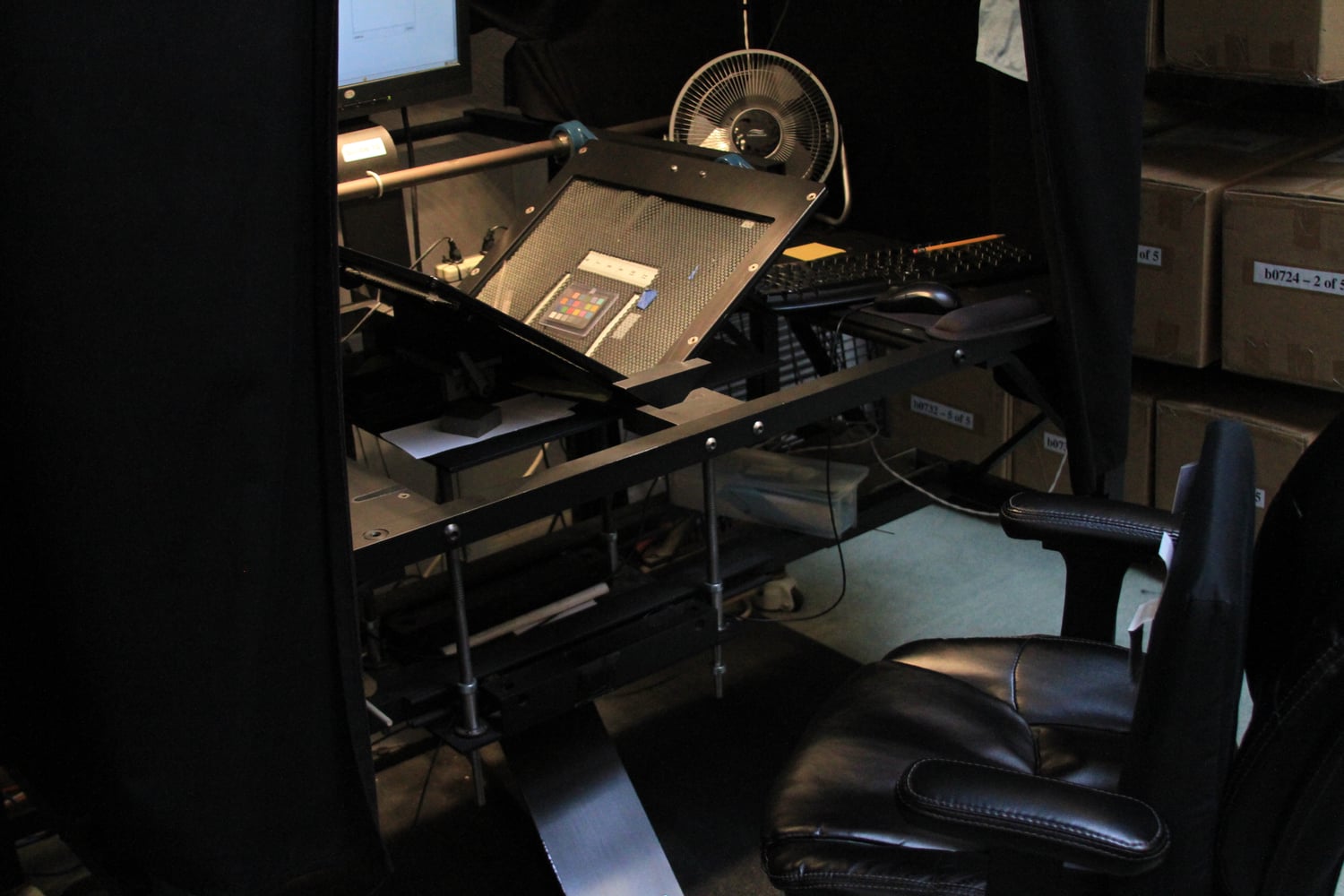
One page, two representations
A PDF page need not contain one neat photograph. It may assemble several images, printed text, and vector objects. Extracting its images and putting them back together can lose their positioning or omit other content. OCRmyPDF instead renders a page into pixels for recognition, then combines the resulting text layer with the original page where the selected processing permits.[2]
That temporary raster image gives Tesseract something it can read. It does not automatically become the page delivered to the reader. Think of it as a working copy made for a particular reader: the recognition engine. The final PDF can retain the visible material while carrying the engine's interpretation in a separate layer.
This account follows the stable documentation labeled 17.13.0, consulted on October 23, 2026. Distribution packages can lag behind upstream releases, so ocrmypdf --version matters when comparing examples with an installed copy.[6] In particular, the --mode vocabulary below arrived in version 17; the older flags remain aliases.[3]
Existing text changes the route
By default, OCRmyPDF stops when it finds existing text. A document already containing characters requires a choice about what to preserve.[3]
With --mode skip, a page containing text receives neither OCR nor image preprocessing. This suits a bundle with some scanned pages and some pages exported from a word processor. But the decision applies to the whole page: a searchable heading does not prove that an attached scan beneath it is searchable.[3]
With --mode redo, OCRmyPDF removes invisible OCR text, masks visible text in the recognition image, and looks for additional words in image regions. Existing visible text remains. Old OCR drawn as visible text and subsequently covered by an image cannot reliably be distinguished from other visible text.[3]
With --mode force, printable content is rasterized and recognized again. Vector lettering becomes pixels. Choosing it means accepting a change in representation, even when the page still looks familiar.[3]
For the imaginary invoice, these choices answer different questions. Is it an untouched scan, a scan with poor earlier OCR, or a mixed page with useful existing text? A stronger-sounding option cannot answer that inspection question.
Cleaning has a destination
The same separation explains two deceptively similar switches. --clean uses unpaper to prepare the image sent for OCR; its cleaned image does not replace the final page. --clean-final also puts the cleaned image into the output. The cookbook asks users to inspect that result because cleanup can remove desirable material or introduce artifacts.[4]
Consider a faint stamp near the invoice's margin. Suppressing it in the recognition copy and removing it from the delivered document have different consequences. My reading of these controls is that cleanup should be chosen according to which representation needs improvement. A more orderly recognition image is not, by itself, a reason to replace the visible record.
Compression is another decision
Recognition is followed by a separate optimization stage. --optimize 1 selects the optimizer's lossless settings; levels 2 and 3 permit lossy processing, with level 3 targeting lower image quality. --optimize 0 disables most optimization, although some lossless compression changes still occur.[5]
Output format is a further choice. --output-type pdf requests an ordinary PDF; PDF/A is intended for long-term readability and restricts features that could obstruct it.[2] A PDF/A conversion can involve additional image processing, so the optimizer's setting alone does not describe every transformation.[5]
The output may also grow because it now contains recognized text and associated resources.[5] File size is therefore a poor stand-in for success. For a collection retaining original scans, a sensible comparison asks whether the derivative preserves needed detail and makes the expected words findable. Smaller bytes cannot answer either question.
Read the result both ways
OCRmyPDF can write a text sidecar with --sidecar, but that file contains the text recognized during the run. It omits text already present in the input and pages excluded from recognition. The cookbook points to pdftotext for extracting the finished PDF's combined text.[4] Checking the sidecar alone can therefore give an incomplete account of a mixed document.
For a small archive with someone available to review results, I would begin with a few representative documents: a clean scan, a faint page, a page with columns, and a mixed page. Keep the originals. Compare the output's appearance, search for known phrases, and copy passages across line and column boundaries. Those are separate observations; a successful search need not imply sensible reading order.
There is also a further step between searchable text and an accessible document. OCRmyPDF's introduction notes that recognition does not supply a document's heading and paragraph structure.[2] An independent institutional guide makes the broader workflow concrete: the Supreme Court of India's e-Committee, in its 2022 procedure for accessible documents, lists OCRmyPDF among available tools, while its scanned-document remediation example separately calls for recognition, tagging, reading-order work, and accessibility checks.[7]
That separation is the most useful way to judge the output. The scan preserves something a person can inspect; the recognized layer gives software another way to reach it. OCRmyPDF manages the relationship between them. The reader still deserves to know that the words found by a search match the marks on the page.
Sources
- OCRmyPDF, official repository README — project purpose, original motivation, and preservation goals.
- OCRmyPDF 17.13.0 documentation, "Introduction" — PDF page composition, recognition images, text-layer integration, PDF/A, and structural limitations.
- OCRmyPDF 17.13.0 documentation, "Advanced features" — default, skip, redo, and force processing; version 17 mode names and legacy aliases.
- OCRmyPDF 17.13.0 documentation, "Cookbook" — cleanup destinations, sidecar omissions, and extracting text from the completed PDF.
- OCRmyPDF 17.13.0 documentation, "PDF optimization" — optimization levels, unavoidable lossless compression changes, conversion caveats, and file-size growth.
- OCRmyPDF 17.13.0 documentation, "Installing OCRmyPDF" — distribution-package lag and checking the installed version.
- e-Committee, Supreme Court of India, Standard Operating Procedure for Preparing Accessible Court Documents (2022), Annexure 2, printed pages 13–14 — independent guidance discussing OCRmyPDF and the wider remediation process.
- Jason Scott, "Scribe Book Scanner," August 12, 2011, Wikimedia Commons — photograph, provenance, and CC BY 2.0 license.