The wrong way to adopt Kopia is to treat it as a prettier rsync job. The better way is to read it as a change in operating model: snapshots become repository objects, retention becomes policy, and duplicate bytes across hosts stop being everybody's private problem.[1][2]
That shift matters for teams that have already outgrown one-host-at-a-time backup habits but still do not want a heavyweight appliance stack. Kopia's own docs frame the project as an encrypted backup and restore tool that saves point-in-time snapshots to storage of your choice, locally or remotely, with both CLI and GUI paths.[1][2] As of 2026-03-28 UTC, the GitHub API reports 12,902 stars, 626 forks, 763 open issues, and push activity as recent as 2026-03-27T13:47:11Z; the latest release is v0.22.3, published on 2025-12-02.[6][7]
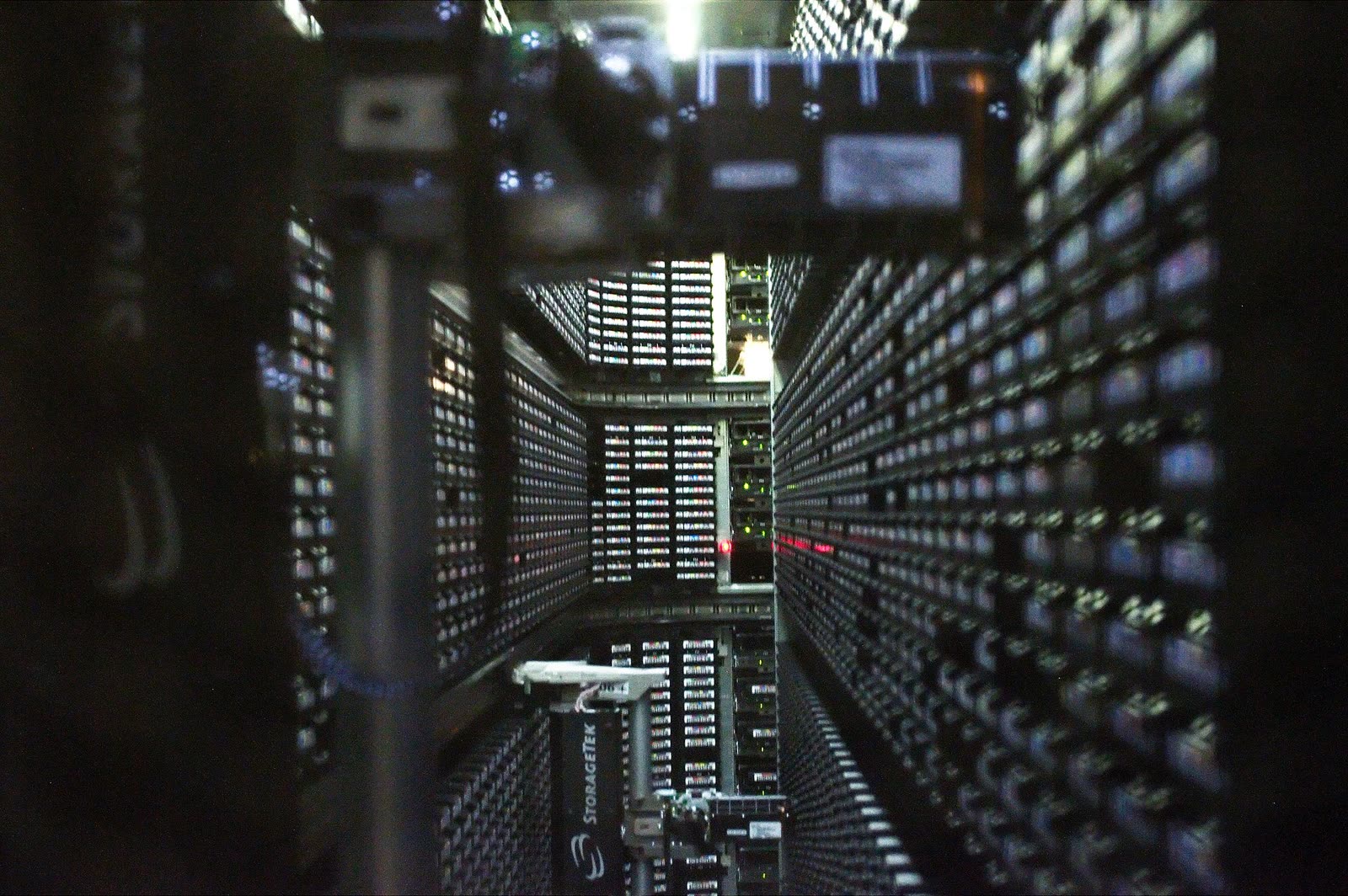
Image context: the cover image shows a real tape-library installation because Kopia's practical appeal is about escaping old backup ceremony without giving up history or recovery discipline.[10]
1. The migration is really from host-local backup logic to repository logic
Kopia's feature docs describe a repository-centered design: snapshots are encrypted before leaving the machine, stored using content-addressable storage, deduplicated across the whole repository, and kept according to policies you define.[1][2] That produces three operational differences immediately:
- Every snapshot is incremental at the content level, so modified large files only need changed chunks uploaded rather than full re-copy behavior.[2]
- Duplicate files across users or machines are stored once when they land in the same repository.[2]
- Retention and behavior move into policy objects that can be scoped globally, per machine, per user, or down to
username@hostname:/path.[2]
If your current estate is a pile of cron jobs, NAS shares, and hand-written exclusion lists, those are meaningful upgrades. The real adoption gain is not only storage efficiency. It is that backup behavior becomes legible.
2. The first hard boundary is trust, not compression
Kopia's docs are unusually explicit about the trust model. In a directly shared repository, every user connects to the underlying storage with read-write access. If those users do not fully trust each other, a malicious actor can delete repository data structures and create loss for everyone else.[4]
This is the first place many migrations go wrong. Teams see cross-machine deduplication and shared retention, then miss the fact that a shared repository also creates a shared blast radius.[2][4]
Kopia does offer a narrower multi-user path through Repository Server. In that mode, clients talk to a proxy service instead of holding storage credentials directly, and users are restricted to their own snapshots and policy manifests.[4] That is a real improvement, but the docs also keep the boundary sharp: object contents are not fully access-controlled, because identical content produces identical content IDs. If someone already knows a valid object ID, they can read that object.[4]
So the migration rule is straightforward:
- Use a directly shared repository only when the participating users and hosts genuinely sit inside one trust domain.[2][4]
- Add Repository Server when central management and credential isolation matter more than one extra network hop.[4]
The same docs say the server should run where client latency is low and bandwidth is sufficient.[4] In other words, server mode is not a free abstraction layer. It becomes part of the data path you now have to operate.
3. Maintenance ownership is where small pilots either mature or stall
Kopia's maintenance docs are a strong reason to run a limited pilot before broad rollout. Repository maintenance has been automatic since v0.6.0, but it is not "background magic."[3] Quick maintenance runs about every hour to keep frequently accessed q and n blobs under control, while full maintenance runs every 24 hours to compact data packs and garbage-collect unreachable content.[3]
More importantly, only one repository user@hostname becomes the maintenance owner for correctness reasons.[3] That detail matters because it introduces an operational role whether you name it or not. Somebody owns maintenance cadence, lock conflicts, and the question of whether a repository is actually staying healthy.
The safety model is also explicit. Full maintenance effects can take hours or multiple cycles because Kopia has to account for caches, transient state, and eventual consistency in blob storage. The --safety=none flag exists, but the docs warn that disabling those protections during concurrent activity can corrupt the repository.[3]
That makes Kopia a weak fit for teams that want "set and forget" backup but do not want to own repository hygiene. It is a stronger fit for teams that can absorb one clear maintainer responsibility in exchange for a much cleaner backup surface.
4. Cache and pack behavior decide whether the experience feels fast or fussy
Kopia's architecture and caching docs explain why some deployments feel lightweight and others feel annoyingly remote. Data lands in encrypted content-addressed blocks, then gets packed into larger blobs, typically 20-40 MB packs, while metadata and indexes are cached locally for browsing and restore efficiency.[5]
Several cache details are worth knowing before migration:
- metadata cache entries store whole
qblobs, usually around 20 MB each[8] - the blob-list cache defaults to 30 seconds[8]
- cache directories are local OS paths unless you override them with
--cache-directoryorKOPIA_CACHE_DIRECTORY[8]
These are not exotic details. They explain why Kopia can work against higher-latency storage and also why ephemeral or read-only runtime environments need planning.[5][8]
An external ecosystem signal helps here: Velero's current file-system-backup docs describe Kopia modules running inside data mover pods for backup and restore paths, and they note a default fs-backup-timeout of 4 hours on that path.[9] That does not prove Kopia fits every Kubernetes shop, but it does show the project is credible enough to sit inside another upstream backup control plane.
5. Adoption shape that usually works
A good Kopia rollout is narrower than the first enthusiastic design usually suggests.
Start with one repository, one trust domain, and one operator who will own maintenance visibility.[2][3][4] Put two or three machines with overlapping data into that repository so deduplication and policy inheritance can actually show up.[2] Then answer four questions with evidence instead of preference:
- Are restore paths materially clearer than the current script pile?
- Does one repository owner model fit your team, or does it create silent operational concentration?[3]
- Is direct shared storage acceptable, or do you need Repository Server for credential and policy boundaries?[4]
- Do cache, bandwidth, and maintenance timing still feel reasonable once the repository has real history?[3][5][8][9]
If the answer set is favorable, expand by trust domain, not by every host you can reach.
Bottom line
Kopia is worth adopting when your existing backup problem is organizational as much as technical: too many host-local scripts, too little shared history, and too much restore uncertainty.
Its repository model, cross-host deduplication, and policy hierarchy are strong upgrades over ad hoc backup habits.[1][2] Its sharp edges are equally clear: shared trust assumptions, explicit maintenance ownership, and local cache plus storage-consistency behavior that somebody still has to understand.[3][4][5][8][9]
That is a good trade for disciplined small teams and mixed fleets that want portable encrypted backups without appliance sprawl. It is a worse trade for organizations that want backup to become invisible while no one owns the repository.
Sources
- Kopia docs, "What is Kopia?" overview of encrypted snapshots, storage choices, and CLI/GUI scope.
- Kopia docs, "Features" on content-addressable incremental snapshots, deduplication, policy hierarchy, and storage targets.
- Kopia docs, "Maintenance" on automatic quick/full maintenance, maintenance owner, scheduling, and safety rules.
- Kopia docs, "Repository Server" on direct repository trust boundaries, proxy mode, ACL behavior, and deployment requirements.
- Kopia docs, "Architecture" on repository layers, 20-40 MB pack blobs, indexes, and content-addressable storage.
- GitHub API snapshot for
kopia/kopiarepository metadata used for stars, forks, issues, and recent push activity. - GitHub releases feed for
kopia/kopia, showingv0.22.3published on 2025-12-02. - Kopia docs, "Caching" on cache directory locations, cache types, typical metadata blob size, and the 30-second blob-list cache.
- Velero docs, "File System Backup" on Kopia-backed data mover pods, restore flow, and the default 4-hour
fs-backup-timeout. - Wikimedia Commons file page for the StorageTek tape library photograph used as the article image.