Jellyfin is often introduced as the free and open-source alternative to Plex or Emby. That is true, but it is not the most useful adoption frame. The better question is whether your media library should be treated as an owned system rather than as a feature inside somebody else's account layer. Jellyfin's own documentation describes it as a free software media system descended from Emby's 3.5.2 release, built to manage and stream personal media from a dedicated server to end-user devices through multiple apps.[1]
That origin matters because Jellyfin's product boundary is unusually clear. It does not run a cloud library for you. It does not require an internet connection to serve already indexed local content. It gives you a server, web client, app ecosystem, metadata workflows, transcoding machinery, and network exposure choices. The trade is equally clear: you gain control, but you inherit the work that control implies.[1][5][6][7]
As of 2026-06-09T21:02:37Z UTC, the GitHub API showed jellyfin/jellyfin with 53,076 stars, 4,948 forks, 620 open issues, a GPL-2.0 license, and a most recent push at 2026-06-09T19:23:26Z.[2] The releases feed listed v10.11.11 published on 2026-06-06, after v10.11.10 on May 24 and v10.11.9 on May 21.[3] Those numbers do not prove Jellyfin is the right fit for every household. They do show that this is not a dormant nostalgia fork. It is a live server project with enough velocity that adoption should be evaluated like operations, not like downloading a media player.
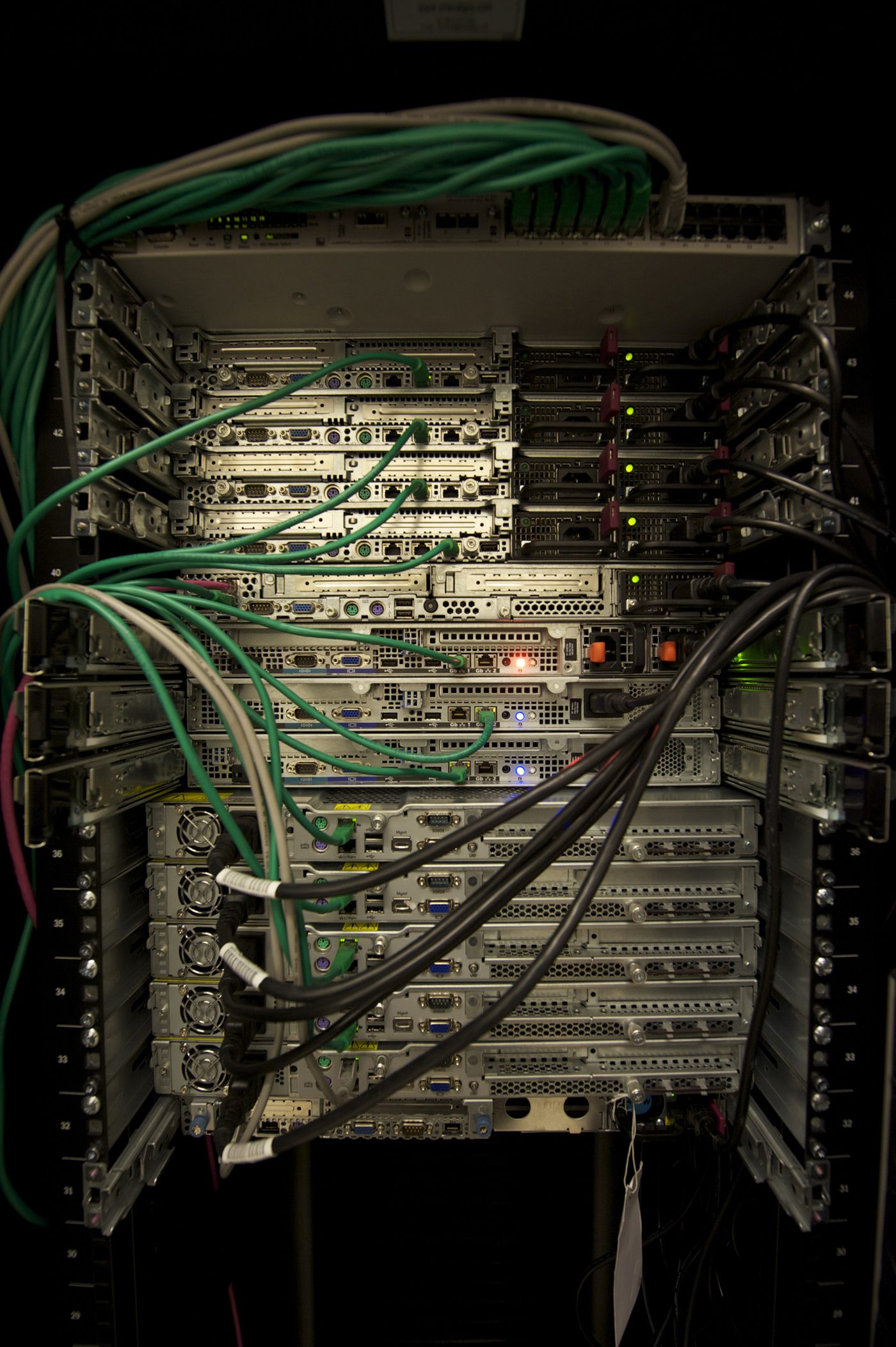
Image context: the photograph is a 2011 quality image of servers in a rack. It fits because Jellyfin's central promise is local custody. The actual user experience depends on ordinary infrastructure details: disks, network links, CPU or GPU capability, client support, and the discipline of keeping files understandable over time.[9]
The Migration Starts With Files, Not The App
The cleanest Jellyfin rollout begins before Jellyfin is installed. The movie-library documentation is blunt about file shape: movies belong in individual folders, names should match the metadata provider where possible, and characters such as <, >, :, ", /, \, |, ?, and * are known to cause problems.[4] It also distinguishes supported containers and disc-folder behavior from formats that may work but are not supported, recommending remuxing disc images into mkv or extracting into supported folder structures.[4]
That is the first adoption boundary. Jellyfin is not magic over a messy filesystem. It is strongest when the library is already treated as a durable corpus: movies have stable names, shows are season-structured, subtitles and commentary tracks are named deliberately, and alternate versions are labeled in a way the server can parse. If the source library is chaotic, migration becomes a metadata debugging project disguised as software evaluation.
This is where Jellyfin differs from a casual streaming app. The app is only the visible layer. The product is the library contract. Once the files are named predictably, Jellyfin can become a long-lived index over material you control. If the files are not predictable, every future client, backup, and migration inherits ambiguity.
Clients Decide Whether Control Feels Usable
Owning the server is only useful if the people watching can actually use it. Jellyfin's client documentation frames clients as the bridge between devices and the server, and points to web, mobile, TV, desktop, and other client surfaces.[5] It also exposes a governance boundary that adopters should notice: clients listed by the project must meet inclusion requirements, recommended clients have a higher bar, and clients can be removed when they are unmaintained, malfunctioning, or no longer support the latest stable server.[5]
That makes client testing part of migration, not a finishing touch. A household with one browser and one modern TV stick has a different risk profile from a household with older smart TVs, tablets, game consoles, and family members who expect offline-like smoothness. The practical pilot should include the exact devices that matter: the living-room client, the phone used away from home, the tablet used by children, and the browser used for administration.
The codec note in the client docs is the most important operational sentence: the goal is Direct Play, where the container, video, audio, and subtitles are compatible with the client; otherwise Jellyfin may direct stream or transcode, and subtitle burn-in can become the most CPU-intensive part of transcoding.[5] In other words, "does Jellyfin work?" is often really "do my files match my clients well enough to avoid unnecessary conversion?"
Transcoding Is A Capacity Plan
Transcoding is where the romance of self-hosting meets hardware reality. Jellyfin can offload on-the-fly video transcoding to an integrated or discrete GPU, and its hardware-acceleration docs list supported methods including Intel QSV, NVIDIA NVDEC/NVENC, AMD AMF, VA-API on Linux, Apple Video Toolbox, and Rockchip RKMPP.[6] The same docs break the pipeline into stages: decoding, deinterlacing, scaling, HDR or Dolby Vision tone-mapping, subtitle burn-in, encoding, and zero-copy behavior.[6]
That list is useful because it prevents a bad adoption assumption: a GPU checkbox is not one capability. Some stages cannot be accelerated because of driver, software, or hardware limits; partial acceleration can still leave higher CPU usage and lower speed.[6] Jellyfin also recommends using jellyfin-ffmpeg, warning that arbitrary FFmpeg binaries can result in partial acceleration.[6]
For a small LAN library, the easiest answer is to avoid transcoding where possible. Keep high-bitrate files for devices that can Direct Play them. Keep lower-bitrate or broadly compatible versions when remote bandwidth or old clients matter. Treat 4K HDR, image-based subtitles, and remote mobile viewing as capacity questions. Jellyfin gives you the machinery, but it cannot make a weak CPU, missing driver, slow disk, or incompatible TV codec disappear.
The migration test should therefore include failure cases: one 4K HDR file, one subtitle-heavy file, one remote stream, one older client, and one simultaneous-stream scenario. If those pass without the server saturating, the household is probably inside Jellyfin's comfort zone. If they fail, the answer may be remuxing, client replacement, GPU setup, lower-bitrate copies, or a narrower remote-access policy.
Remote Access Is A Security Decision
Jellyfin can run entirely inside the local network. Its networking documentation says the server offers HTTP(S) streaming and a web client, local auto-discovery services, and no requirement that the server be accessible from the internet.[7] It binds default HTTP on 8096/TCP, optional HTTPS on 8920/TCP, and client discovery on 7359/UDP.[7]
The same page is careful about exposure. Opening a port directly to the internet is described as insecure and not recommended; common external-access paths include a reverse proxy, a VPN connection into the network, or a VPS reverse proxy to the home network.[7] The docs also recommend HTTPS for exposed access and strongly discourage self-signed certificates because of security and compatibility issues.[7]
That is the second place where Jellyfin rewards discipline. A platform account hides much of this from the user. Jellyfin makes it visible. If remote access is required, decide who gets it, whether the access path is VPN-only or internet-facing, how TLS is terminated, where logs are watched, and what happens when a device is lost. If remote access is not required, leave the server local and keep the operational boundary small.
Where Jellyfin Fits
Jellyfin is a strong fit when the goal is an owned media library, not just a cheaper streaming interface. It suits households, small studios, classrooms, clubs, and labs that already maintain local files and want a server of record for movies, shows, music, photos, books, or live TV. It is especially attractive when the admin is comfortable with backups, file naming, client testing, network controls, and occasional upgrade work.[1][4][5][7]
It is weaker when the real requirement is "make this feel like a paid consumer service with no operator." An independent review captured the trade plainly: Jellyfin can work well as a free, open-source Plex alternative, but its interface and setup can feel less polished, with rougher edges than commercial competitors.[8] That is not a reason to dismiss it. It is a reason to adopt it for the right job.
The conservative migration path is simple. Clean the file tree first. Stand up Jellyfin on a supported server. Add one library and one admin user. Test the actual client devices. Watch Direct Play versus transcode behavior. Decide on local-only or remote access before inviting more users. Back up configuration and metadata. Only then migrate the rest of the library.
Read that way, Jellyfin's OSS value is not merely "free." It is inspectable ownership. The server makes the hidden parts of streaming visible: files, metadata, codecs, clients, ports, GPUs, and upgrade cadence. For people who want those parts visible, Jellyfin is one of the clearest adoption bets in self-hosted media.
Sources
- Jellyfin documentation, "About Jellyfin" - project scope, Emby fork history, volunteer development model, and core-team context.
- GitHub API,
jellyfin/jellyfinrepository metadata sampled on 2026-06-09 - stars, forks, open issues, license, default branch, and push timestamp. - GitHub API,
jellyfin/jellyfinreleases feed sampled on 2026-06-09 - recent server release tags including v10.11.11. - Jellyfin documentation, "Movies" - library type, supported formats, folder organization, filename rules, metadata-provider IDs, subtitles, and multiple-version naming.
- Jellyfin documentation, "Clients" - client role, inclusion and recommended-client requirements, browser support, Direct Play, Direct Stream, transcoding, and subtitle behavior.
- Jellyfin documentation, "Hardware Acceleration" - supported acceleration methods, transcoding pipeline stages, partial-acceleration caveats,
jellyfin-ffmpeg, and device-specific notes. - Jellyfin documentation, "Networking" - local service behavior, port bindings, remote access paths, firewall guidance, HTTPS recommendation, and base URL caveats.
- Diverse Tech Geek, "Media server review: Jellyfin" - independent user review of Jellyfin as an open-source Plex alternative, including polish and setup tradeoffs.
- Abigor, "Servers in a Rack.jpg," Wikimedia Commons - CC BY-SA 3.0 quality photograph of server hardware used as the article image source.