Open WebUI is easy to underestimate if you describe it as "a browser UI for Ollama." That was a useful origin shorthand, but it is no longer the project-level story. The stronger introduction in 2026 is this: Open WebUI is becoming the administrative surface between people, local model runners, hosted model APIs, retrieval systems, tools, and team access policy. It matters when local AI stops being one terminal session and becomes something a household, lab, classroom, or engineering team has to run on purpose.[1][5][6]
The public repository describes Open WebUI as a user-friendly AI interface that supports Ollama, OpenAI-compatible APIs, and related provider paths.[1] The current docs broaden that into a deployment claim: Open WebUI can run through Docker, Python, Kubernetes, a desktop app, or other container paths, and it can connect to Ollama, OpenAI, Anthropic, llama.cpp, vLLM, and other providers.[4][5] That is the important boundary. The model runtime is not the whole system. The system is the place where provider choice, data persistence, RAG, tools, users, and governance come together.
As of 2026-06-09T23:02:41Z UTC, the GitHub API showed open-webui/open-webui with 140,855 stars, 20,214 forks, 381 open issues, and a most recent push at 2026-06-08T21:52:55Z.[2] The releases feed listed v0.9.6, published on 2026-06-01, after v0.9.5 and v0.9.4 in May.[3] Those numbers do not prove Open WebUI is automatically production-ready for every organization. They do show a large, live project where operational choices now matter more than demo novelty.
Start With Deployment Shape
The quick-start page gives away more architecture than it seems to. The basic Docker command exposes the UI on host port 3000, maps container port 8080, and mounts persistent storage at /app/backend/data through an open-webui volume.[4] That volume is not housekeeping. It is where the "chat UI" starts becoming an application with state: users, settings, knowledge, uploaded files, conversations, and configuration history.
Open WebUI also publishes image variants with different operational intent: :main for the standard image, :main-slim for smaller images that download Whisper and embedding models on first use, :cuda for NVIDIA GPU support, and :ollama for a bundled Open WebUI plus Ollama container.[4] The docs explicitly recommend pinning a specific version for production instead of using floating tags.[4] That is exactly the right signal. A local AI control surface should be treated like infrastructure, not like a disposable weekend container.
The first adoption question is therefore not "Can I open the page?" It is "Which deployment shape matches the responsibility I am willing to carry?" A solo user can reasonably start with one Docker volume and a local Ollama endpoint. A lab may want Docker Compose, a separate model host, backups, and a pinned release. An organization will usually care about Kubernetes, external databases, Redis-backed sessions, identity, observability, and a more formal update window.[4][5]
The Provider Layer Is The Product Boundary
Open WebUI's most useful trait is that it keeps model providers visible. The docs say the setup can connect to Ollama, OpenAI, Anthropic, llama.cpp, vLLM, and more.[5] The features page says users can chat with Ollama, OpenAI, Anthropic, or any OpenAI-compatible provider from one interface, attach files, search the web, execute code, use tools, and switch models in conversation.[6]
That combination changes the local-AI decision. A team does not have to choose between "all local" and "all cloud" as a slogan. It can route different tasks to different providers: a small local model for private drafts, a hosted frontier model for difficult synthesis, a vLLM endpoint for batch-friendly internal models, and a cheap task model for titles or autocomplete. The cost is that someone must own the policy. Which users can call which models? Which prompts may leave the network? Which endpoint is allowed to see uploaded documents? Which provider outage should fail closed?
This is where Open WebUI becomes more serious than a GUI wrapper. It offers a central place to make those choices legible, but it does not remove the need to make them. The adoption fit is strongest when the team wants model plurality with one control surface. It is weaker when the team mainly wants a no-ops consumer app where all provider, data, and security decisions are hidden by a vendor.
RAG Turns The Chat Screen Into A Data Boundary
The features documentation describes Open WebUI's knowledge and RAG surface as file upload, knowledge bases, vector search for larger collections, full-content injection for precision, hybrid search, extraction engines, and knowledge-base sync from sources such as folders, Git repositories, wikis, or storage buckets.[6] That is a lot of power to put behind a chat box.
The practical reading is simple: RAG is not a button. It is a data-governance boundary. Once users upload documents or sync repositories, Open WebUI becomes part of the organization's information handling path. The relevant questions are ordinary engineering questions. Where is the data stored? Which vector database is used? Which extraction engine parsed the file? Which users can access which knowledge base? Are documents injected whole, chunked, retrieved, reranked, or searched by an agent? What happens when a source file changes or a user leaves?
Those questions do not make Open WebUI unattractive. They make its value clearer. It gives local and self-hosted AI deployments a place to put retrieval, instead of leaving every user to improvise a folder of pasted files. But teams should pilot it with one bounded knowledge base before turning it into a general document portal. Start with material whose ownership is clear, whose retrieval quality can be checked, and whose access rules are not ambiguous.
Tools And Pipelines Need Different Trust Rules
Open WebUI's extensibility surface is broad: Python tools and functions inside chat, pipelines for message routing or transformation, MCP support, OpenAPI servers, skills, and prompt templates.[6] The separate Pipelines repository is especially useful because it draws a boundary many adopters will miss. Its README says not to use Pipelines for simple provider additions or basic filters; built-in Functions are a better fit for those cases. Pipelines are meant for heavier tasks that should be offloaded from the main Open WebUI instance for performance and scalability.[7]
That distinction should shape rollout. A small Python tool that fetches an internal status page is not the same risk as a pipeline that transforms every message or calls an external service. A code-execution environment is not the same risk as a read-only retrieval tool. MCP servers and OpenAPI-discovered tools widen the surface again. Every added capability changes what the model can ask the system to do.
The right operating pattern is to treat extensions like application code. Keep them versioned. Give them narrow permissions. Test them with adversarial prompts. Separate experimental tools from shared production tools. Decide whether a tool runs inside a container, on bare metal, or behind a service boundary. Open WebUI's extensibility is valuable precisely because it is not magic. It exposes where custom logic enters the AI workflow.[6][7]
Team Use Is An Identity Problem, Not A Sharing Link
The getting-started docs explicitly frame shared Open WebUI deployments as centralized AI infrastructure for teams, mentioning onboarding, shared context, common knowledge bases, reverse proxies, tunnels, admin approval flows, and enterprise SSO integrations.[5] The features page is even more direct: Open WebUI is multi-user from day one, with roles, groups, per-model access, federated identity through SSO/OIDC/LDAP, SCIM 2.0 provisioning, and API keys.[6]
That is the moment the project leaves hobby territory. A team AI interface needs identity because every other control depends on it. Model access, knowledge-base access, tool access, API keys, auditability, and cost tracking all become weak if every user is just "the person who knows the local URL." The article's core adoption warning follows from that: do not share Open WebUI widely until the identity model is as real as the model list.
The WZ-IT comparison with AnythingLLM makes the target audience distinction plainly enough: it describes Open WebUI as developer- and self-hoster-oriented, strong in Ollama integration, RAG, plugins, and community activity, while also noting that Docker knowledge and technical setup can be a practical barrier.[9] That outside framing is useful. Open WebUI is strongest when the administrator actually wants flexibility and is prepared to operate it. It is weaker when the deployment owner mostly wants a polished business workspace without touching the stack underneath.
Where Open WebUI Fits
Open WebUI fits teams that want one self-hosted surface for model choice, local inference, hosted endpoints, RAG, tools, and user policy. It is a good candidate for developer groups experimenting with local models, schools or labs that need shared but inspectable AI access, privacy-sensitive workflows where some prompts should stay on local hardware, and internal platform teams that want to standardize how employees reach multiple model providers.[5][6][8]
It fits less well when the deployment owner cannot assign someone to updates, backups, identity, model-routing policy, and extension review. The project can be installed quickly, but running it responsibly is a different claim. The quick-start page's production-version pinning note, persistent volume, WEBUI_SECRET_KEY reminder, and warning about separating dev and production data volumes are all small signs of the same larger truth: Open WebUI becomes durable only when operated deliberately.[4]
The conservative pilot is straightforward. Pin a current release such as v0.9.6. Use persistent storage. Connect one local provider and one hosted or OpenAI-compatible provider. Create one small knowledge base. Add no tools at first. Define admin and ordinary-user roles. Test model routing, retrieval quality, backup, restore, and update procedure. Only then add functions, pipelines, MCP servers, or wider team access.
Open WebUI matters because local AI has outgrown the single-user terminal demo. The 2025 HCI paper on the project frames the same category pressure: local and open models lowered infrastructure dependence, but interfaces had to improve usability, extensibility, and real-world configurability for broader adoption.[8] Open WebUI's strongest 2026 signal is that it takes that pressure seriously. It gives the local-AI stack a workbench. The remaining question is whether the operator treats that workbench as infrastructure.
Sources
- Open WebUI GitHub repository - project description, public repository, README, and source-code context.
- GitHub API,
open-webui/open-webuirepository metadata sampled on 2026-06-09 - stars, forks, open issues, and latest push timestamp. - GitHub API,
open-webui/open-webuireleases feed sampled on 2026-06-09 - recent release tags including v0.9.6. - Open WebUI documentation, "Quick Start" - Docker, Python, Kubernetes, image variants, persistent volume, production version pinning, GPU/Ollama variants, and update notes.
- Open WebUI documentation, "Getting Started" - deployment paths, provider connections, essentials, team sharing, reverse proxies, identity, and advanced scaling topics.
- Open WebUI documentation, "Features" - chat, model providers, RAG, knowledge bases, tools, Open Terminal, extensibility, access control, and administration features.
- Open WebUI Pipelines GitHub repository - UI-agnostic OpenAI-compatible plugin framework, warning about simple use cases, and pipeline examples.
- Suh et al., "Open WebUI: An Open, Extensible, and Usable Interface for AI Interaction," arXiv, 2025 - HCI framing of local/open LLM interface barriers, extensibility, and usability.
- WZ-IT, "Open WebUI vs. AnythingLLM: The detailed comparison for self-hosted LLM interfaces" - independent comparison of target users, deployment complexity, RAG, plugins, and team features.
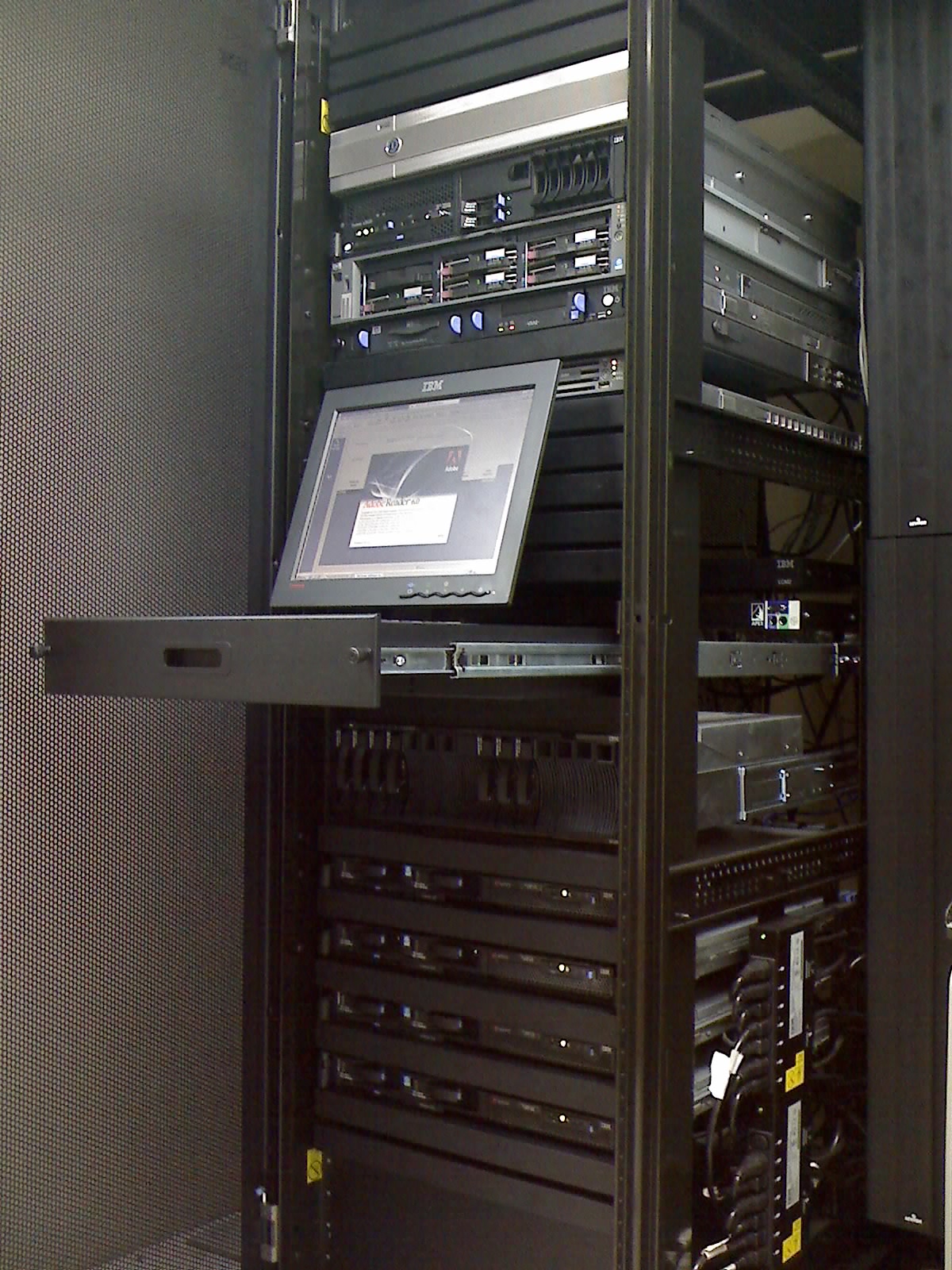
- Jfreyre, "Rack001.jpg," Wikimedia Commons - real 2007 server-rack photograph used as the article image source.