Frigate becomes useful when a team realizes that "camera storage" and "camera judgment" are not the same problem. Many consumer systems collapse them together: pay the vendor, upload the footage, wait for a phone notification, and hope the alert logic is good enough. Frigate takes a narrower and more engineering-shaped path. It is a self-hosted NVR whose value comes from keeping the video path, object detection path, and review path on infrastructure you control.[1][4][5][8]
That framing matters because Frigate is not just "AI on security cameras." The interesting design is that it turns surveillance into a local event-review pipeline. The camera sends one stream for detection, another for recording if needed, detector hardware decides how fast objects can be identified, and the UI is built around review items rather than endless raw footage browsing.[1][3][5] If you want a project introduction that leads with what Frigate changes operationally, that is the center of it.
As of 2026-05-06T17:03:53Z UTC, the GitHub API reports 31,779 stars, 3,069 forks, 121 open issues, and a most recent push timestamp of 2026-05-06T16:01:54Z for blakeblackshear/frigate.[6] The public release stream shows v0.17.1 published on 2026-03-22, following v0.17.0 on 2026-02-27.[7] Those numbers do not prove Frigate is the right fit for every installation, but they do show a live project with enough maintenance energy that its operating model is worth reading carefully.
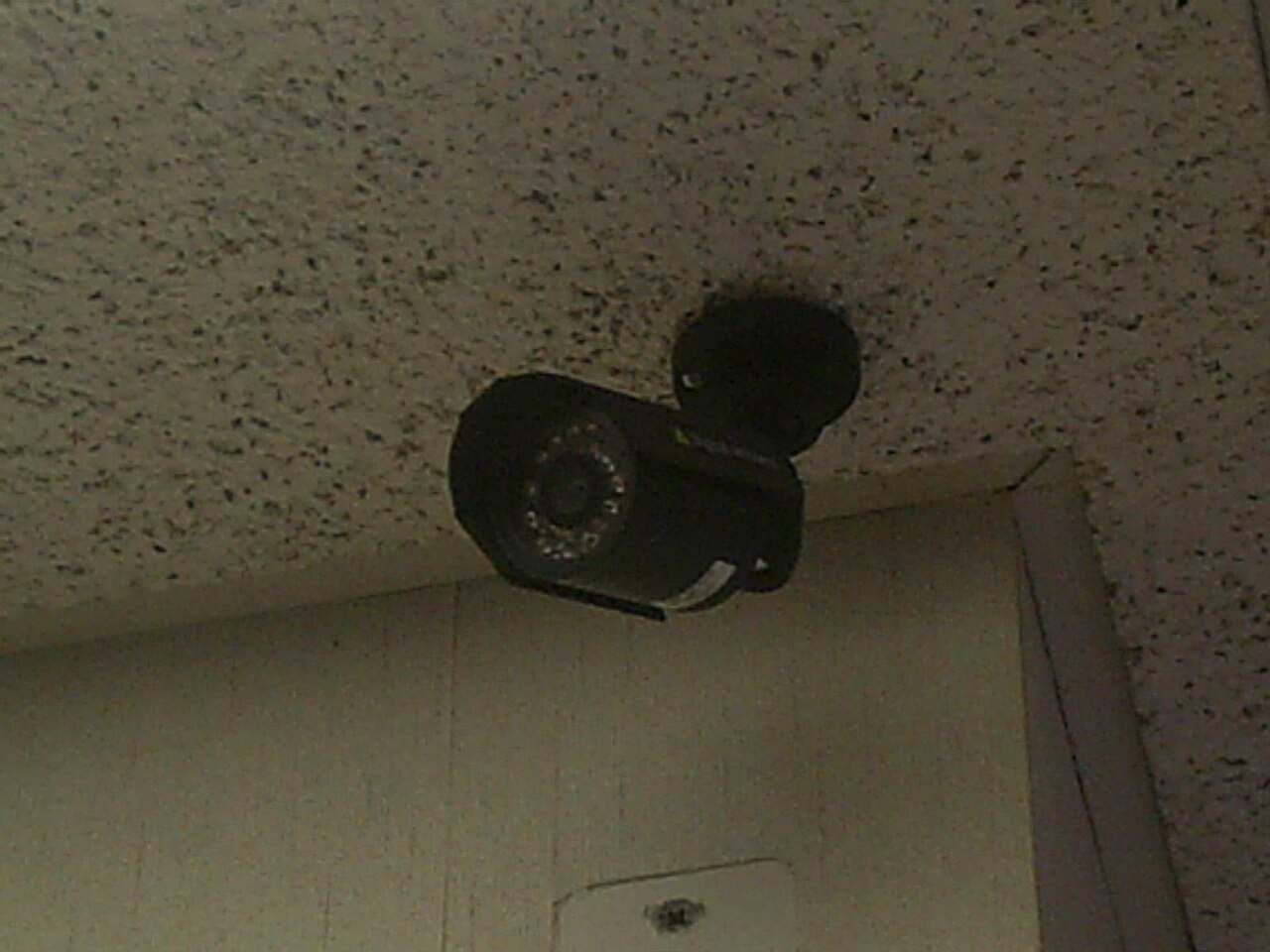
Image context: the cover uses a real PTZ security-camera photograph rather than a rendered smart-home graphic or a glossy mobile-app mockup.[9] That is the right visual register here. Frigate's core decision is physical and infrastructural: what cameras emit, what hardware decodes, what detector accelerates, what gets retained, and what gets surfaced for human review.
The real product is review discipline, not raw recording
The review documentation makes Frigate's product shape unusually explicit. Review items are filterable by date, object type, and camera, and in current versions a review item is a time period where one or more tracked objects were active rather than one isolated event blob.[5] Frigate also divides review items into alerts and detections, then encourages operators to narrow them with zones so the system cares more about a driveway, gate, or doorstep than about every motion blob in the full frame.[5]
That sounds like a UI detail, but it is the operational thesis. A useful NVR is not one that merely accumulates video. A useful NVR is one that decides what deserves attention without hiding the underlying footage. Frigate's review model is doing exactly that. It lets the operator build a smaller queue of moments that are worth checking, then click into higher-detail material when needed.[5]
The recording docs reinforce the same idea from the storage side. Recordings live under /media/frigate/recordings, are stored in a UTC path hierarchy, are written directly from the camera stream without re-encoding, and are removed according to the largest applicable retention value between recording policy and tracked-object retention.[4] That is a very different proposition from a cloud camera plan with one opaque slider for "keep clips 30 days." Frigate is asking the operator to think in terms of pipeline stages: ingest, detect, review, retain, expire.[4][5]
Camera topology decides your budget before the model does
Frigate's camera setup guidance is blunt in a way that many glossy AI-camera products avoid. Detection is the only stream Frigate decodes for processing, the recommended detection frame rate is 5 fps with 10 fps as the usual upper bound, and the recording stream should usually be the highest resolution you want to keep at around 15 fps.[1] The same page says detection and recording streams should share the same aspect ratio, and that higher resolutions do not automatically improve detection accuracy because Frigate crops motion regions and resizes them toward the model's working dimensions, described there as 320x320.[1]
This is why Frigate is best understood as a camera-pipeline project, not as a generic computer-vision app. The first performance wins do not come from chasing the fanciest detector. They come from using a low-cost substream for detection, preserving a higher-quality stream for recordings, and matching aspect ratios so previews and playback do not become awkward.[1] If a deployment ignores that camera topology and simply throws one giant 4K stream at every part of the system, it will spend CPU and network budget in the wrong place before any "AI" question is even asked.
The recommended-hardware guide extends that same realism. Frigate prefers H.264 video and AAC audio for broad compatibility, likes cameras with multiple substreams, and explicitly warns against leaning on Wi-Fi cameras because unreliable streams mean lost video data.[2] That warning is more important than it looks. The real Frigate installation problem is often not "which model should detect people?" It is "can the cameras produce stable, separable streams that let detection, recording, and viewing have different cost profiles?"[1][2]
Detector choice is really a hardware-procurement choice
The detector docs and hardware guide make a second architectural point clear: Frigate is designed around the expectation that object detection is offloaded to dedicated accelerator hardware when possible.[2][3] The documentation calls out Coral Edge TPU, Hailo, OpenVINO on Intel hardware, Nvidia GPUs, and several other lanes, while also noting that one detector may not keep up when many cameras are active and that multiple detectors can be defined if GPU or NPU resources are available.[2][3]
That means adopting Frigate is partly a procurement decision. If a team has an Intel mini PC, OpenVINO becomes the natural lane; if it already owns a Coral or Hailo module, detector configuration follows that hardware; if it wants to stretch to more cameras, the detector count and platform capabilities start to matter more than the container itself.[2][3] The software is open source, but the experience is still shaped by physical choices about CPU instructions, GPU availability, NPU access, PCIe slots, and storage layout.
This is one reason independent coverage has treated Frigate less like a toy add-on and more like a serious self-hosted NVR alternative. Heise described it as a self-hosted open-source alternative to systems such as Unifi Protect or Synology Surveillance Station, and emphasized both local processing and accelerator support.[8] That is the right outside read. Frigate's strongest argument is not novelty. It is that the entire surveillance chain can stay on infrastructure the operator owns while still being selective enough to use daily.[8]
Where Frigate fits, and where it gets harder
Frigate is strongest when the operator wants RTSP-capable cameras, local storage, explicit review policy, and enough systems patience to tune streams, detectors, and retention together.[1][2][3][4][5] A home lab, a small office, a workshop, a warehouse corner, or a camera VLAN tied into Home Assistant are all good fits. In those contexts, Frigate replaces cloud rent with configuration work, and that trade can make sense.
The weaker fit is just as clear. If the real requirement is "buy a kit, scan a QR code, and let a vendor own mobile UX, remote relay, and default tuning," Frigate is not trying to win on that terrain. It assumes the operator can care about codecs, frame rates, object labels, detector hardware, and retention windows.[1][2][3][4] That is not a flaw; it is the product boundary.
Frigate in 2026 is therefore worth reading as a local review system with a computer-vision core, not as a magic camera brain. The design is good when the camera streams are shaped carefully, the detector hardware is chosen intentionally, and the review queue is narrowed to places that matter.[1][2][3][5] If that sounds like the problem you actually have, Frigate is one of the clearest OSS answers available.
Sources
- Frigate Docs, "Camera setup" - detection-stream frame-rate guidance, recording-stream recommendations, aspect-ratio advice, and the 320x320 detect-resolution boundary.
- Frigate Docs, "Recommended hardware" - codec preferences, multi-substream camera guidance, Wi-Fi camera warning, server guidance, and detector-hardware recommendations.
- Frigate Docs, "Object Detectors" - Edge TPU and OpenVINO detector behavior, supported hardware lanes, and multi-detector scaling guidance.
- Frigate Docs, "Recording" - direct-stream recording, UTC path layout, and retention-policy behavior.
- Frigate Docs, "Review" - review-item model, alert/detection categorization, filtering, and zone-scoped review guidance.
- GitHub API snapshot for
blakeblackshear/frigate- repository stars, forks, open issues, and recent push activity at article creation time. - GitHub releases for
blakeblackshear/frigate- recent release cadence includingv0.17.1andv0.17.0. - Heise online, "NVR for self-hosting: Frigate now recognizes license plates and faces" - independent framing of Frigate as a self-hosted alternative with local processing and accelerator support.
- Wikimedia Commons file page for "Security Camera-01-PTZ.jpg" - source page for the PTZ security-camera photograph used as the article image.