Most comparisons of self-hosted uptime tools begin with the dashboard. That is usually the wrong starting point. Pretty status tiles do matter, but they do not decide whether the tool matches the failure mode you actually need to catch. The higher-value question is simpler: where does the proof of health come from?
For one class of systems, health should come from an outside observer repeatedly probing a URL, TCP port, DNS record, or container boundary. For another, health should come from a small, reviewed config file that defines explicit pass or fail conditions for each endpoint. For a third, health should come from the job itself checking in on time, because there may be nothing meaningful to poll from outside at all. Read through that lens, Uptime Kuma, Gatus, and Healthchecks stop looking like three substitutes and start looking like three different monitoring shapes.[1][3][5]
That distinction is even clearer in the current release streams. As of 2026-05-07T08:05:19Z UTC, Uptime Kuma's latest stable releases are 2.3.0, 2.3.1, and 2.3.2, all published between 2026-05-01 and 2026-05-03.[2] Gatus's latest stable release is v5.35.0, published on 2026-02-20.[4] Healthchecks released v4.2 on 2026-04-28.[7] Those dates do not prove one tool is "better." They do show that all three are still active enough to be real operating choices in 2026 rather than abandoned side projects.
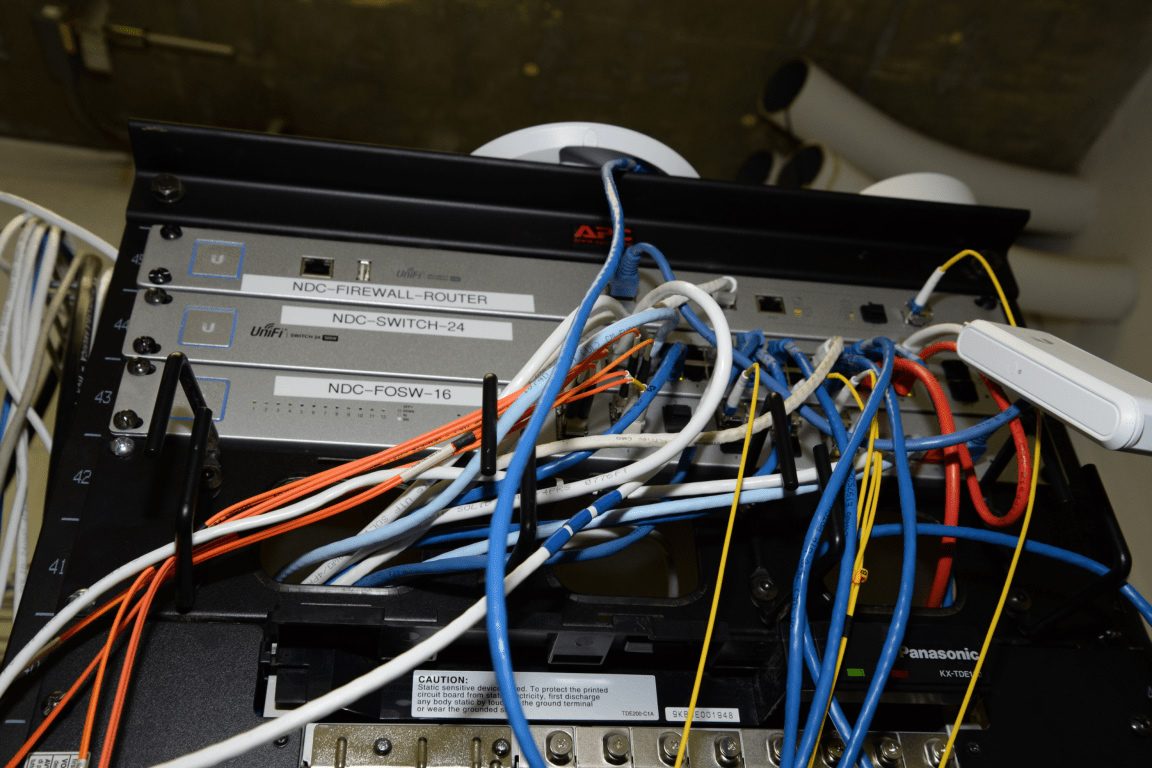
Image context: the cover uses a real photograph of a network rack filled with routers, switches, and patch cables. That choice fits because uptime tooling is about converting messy physical and logical connectivity into something legible before a human learns about failure from a user ticket.[8]
1. Uptime Kuma is the dashboard-first active probe
Uptime Kuma is easiest to justify when you want one self-hosted place that continuously checks many kinds of services and shows the answer immediately to a human operator. The project's own README describes it as an easy-to-use self-hosted monitoring tool and lists a wide range of monitor types: HTTP(S), TCP, keyword and JSON-query checks, WebSocket, Ping, DNS record, Push, Steam game server, and Docker containers.[1] The same source highlights multiple status pages, domain mapping for those status pages, and a long notification list that runs well beyond email alone.[1]
That bundle tells you what the product is really optimizing for. Uptime Kuma is not only a checker. It is trying to be the operator-facing room where active service health, alert routing, and public or semi-public status communication can live together. If you run a small internal platform, a homelab estate, a group of sidecar services, or a modest SaaS stack and want one visible control surface, that shape is attractive.[1]
Its strongest lane is therefore environments where "is it up right now?" is a real recurring question, and where the answer can be learned from outside the target. HTTP availability, TLS expiry, keyword presence, container state, and endpoint latency all fit naturally.[1] The push monitor option broadens that a little, but the center of gravity still comes from active observation.[1]
The boundary is that Uptime Kuma is most valuable when humans will actually use the live UI and status-page layer. If your team wants monitoring logic to be reviewed like code, split across repositories, or composed from many small config fragments, Kuma's strengths start to look secondary. Its core convenience is operational immediacy, not configuration minimalism.
2. Gatus is the config-as-code endpoint evaluator
Gatus starts from a different assumption. Its README describes a developer-oriented health dashboard that monitors services using HTTP, ICMP, TCP, DNS, and other protocols, then evaluates the result by applying conditions to status code, response time, body content, certificates, and more.[3] That sounds superficially like a monitoring feature list. The more important detail is structural: the center of the tool is the endpoint definition and its conditions.
The examples and parameter table make that explicit. Endpoints are declared in YAML, each endpoint has an interval, and each endpoint carries its own pass or fail conditions.[3] Gatus also exposes alerting, maintenance windows, remote instances, configurable concurrency, storage options, and config-file merging rules that allow multiple YAML files to be combined into one operating picture.[3] In other words, Gatus is closest to a monitoring policy repository with a dashboard attached.
That is why Gatus is strongest when your team wants health logic to be reviewable, portable, and text-native. A backend team can describe "healthy" as a set of assertions rather than a green checkmark in a web form. A platform team can keep endpoint specs in version control, use environment variables, split config by service or team, and aggregate multiple instances when one central dashboard is still useful.[3] This is a better fit for engineering organizations that already think in pull requests and deployment bundles.
The trade is that Gatus expects you to care about the expression of the check itself. The README is unusually direct about interval behavior and slow checks: long-running evaluations can delay how closely the tool hits the configured cadence, which is why it recommends longer intervals for expensive checks and short intervals for alerting-critical ones.[3] That is a clue about the product's temperament. Gatus is not pretending that everything should be probed every few seconds with no cost. It wants you to model the check budget on purpose.
So the best reason to choose Gatus is not "we need another dashboard." It is "we want endpoint health to behave like reviewed configuration."
3. Healthchecks is the heartbeat tool for work that must check in
Healthchecks belongs to a third category entirely. Its docs do not begin from URLs and ports. They begin from checks, ping URLs, schedules, and grace time.[5] Each job or recurring process gets a unique ping URL, and the monitored system sends start, success, or failure signals to that URL.[5] A check becomes late when the expected time passes, then down when the grace window expires.[5] If a job sends start but never sends success, Healthchecks can also treat that as failure once grace time runs out.[5]
That makes Healthchecks strongest for cron jobs, scheduled tasks, batch pipelines, backup jobs, importers, report generators, and background workers that may be perfectly unreachable from the outside. For these workloads, active polling often misses the real question. A database backup script can return HTTP 200 from the host and still silently stop running. A queue worker can expose a healthy port and still fail to complete the job it was supposed to finish. Healthchecks works because it asks the workload to prove that it actually showed up.[5]
The docs reinforce that operational shape. Projects and teams let you group checks and integrations while keeping separate API keys and access boundaries.[5] The self-hosted configuration docs also show a more deliberate application surface than many users expect: database settings support SQLite, PostgreSQL, or MySQL defaults, email and verification settings are configurable, and ping request bodies can optionally be pushed into S3-compatible object storage instead of the main database.[6] That is not a mere webhook endpoint. It is a scheduling-and-alerting application with its own state model.[5][6]
The boundary is just as clear. Healthchecks is not your best first choice when you mainly need continuous active probing of public web properties, certificates, or network services. It can coexist with those tools, but it is not trying to win the same category. Its center is deadline-sensitive work that must report in.
4. A practical decision map
Choose Uptime Kuma first when:
- operators want a live UI with many active monitor types in one place
- status pages are part of the requirement, not an afterthought
- the monitored thing can be judged from outside with a probe or lightweight push signal[1]
Choose Gatus first when:
- health definitions should live in YAML and go through normal review flow
- endpoint checks need explicit conditions, grouped config, or remote-instance aggregation[3]
- your team is comfortable treating monitoring as configuration engineering rather than dashboard administration
Choose Healthchecks first when:
- the real risk is a scheduled task, worker, or pipeline failing to run on time
- the application itself needs to send the health signal with
start,success, orfailpings[5] - schedule semantics and grace windows matter more than continuous HTTP polling
One common deployment pattern is not choosing only one. Kuma and Gatus both cover active observation, but from different operating cultures; Healthchecks covers the separate class of "this job must check in" systems. Teams often end up pairing one active-probe tool with Healthchecks rather than forcing one product to fake both models.
5. The mistake to avoid
The main mistake is to treat all three products as interchangeable because they can all send alerts and show a green or red state somewhere. That collapses three distinct truth models into one shopping checklist.
Uptime Kuma asks an observer to keep looking.[1] Gatus asks a reviewed config file to define what healthy means.[3] Healthchecks asks the workload itself to report that it actually ran on time.[5] Once that distinction is clear, tool choice becomes much easier. The best tool is usually the one whose signal model matches the way failure actually enters your system.
Sources
- Uptime Kuma GitHub README - monitor types, push monitors, notification breadth, status pages, domain mapping, and Docker install shape.
- GitHub API release feed for
louislam/uptime-kuma- latest stable tags and publication timestamps, including 2.3.0-2.3.2. - Gatus GitHub README - endpoint conditions, intervals, alerting, storage, remote instances, config merging, and deployment options.
- GitHub API release feed for
TwiN/gatus- latest stable tags and publication timestamps, including v5.35.0. - Healthchecks documentation - ping URLs, schedules, grace time, late/down states, integrations, projects, and team boundaries.
- Healthchecks self-hosted configuration docs - database defaults, email settings, and optional S3-compatible object storage for ping request bodies.
- GitHub API release feed for
healthchecks/healthchecks- latest stable tags and publication timestamps, including v4.2. - Wikimedia Commons file page for the network-rack photograph used as the article image.