FFmpeg is often introduced with the smallest possible spell: ffmpeg -i input.mp4 output.avi. That is useful, but it hides the project. The command looks like a converter. The architecture underneath is a pipeline for admitting, interpreting, transforming, and emitting media under explicit boundaries.
The project's own about page gives the broad claim: FFmpeg can decode, encode, transcode, mux, demux, stream, filter, and play audio and video across old and new formats, and it exposes both end-user tools and developer libraries such as libavcodec, libavformat, and libavfilter.[2] The useful engineering question is not whether that list is long. It is where the list is divided. FFmpeg stays powerful because it refuses to treat "a video file" as one thing.
As of 2026-05-30T01:36:02Z UTC, the download page lists FFmpeg 8.1.1 "Hoare" as the latest stable 8.1 release, released on 2026-05-04, with libavcodec 62.28.101, libavformat 62.12.101, and libavfilter 11.14.101 among its library versions.[7] The GitHub mirror reported 60,598 stars, 13,864 forks, and a most recent push at 2026-05-29T20:10:30Z.[8] Those numbers are not the adoption case by themselves. They are maintenance signals for a project that sits in the media path of many other systems.
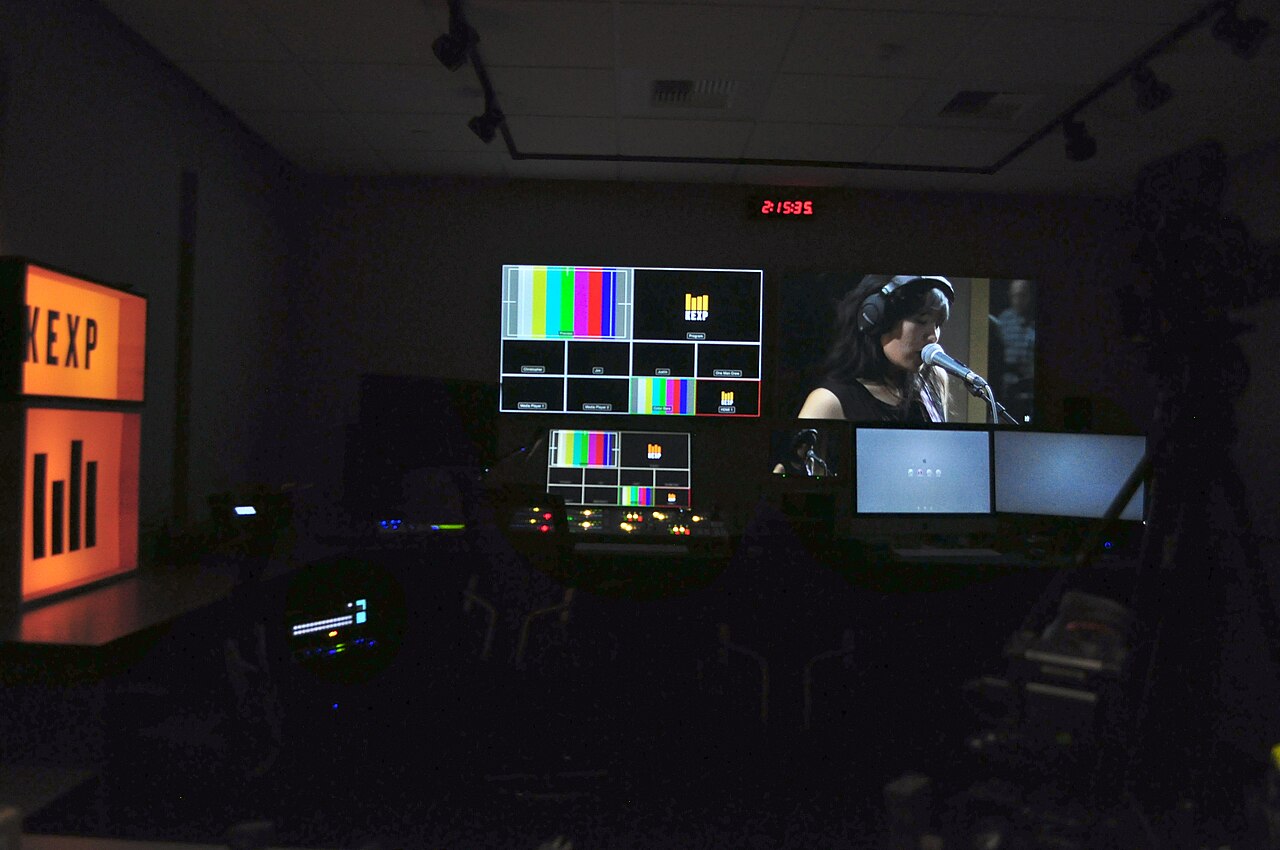
Image context: the cover is a real video editing room, not a codec logo or an abstract waveform. That matters because FFmpeg's best mental model is operational. It belongs where inputs, screens, timelines, encoders, archives, and delivery systems all need to agree on what a stream is before they can do anything useful with it.[1]
The input is not the media
The first architectural boundary is the split between an input source and the elementary streams inside it. FFmpeg's command documentation says the tool can read regular files, pipes, network streams, grabbing devices, and more, then write to one or more output URLs.[3] That matters because media often enters a system through a messy outer shell: a camera capture device, a transport stream, a container file, a pipe from another process, or a network endpoint.
The detailed pipeline description makes the next step explicit. A demuxer reads an input source, extracts global properties such as metadata or chapters, discovers elementary streams, and sends encoded packets onward.[3] In other words, the demuxer does not "decode the video." It separates the package from the streams. A Matroska file, an MP4 file, an HLS playlist, or an MPEG transport stream is first a container problem.
That distinction explains many FFmpeg surprises. A file can be readable as a container while one contained codec is unsupported. A stream can be copied into another container without decoding. A metadata or timestamp issue can be a muxing problem rather than a codec problem. The formats documentation reinforces this by treating demuxers and muxers as libavformat components with global and private options, probing behavior, buffering controls, timestamp handling, and stream limits.[4]
For teams embedding FFmpeg into production tools, this boundary is the first adoption rule: separate ingest questions from decode questions. Ask whether the input transport and container are understood before asking whether the media can be transformed.
Streamcopy is the architecture's restraint
The most underrated FFmpeg feature is not a filter. It is restraint: -c copy. The command documentation calls streamcopy the simplest pipeline, where packets from an input elementary stream are copied without decoding, filtering, or encoding.[3] It is fast and avoids quality loss, but it cannot apply filters because filters operate on decoded frames.[3]
That limitation is a feature of the model. FFmpeg forces a decision: are you changing the container and stream selection, or are you changing the media essence? If the job is to move an audio track, split streams, change a container, or preserve encoded video while adding compatible audio, streamcopy keeps the operation at packet level. If the job is to resize, deinterlace, overlay, resample, normalize, burn subtitles, or change codec, the pipeline must cross into decoding and filtering.
This is why one-liner recipes copied from the internet can be misleading. Two commands that both "make an MP4" may do completely different work. One may remux packets almost losslessly. Another may decode, scale, change color handling, re-encode, and then mux. The same filename extension at the end does not tell you which pipeline ran.
The practical test is simple: if a team cannot explain whether a workflow is streamcopy, transcode, or mixed-mode, it does not yet understand its own media pipeline.
Filters are graph boundaries, not decorations
Once media becomes decoded frames, FFmpeg's filtergraph model becomes the center of the system. The command documentation distinguishes simple filtergraphs, which are associated with one output stream, from complex filtergraphs, which can have multiple inputs and outputs and are configured with -filter_complex.[3] The filters manual is correspondingly huge because filters are where raw audio and video frames become adjustable system objects rather than opaque payloads.[5]
This is the layer where engineering complexity becomes visible. A deinterlace-plus-scale path is not the same as an overlay path. An audio resample is not the same as a loudness normalization chain. A split output that feeds two encoders has different resource behavior from a single output. When filters enter the picture, timestamps, pixel formats, sample formats, hardware frames, subtitle limits, and graph labels start mattering.
The architecture gives teams a useful discipline: put transformations in the filtergraph rather than scattering them through surrounding scripts. A shell wrapper can choose files and options. The filtergraph should express the media operation itself. That makes reviews sharper. People can ask whether scale, fps, aresample, overlay, drawtext, loudnorm, or hardware-specific filters are actually the right transformations, instead of arguing about a black-box conversion step.
It also clarifies failure modes. If an output format rejects a stream, that may be a muxer or encoder issue. If the media looks wrong after resizing or deinterlacing, the problem may live in frame-level transformation. If performance collapses, the costly boundary is often decode, filter, or encode, not the outer command invocation.
Muxers enforce the final contract
The final boundary is not "write the file." It is muxing. FFmpeg's detailed description says muxers receive encoded packets from encoders or directly from demuxers in streamcopy mode, interleave elementary streams, and write bytes to an output file, pipe, network stream, or device.[3] The formats documentation shows why this is more than serialization: muxers carry private options, timestamp behavior, interleaving controls, stream support limits, and format-specific constraints.[4]
That is where many production bugs land. A stream may be valid by itself but unacceptable in the target container. Sparse subtitle streams can stress interleaving. A low-latency path may need different buffering decisions than an archive master. A reproducibility workflow may care about bit-exact output. A live output path may care about packet flushing and timestamps more than file-size efficiency.[4]
The muxer boundary is also where compatibility becomes concrete. "Play this everywhere" is not a codec statement alone. It is a container, codec, profile, timestamp, metadata, and device expectation statement. FFmpeg cannot remove those tradeoffs. It gives operators enough switches to state them.
The maintenance signal is mature-code discipline
FFmpeg's scale creates risk as well as power. Its about page is unusually plain that security is a high priority, but that very large amounts of code touch untrusted data, so security issues are unavoidable and rapid updates to stable releases matter.[2] A 2026 software-engineering study also treats FFmpeg as one of seven long-lived open-source projects in a longitudinal analysis of mature codebases, spanning 147 project-years across the sample.[9] That is the right outside context: this is not a small utility. It is old, broad, performance-sensitive infrastructure.
The download page's release guidance fits that model. FFmpeg provides source code, signs releases, tracks stable branches, and tells users that release branches cherry-pick selected changes while the development branch receives faster fixes and features.[7] For platform teams, that means version choice is an operational decision. A distro package, a vendored static build, a pinned source release, and current master each imply different update and security behavior.
The March 2026 FFmpeg 8.1 announcement adds another signal: current work is still moving inside the pipeline itself, including Vulkan compute-based codecs, D3D12 encoding and filters, IAMF muxing and demuxing, new demuxers, new filters, and internal changes.[6] That reinforces the main point. FFmpeg is not a frozen converter. It is a pipeline architecture that keeps absorbing new media formats, hardware paths, and container expectations.
Where FFmpeg fits
FFmpeg is strongest when a system needs explicit control over media boundaries: ingest from varied sources, inspect streams, preserve packets when possible, transform frames when necessary, encode deliberately, and mux into a target contract. It is especially useful in video platforms, archives, radio and podcast tooling, livestream operations, automated QA, non-linear editing backends, camera pipelines, and internal media migration jobs.
It is a weaker fit when teams want media handling to disappear behind a single happy-path abstraction. FFmpeg will let you hide a lot behind presets and wrappers, but the underlying boundaries remain. Someone still has to know when the job is demuxing, decoding, filtering, encoding, muxing, or simply copying packets. Someone still has to own upgrade testing, codec availability, hardware acceleration behavior, and the security posture of untrusted inputs.
That is the architecture note: FFmpeg becomes easier, not harder, once the command line stops looking magical. Read it from left to right as a media pipeline. Inputs become demuxed streams. Packets either get copied or decoded. Frames enter filtergraphs only when transformation is real. Encoders create new packets. Muxers enforce the output contract. Most production mistakes come from pretending those boundaries are not there.
Sources
- Wikimedia Commons, "KEXP studio 03 - video editing room.jpg" - Joe Mabel's 2016 photograph used as the article image.
- FFmpeg, "About FFmpeg" - project scope, tools, libraries, portability, contribution model, and security framing.
- FFmpeg, "ffmpeg Documentation" - command-line model, input/output URLs, demuxers, decoders, filtergraphs, encoders, muxers, streamcopy, transcoding, and stream selection.
- FFmpeg, "FFmpeg Formats Documentation" -
libavformat, demuxers, muxers, probing, buffering, timestamps, format flags, and component options. - FFmpeg, "FFmpeg Filters Documentation" - the
libavfiltersurface and filtergraph component catalog. - FFmpeg, "FFmpeg 8.1 Hoare" news entry - March 16, 2026 release highlights including Vulkan, D3D12, IAMF, demuxer, filter, and internal-change notes.
- FFmpeg, "Download FFmpeg" - source-code policy, repository links, release verification, stable-branch guidance, and FFmpeg 8.1.1 release metadata.
- GitHub API snapshot for
FFmpeg/FFmpeg- mirror description, stars, forks, open issues, default branch, and recent push timestamp at article creation time. - Brandon Keller, Kaitlin Yandik, Angela Ngo, and Andy Meneely, "Unsafe and Unused? A History of Utility Code in Mature Open Source Projects" - 2026 arXiv paper using FFmpeg among seven mature OSS repositories in a longitudinal mining study.