Apache Superset is easiest to misjudge when it is evaluated as a screenshot-for-screenshot replacement for Tableau, Power BI, or Looker. That comparison starts in the wrong place. Superset's stronger adoption case is not that every proprietary convenience disappears. It is that dashboard ownership moves into explicit, inspectable boundaries: SQL-speaking databases, physical and virtual datasets, reusable metrics, chart definitions, async query workers, cache settings, roles, row-level rules, and a release stream your team can actually see.
As of 2026-06-08T12:31:45Z UTC, the GitHub API reported 73,225 stars, 17,564 forks, 1,233 open issues, and a latest push timestamp of 2026-06-08T12:23:18Z for apache/superset.[1] Those numbers do not make Superset the right BI layer by themselves. They do establish that adopting it is not a bet on a sleepy side project. The current public project surface is large, active, and shaped by Apache governance, commercial users, and a wide analytics community.
The right migration question is narrower: do you want business intelligence to become part of your platform, or do you mainly want a managed BI product with minimum operational responsibility? Superset rewards the first answer. It punishes the second.
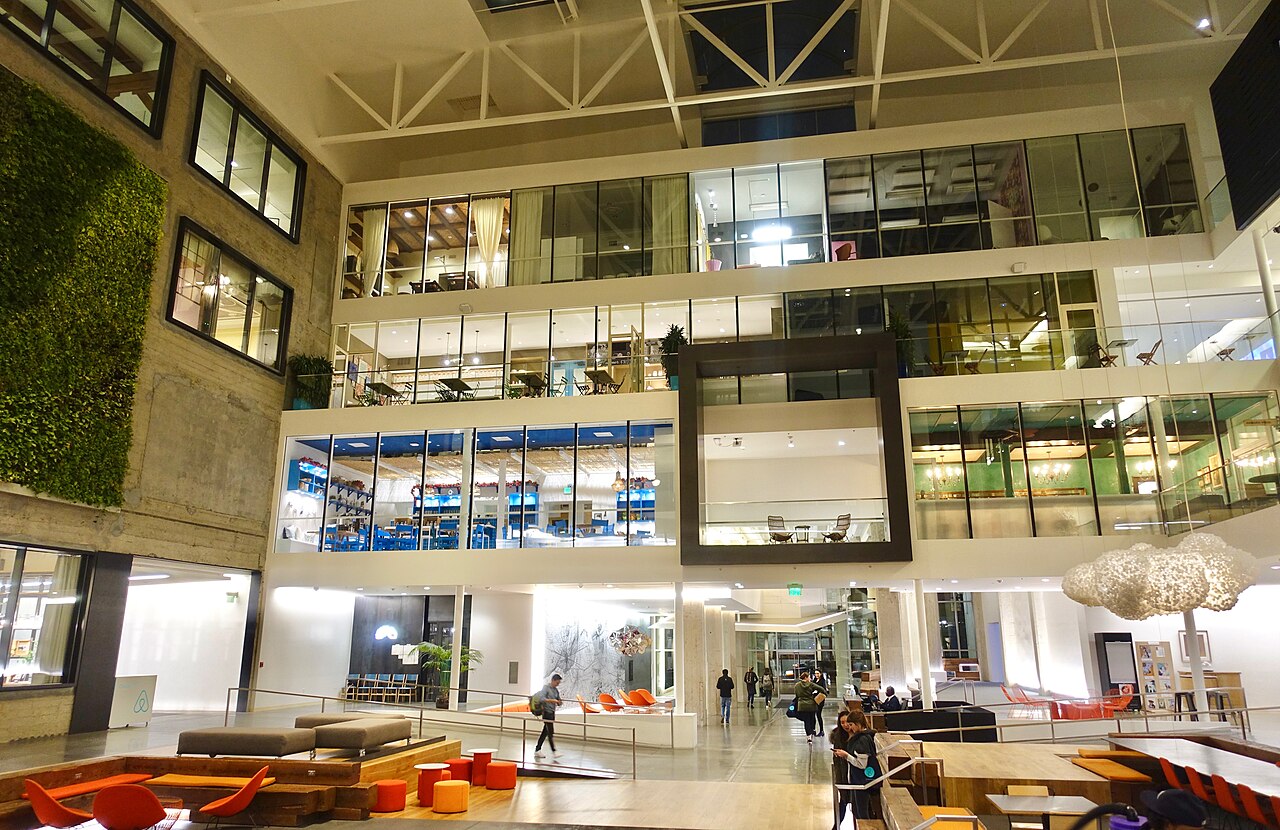
Image context: the cover is a real Wikimedia Commons photograph of Airbnb headquarters. The image is not decoration. The Apache Software Foundation's 2021 top-level-project announcement states that Superset originated at Airbnb in 2015 and entered the Apache Incubator in 2017, so the photo marks the project's first organizational context before it became shared analytics infrastructure.[8][9]
Start With The Data Boundary
Superset's own overview is clear about the product shape: it is an open-source data exploration and visualization platform that connects to SQL-based databases, supports a no-code visualization builder and SQL Lab, and uses physical and virtual datasets to scale chart creation with shared metric definitions.[2] That sentence contains the first adoption boundary. Superset does not want to be the place where raw business logic hides forever. It wants to sit on top of databases, views, SQL, and datasets that a data team can reason about.
That is useful for migrations from spreadsheet-heavy or dashboard-sprawl environments. The initial win is not "make every dashboard prettier." It is to stop scattering metric definitions across exported CSVs, one-off SQL snippets, and opaque workbooks. A Superset pilot should pick one business domain, name the canonical datasets, decide which calculations belong in the warehouse or database view, and keep only presentation-level metrics in Superset. If that line is not drawn, Superset becomes another place for metric drift.
The practical rule is simple: migrate analytics that already have database discipline. Superset can help expose and reuse that discipline. It cannot create a governed data model from chaos just because charts are now open source.
Treat The Semantic Layer As A Thin Contract
Superset's dataset model is powerful because it is modest. Physical datasets point at tables or views. Virtual datasets can wrap SQL. Charts and dashboards then reuse these datasets rather than each analyst rebuilding every query from scratch.[2] That is a lightweight semantic layer, not a universal business ontology.
This distinction matters during migration. A team leaving a proprietary BI stack may be tempted to recreate every nested semantic feature, folder hierarchy, permission exception, and dashboard-specific calculated field. That is usually the moment the migration becomes expensive and brittle. Superset works better when the semantic layer is treated as a thin contract around queryable data: expose the columns people should use, define durable metrics close to the dataset, and let dashboards compose from that shared surface.
The boundary condition is just as important. If your organization depends on deeply modeled metrics, governed joins across many subject areas, lineage-aware semantic publishing, and no-code data modeling for large analyst groups, Superset may need to sit beside a stronger modeling layer rather than replace it. In that architecture, dbt models, database views, or warehouse-native governance carry the heavier definitions, and Superset becomes the exploration and dashboard surface.
Do Not Skip The Async Path
The easiest Superset demo is synchronous: connect a database, build a chart, put it on a dashboard. The production path is less charming. For long-running queries that exceed ordinary web request timeouts, the official async-query documentation says Superset needs one or more Celery workers, a broker such as Redis or RabbitMQ, and a results backend configured through RESULTS_BACKEND.[4] The cache documentation adds that SQL Lab query-result caching uses RESULTS_BACKEND when async queries are enabled, while chart cache behavior can be controlled at chart, dataset, database, or default levels.[5]
That is the second migration boundary. If Superset becomes the front door for expensive analytical queries, the team has to operate the query path as infrastructure. Celery workers need capacity. Redis or RabbitMQ needs reliability. Results need retention and eviction policy. Cache warmup and thumbnail rendering, if enabled, run through background workers and cache systems rather than magic UI behavior.[4][5]
This is where Superset often separates serious adopters from frustrated evaluators. A small internal analytics site can begin simply. A large dashboard estate cannot. Before moving executive dashboards, customer-facing embeds, or heavy SQL Lab users, define expected query latency, database concurrency limits, cache timeout defaults, worker counts, and ownership for failed background jobs. Otherwise the migration simply moves BI cost from license spend to hidden operational pain.
Permissions Are A Design, Not A Checkbox
Superset's security documentation exposes a permission model that is flexible enough to be useful and sharp enough to cut careless teams. Public access, dashboard access, dataset permissions, dashboard-level RBAC, standard roles, and row-level security are all separate concerns.[3] The docs specifically note that dashboard visibility can be based on dataset access by default, while the DASHBOARD_RBAC feature flag allows role assignment at the dashboard level.[3]
Row-level security is the bigger boundary. Superset applies RLS filters to physical datasets as query predicates, can wrap virtual datasets, and can inject filters on underlying physical datasets referenced by virtual SQL. It also notes that SQL Lab RLS enforcement requires the RLS_IN_SQLLAB feature flag.[3] That last detail is exactly the kind of migration trap that matters. A dashboard may be protected while exploratory SQL access is not behaving the way a business owner assumes.
The adoption pattern should be explicit. Start with roles by audience, not by individual exceptions. Decide whether dashboards inherit access through datasets or through DASHBOARD_RBAC. Audit row-level filters through the RLS API before trusting them. Keep public dashboards separate from authenticated internal surfaces. Most importantly, test permissions with real users and real data slices before declaring parity with the old BI system.
Read The Release Stream As Product Direction
Superset 6.0 was not a small cosmetic release. Preset's release writeup describes a major Ant Design v5 design-system overhaul, dark-mode support, theming changes, SQL Lab updates, performance and reliability work, security and infrastructure changes, database-support improvements, and a migration from SQLParse to SQLGlot.[7] The 6.1.0 changelog then shows a broad feature surface: MCP-related chart and dataset tools, RBAC checks in MCP tools, extension work, database engine additions, embedded-dashboard improvements, dashboard refresh, theming refinements, reporting changes, and many chart-level improvements.[6]
The exact feature list is less important than the signal. Superset is evolving as an application platform, not just as a chart gallery. That is good if your team wants an owned BI surface that can support embedding, custom visualization work, database extensions, automation, theming, and internal analytics workflows. It is less good if you need a frozen product that changes only when a vendor admin toggles a feature flag.
Migration planning should therefore include release discipline. Pin versions. Read changelogs. Test database drivers. Run dashboard regression checks against representative data. Keep custom visualization plugins and embedded dashboards in the upgrade matrix. The fact that Superset is open source does not reduce upgrade work. It makes the work visible earlier.
Where Superset Fits
Superset is a strong fit for engineering-led data teams that already own SQL infrastructure, want to reduce BI lock-in, and can operate a Python/Flask web application with background workers, caching, authentication, and database access. It is especially compelling when analysts need both no-code charting and SQL Lab, when dashboards should be closer to the warehouse, and when embedding or internal platform integration matters more than vendor-polished defaults.[2][3][4][5]
It is a weaker fit when the organization expects BI to be entirely outsourced, when the data model is not yet stable, when governance depends on proprietary semantic modeling that has no replacement plan, or when no team is willing to own upgrades and permissions. In those cases, Superset may still work as a specialist analytics surface, but it should not be sold as a one-step BI liberation project.
The clean migration path is incremental. Choose one domain with known data owners. Build physical and virtual datasets. Define shared metrics. Configure async queries and cache policy before load grows. Model RBAC and RLS with real personas. Move a small number of dashboards, then compare output, latency, and support burden against the old stack. If the pilot succeeds, the reason will not be that Superset was free. It will be that analytics ownership became legible.
That is Superset's real promise in 2026. It turns BI from a vendor-shaped surface into an operating surface your team can inspect, tune, and extend. That is not automatically cheaper. It is more accountable.
Sources
- GitHub API,
apache/supersetrepository metadata sampled on 2026-06-08 - stars, forks, open issues, and latest push timestamp. - Apache Superset, "Welcome" - project overview, SQL database connectivity, SQL Lab, dashboards, datasets, and visualization positioning.
- Apache Superset documentation, "Security Configurations" - Public role behavior, dataset access,
DASHBOARD_RBAC, row-level security, virtual dataset handling, SQL Lab RLS flag, and RLS API. - Apache Superset documentation, "Async Queries via Celery" - Celery workers, broker, results backend,
CELERY_CONFIG, and long-running query support. - Apache Superset documentation, "Caching" - chart cache timeout hierarchy, SQL Lab results cache through
RESULTS_BACKEND, thumbnails, and cache warmup executor behavior. - Apache Superset GitHub changelog, "6.1.0" - May 2026 release notes including MCP tooling, RBAC checks, extension work, database additions, dashboard, embedding, theming, and chart changes.
- Evan Rusackas, "Apache Superset 6.0 Release," Preset, February 9, 2026 - independent release-context writeup covering design-system overhaul, SQL Lab, performance, security, database support, and SQLGlot migration.
- The Apache Software Foundation, "The Apache Software Foundation Announces Apache Superset as a Top-Level Project," January 21, 2021 - origin at Airbnb, Apache Incubator entry, and top-level-project status.
- Steve Jurvetson, "Airbnb HQ (39902444911).jpg," Wikimedia Commons - CC BY 2.0 photograph of Airbnb headquarters used as the article image source.