Imagine opening a digitized engineering handbook on a phone. Each page has a neat column of type and enough white space beside it for a second column. You zoom in. Fifty pages later you reach a drawing of a machine, printed on a sheet that unfolds sideways. That drawing could explain the white space all the way back on page one. ScanTailor, an open-source program for preparing scanned pages, makes the connection visible in a single checkbox.[1][2]
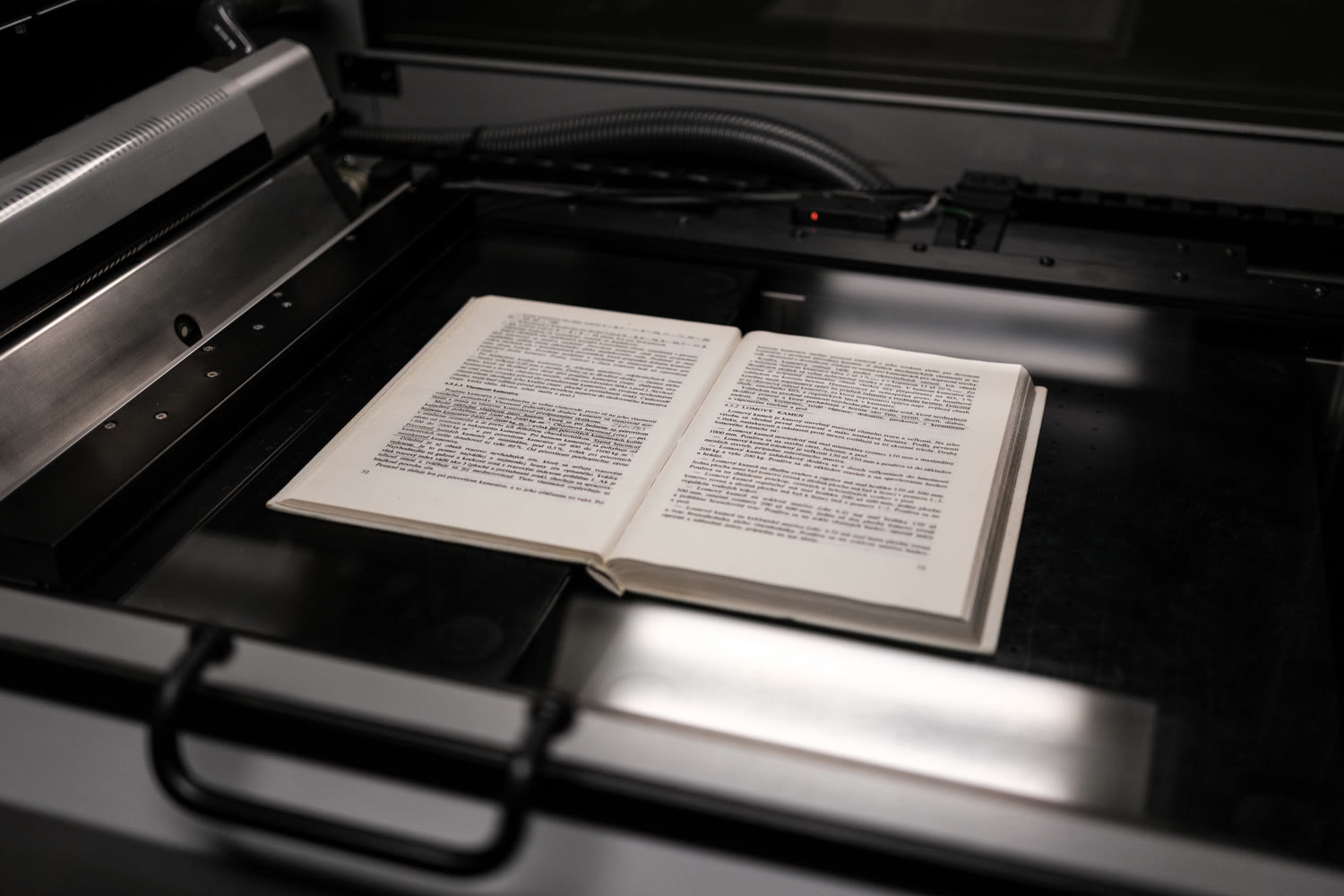
A scanner records whatever occupies its field of view. A reader expects to turn a page. ScanTailor works in the interval between those events. Give it a photograph of a two-page spread and the program can divide it at the gutter, straighten the lines of type and produce a separate image for each page. An OCR program can then read the lettering. The question ScanTailor has to settle first is how much room each page should occupy.[2][3]
Where the white space comes from
In ScanTailor’s Select Content view, a rectangle encloses the printed material worth carrying forward. Consider a page with a footnote and a page number well below the last full line of type. Drag the bottom edge of the rectangle up to that line and the page looks tidier, but the box now describes only part of what the printer put there. An operator can inspect and adjust the box before using it to size the output.[2][3]
On the Margins screen, the operator gives that rectangle breathing room. ScanTailor calls the specified amounts hard margins. Take a text block 100 millimetres wide and give it 10 millimetres on each side. It now needs 120 millimetres. If a second page needs 140, selecting Match size with other pages gives the first another 20 millimetres of white space. ScanTailor calls that allowance a soft margin. With the text centred, ten extra millimetres appear on each side. The letters stay the same size. A phone fitting the whole page to its screen will nevertheless show smaller letters because it has a wider page to fit.[2]
That arithmetic suggests a way to diagnose a book full of tiny-looking print. Sort ScanTailor’s thumbnails by width and inspect the widest page. If its content box includes a strip of the facing page, correct the split or the box. If the widest page really is a foldout, its box may already be exactly right. The thinkMOTION digitization team’s tutorial gives that case its own instruction. Turn off size matching for the oversized sheet alone. The ordinary pages can still share a width, and the drawing can keep its full extent.[1][2][3]
Two views of one sheet
The thinkMOTION team also had to decide where a reader would encounter the drawing. Its report shows a red book cover and two unfolded engineering drawings among the files given special handling. Operators scanned a foldout closed as they worked through the book, then returned to scan it open. In the finished sequence, the open view followed the closed one. A reader turning the virtual page could perform something close to the gesture the paper book invited.[1]
Those two decisions preserve different things. Keeping both views records how the sheet sat in the binding. Giving the open view its own width records how much room the illustrator needed. On the preceding page, the payoff is easy to overlook. The reader can finish the last line of the paragraph at a comfortable size, turn the page, and zoom in when there is finally a drawing worth exploring.
Sources
- thinkMOTION, final report on digitised input content, including the paper digitization tutorial and its foldout workflow
- ScanTailor project wiki, Page Layout, on hard margins, soft margins and alignment
- ScanTailor project wiki, Quick Start, on the six processing stages and reviewing outliers
- Skot, robotic book scanner at the National Library of the Czech Republic, Wikimedia Commons