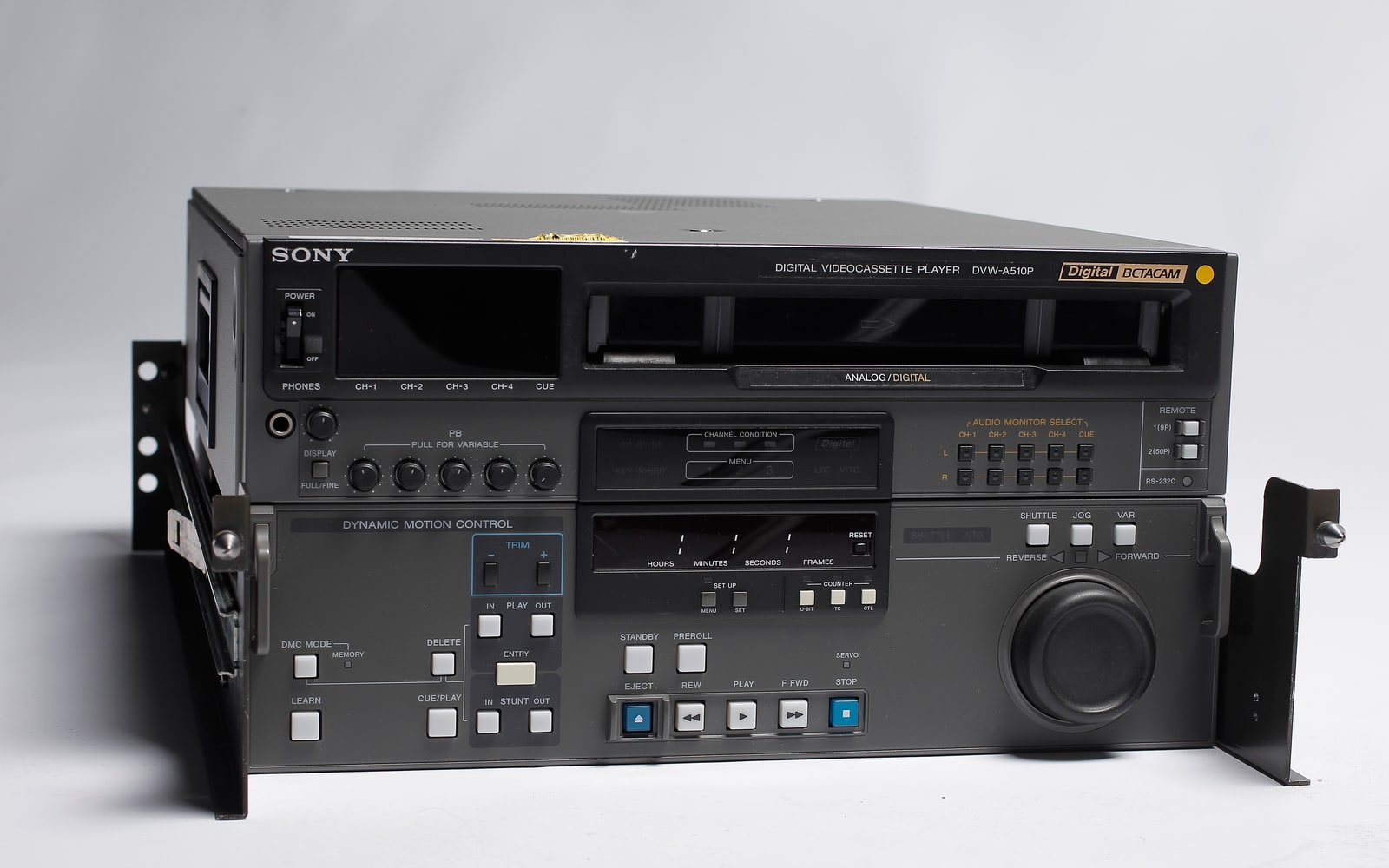
A tape finishes playing. A large video file appears on disk. The capture software reports success. What, exactly, has been saved? Open-source video preservation becomes easier to understand when its tools are arranged around that question: vrecord captures the incoming signal, FFV1 encodes the pictures, Matroska carries the tracks and their context, and QCTools and MediaConch inspect different kinds of evidence.[1][3][5][6]
Imagine that the wrong audio input was selected. A perfectly valid file could contain an hour of silence. Lossless compression could preserve every supplied pixel accurately while the spoken history accompanying those pictures never entered the recording. This hypothetical failure explains why the ecosystem needs several kinds of scrutiny. A successful encoding cannot retrospectively certify the transfer that fed it.
At the cable: what entered the computer?
Vrecord puts an archival workflow around signal capture. Its documented setup uses FFmpeg-derived tooling and supported capture hardware; the project describes macOS and Linux support and Blackmagic capture devices. The operational unit is a playback machine, signal path, capture interface, and computer working together. Software is one member of that assembly.[1]
The distinctions appear directly in the settings. Video input, audio input, container, video codec, bit depth, and audio channel mapping are separate choices. Selecting an appropriate video connection does not settle which sound channels should be recorded. Before a collection enters production, someone has to establish what is actually present on representative tapes.[2]
Vrecord also produces evidence beside the recording: capture settings, an FFmpeg log, and frame checksums. It can generate a QCTools analysis report and check files against local MediaConch policies. Those outputs give a later reviewer something more useful than the operator's recollection of a successful afternoon.[2]
The practical consequence is to keep the identifier connecting the tape, recording, logs, and review notes intact. A directory full of playable files becomes much less informative if nobody can reconstruct which settings produced each one.
Inside the file: samples and their instructions
FFV1 is a lossless video encoding format. RFC 9043 specifies versions 0, 1, and 3 and describes compression, self-description, and integrity features intended to support uses including preservation. For an archivist, the crucial promise concerns the digital picture samples supplied to the encoder. Lossless encoding does not recover a clipped signal or frames omitted before encoding.[3]
Version 3 provides slice-level CRC error checking when enabled. A slice is a portion of a picture, so this gives a more localized indication of damaged encoded data than a whole-file checksum alone. It still answers a question about the stored representation. It cannot tell whether the camera originally saw something different, or whether the correct tape was loaded.[3]
Matroska does another job. Its container holds encoded tracks and the information needed to interpret them. Timing belongs here too: the specification describes how DefaultDecodedFieldDuration represents the cadence of fields in interlaced material. This matters for television recordings built from successive fields rather than whole progressive pictures.[4]
Thus, preserving sample values and describing their intended presentation are related but separate achievements. A useful review examines both. Treating the .mkv suffix as a complete specification skips the codec, track layout, timing, and metadata inside it.[4][6]
Two inspectors with different questions
QCTools helps a reviewer navigate the signal. It uses FFmpeg filters to measure characteristics such as luminance, saturation, temporal differences, and audio levels. Its graphs connect measurements to thumbnails and playback views, so an unusual interval can become a place to look more closely. Reports and frame-specific comments can be exported for later review.[5]
That changes the economics of attention. Consider an abrupt transition from detailed pictures to a flat field. It might mark a playback problem, a deliberate edit, or blank material on the tape. A measurement can locate the transition; the operator still has to interpret it. The useful result is a documented observation at a particular point in the recording.
MediaConch examines file conformance. Its implementation checker targets the Matroska, FFV1, and LPCM preservation combination, while its policy checking lets institutions test files against their own criteria. The two levels ask different questions: does the file follow the relevant format rules, and does it meet this collection's requirements?[6]
Suppose a collection expects a specified picture size, codec, and audio arrangement. A file can be structurally valid yet fail that policy. Conversely, the wrong recording could satisfy every listed technical requirement. Neither outcome tells a curator whether an interview is complete.
This is why QCTools and MediaConch belong alongside each other. Signal review helps expose suspicious content; conformance checking makes structural and policy requirements repeatable. Their findings should meet in the same review record, with unresolved exceptions visible.[5][6]
The handoff is where the ecosystem earns its keep
There is already a concrete connection between these tools: vrecord can create analysis data for QCTools and invoke MediaConch policies. A small archive can therefore carry evidence forward from capture into review instead of asking each application to start from an unexplained file.[2]
Independent practitioner reporting shows the human connections behind that arrangement. Writing for the Digital Preservation Coalition in November 2022, Nigel Bryant of the University of Bristol Theatre Collection described implementing an open-source audiovisual workflow and attending the No Time To Wait symposium. His account covers several preservation projects and emphasizes the value of contact with people solving related problems. It is an ecosystem review from someone trying to make the tools work inside an institution.[7]
My reading is that this exchange is part of the infrastructure. Public code and specifications make the workflow inspectable; practitioners help translate an awkward collection into testable requirements. Neither contribution eliminates the need for a responsible operator.
For a small team, a credible trial would pair someone who understands the tapes with someone responsible for the capture workstation and stored files. Use a few representative recordings, including an awkward one. Follow a flagged interval back to playback, explain each policy failure, and ensure another colleague can retrieve the file together with its logs and decisions. A team unable to make those judgments may need an experienced transfer partner before expanding throughput.
The strongest deliverable is a recording accompanied by a defensible account of how it was made. Long after the tape deck becomes difficult to repair, that account can help distinguish a known source defect, a transfer mistake, and damage that appeared later. The file carries the pictures; the surrounding evidence carries the reasons to trust them.
Sources
- AMIA Open Source, “Vrecord Documentation” — project purpose, capture dependencies, and supported hardware context.
- Vrecord contributors, “Editing Settings” — capture choices, logs, frame checksums, QCTools reports, and MediaConch integration.
- Michael Niedermayer, Dave Rice, and Jérôme Martinez, RFC 9043, “FFV1 Video Coding Format Versions 0, 1, and 3” (August 2021) — lossless encoding and slice integrity checks.
- Matroska, “Specification Notes” — track interpretation and DefaultDecodedFieldDuration for interlaced and progressive material.
- QCTools, “How to Use” — signal analysis, navigation, playback inspection, report export, and comments.
- MediaArea, “MediaConch FAQ” — implementation conformance, institutional policy checking, and supported preservation formats.
- Nigel Bryant, “Tapping the (Open) Source – No Time To Wait 2022,” Digital Preservation Coalition (November 18, 2022) — independent practitioner review of the audiovisual preservation ecosystem.
- DRs Kulturarvsprojekt, “Sony DVW-A510P of DR 20111102a,” Wikimedia Commons — archival playback-deck photograph, CC BY-SA 2.0; resized for this article.