SOPS is useful precisely because it refuses to become a full secrets platform. The project sits in a narrower lane: encrypt structured files so they can live in Git, remain reviewable, and still be decrypted by people or automation with the right key authority. For teams that already practice GitOps, infrastructure-as-code, or review-driven operations, that narrowness is the point. The adoption question is not "Can SOPS store every secret forever?" It is "Which secrets benefit from being versioned as encrypted files, and which secrets should stay in a runtime secret manager?"[1][4][6]
As of 2026-04-22T06:32:54Z UTC, the getsops/sops repository reported 21,562 stars, 1,020 forks, 413 open issues, and a latest push at 2026-04-21T18:38:25Z.[2] The latest GitHub release was v3.12.2, published on 2026-03-18.[3] Those numbers are not an adoption argument by themselves, but they matter as maintenance signals: SOPS is not a dormant helper script around an old encryption habit. It is still an actively maintained part of the modern GitOps and platform-tooling surface.[2][3][4]
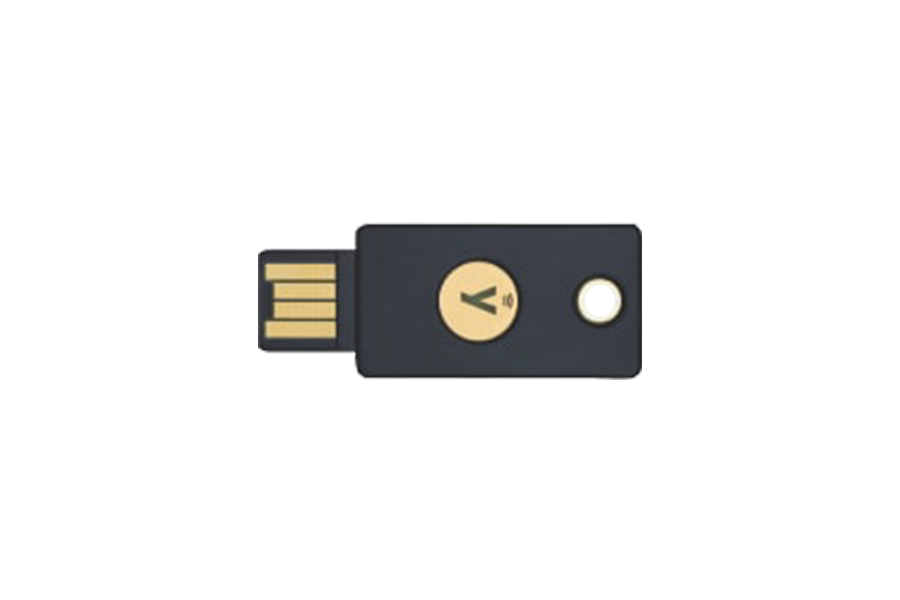
Image context: the cover uses a real Wikimedia Commons photograph of a YubiKey 5 NFC. SOPS does not require this exact device, but the image is editorially relevant because SOPS migrations fail less often on YAML syntax than on decryption authority: age identities, KMS policies, PGP material, cluster-held private keys, and break-glass access are the operational center of the story.[1][4][7]
The core move: encrypt values, preserve structure
The best reason to adopt SOPS is that it keeps the shape of a secret file visible. Its documentation says that, by default, SOPS encrypts values in YAML or JSON while leaving keys in clear text; it can also use suffixes or regex rules such as --encrypted-regex '^(data|stringData)$' for Kubernetes Secret manifests.[1] That design is quietly important. A reviewer can still see which secret object changed, which key name was added, and whether the file belongs in the expected path. They should not see the password, token, private key, or certificate body.
That property distinguishes SOPS from two common bad alternatives. Plain Kubernetes Secret manifests in Git are reviewable but exposed. Fully opaque encrypted blobs protect content but erase too much operational context. SOPS occupies the middle: enough structure remains for code review, ownership, diffing, and policy checks; the sensitive values remain encrypted.[1]
The internal protocol reinforces that boundary. SOPS generates a random 256-bit data key for a file, then asks configured master keys to encrypt that data key; the encrypted key material is stored in SOPS metadata.[1] In practical terms, the file travels with enough metadata to be decrypted later, but only by principals that can unwrap the file key through AWS KMS, GCP KMS, Azure Key Vault, HashiCorp Vault, age, PGP, or another configured mechanism.[1]
This also explains why .sops.yaml should be treated as part of the system design, not as a convenience file. The docs define it as the configuration file SOPS searches for in the current directory and parents; it can hold creation_rules, path matching, key identities, and encryption selection rules.[1] A mature rollout should therefore make .sops.yaml boring, reviewed, and centrally owned. If every team invents its own rule set, encrypted Git secrets turn into local folklore.
Decide key authority before migrating files
The first migration decision is not file format. It is key authority. Age is attractive for small teams because SOPS can use age recipients, read age identity files from standard paths, and update encrypted files when recipients change.[1] Cloud KMS is attractive when the team already has identity, audit, and rotation patterns in AWS, GCP, or Azure. Vault fits teams that already operate Vault as a real control plane rather than as a symbolic compliance object.[1]
The failure mode is mixing these paths casually. If a repository accepts several age recipients, a broad cloud KMS policy, and a forgotten PGP key, the decryption set becomes harder to reason about than the original secret sprawl. SOPS supports multiple mechanisms, but support is not the same as governance. The adoption plan should name one default key authority per repository class and explain exceptions in reviewable text.[1]
A useful pattern is to separate three roles:
- Human editors who can decrypt and edit a narrow set of files.
- Automation that can decrypt in CI or during GitOps reconciliation.
- Break-glass authority that can recover or rotate access without granting daily operators permanent broad decryption rights.
SOPS gives the file-level machinery. The organization still has to supply IAM boundaries, age-key custody, KMS grants, emergency procedure, and logging. If that sounds heavier than the file encryption itself, that is the right instinct. In secret management, the encryption command is the easy part.
GitOps decryption is a deployment boundary, not a magic wand
Flux's SOPS guide shows the common GitOps path: encrypted Kubernetes secrets can be stored in Git and decrypted by controllers using OpenPGP, age, or cloud KMS during reconciliation.[4] That is powerful because it keeps deployment input reviewable while allowing the cluster to receive native Kubernetes Secret objects. It is also a sharp boundary: the controller or cluster now holds decryption capability, and that capability deserves the same care as any production credential.[4]
Kubernetes encryption at rest solves a different problem. The Kubernetes documentation explains that API data such as Secrets can be encrypted when written to storage, and that already existing objects may need to be rewritten so encryption applies to them.[5] It also describes key rotation as a multi-step control-plane operation.[5] That layer protects data inside the cluster backing store. It does not protect a Git repository that already contains plaintext secrets, and it does not decide who should be allowed to decrypt files before applying them.[5]
External Secrets Operator marks the other major route. Its repository describes a controller that reads from external services such as AWS Secrets Manager, HashiCorp Vault, Google Secrets Manager, and Azure Key Vault, then injects values into Kubernetes Secrets.[6] That is often a better fit when the external store is already the durable source of truth, secrets rotate outside Git, or applications need a runtime sync model rather than a repository-reviewed value file.[6]
So the adoption question should be explicit:
- Use SOPS-first Git secrets when the secret belongs with reviewed deployment manifests, changes through pull requests, and benefits from visible structure.
- Use External Secrets-style sync when an external manager owns the truth and Git should only contain references.
- Use Kubernetes encryption at rest as an additional cluster-storage control, not as a replacement for either source-of-truth decision.[4][5][6]
A migration order that keeps risk visible
Start with inventory. List every plaintext secret file, every CI variable that reconstructs secret material, every Helm values file with credentials, and every generated Kubernetes Secret. Classify each as Git-owned, externally owned, or temporary migration debt. If a value rotates hourly or belongs to a central enterprise vault, pushing it into SOPS may add process without adding clarity.[6]
Then choose the repository rule. Put .sops.yaml at the repo root, define path-scoped creation_rules, and decide whether Kubernetes files should encrypt only data and stringData or encrypt broader value sets.[1] The default should be boring enough that a reviewer can predict the result before running SOPS.
Next, migrate one service boundary rather than the whole organization. Pick a deployment with clear owners, a small number of secrets, and a known rollback path. Commit the encrypted file, remove plaintext history from active branches where practical, and make CI fail if a matching path contains unencrypted secret-looking content. Do not declare success until a fresh clone, a new developer machine, and the GitOps controller can all decrypt through the intended path.
After that, rehearse rotation. SOPS has commands such as updatekeys for syncing recipient changes and rotate for generating a new data encryption key and reencrypting values.[1] The team should practice removing a departing human, replacing an automation principal, and recovering from a lost local age key. If those actions are unclear, the migration has only moved the risk into a prettier file.
Finally, set an expiration review. Encrypted Git is still Git. Old branches, forks, pull-request caches, CI artifacts, and local clones can preserve encrypted material indefinitely. That is acceptable only if the decryption authority is governed more tightly than the ciphertext distribution.
Where SOPS fits best
SOPS fits teams that already review infrastructure changes, understand repository ownership, and want secret diffs to stay meaningful. It is especially good for Kubernetes manifests, Helm values, small service config files, Terraform-adjacent inputs, and environment files where the structure itself carries operational meaning.[1][4]
It fits less well when the team expects it to provide runtime leasing, dynamic database credentials, application-level secret reloads, access brokering, or central secret discovery. Those are secret-manager functions. SOPS can participate in those environments, but it should not be forced to become the manager of record when Vault, a cloud secret manager, or External Secrets is already doing that job.[6]
The clean adoption principle is this: SOPS should make a reviewed file safer without making secret ownership fuzzier. If adding SOPS leaves the team unable to answer who can decrypt, where rotation happens, which runtime receives the value, and how a secret leaves Git ownership, the migration is not finished. The tool has done its part; the operating model has not.
Sources
- SOPS documentation - encryption protocol, value-level encryption behavior,
.sops.yaml, creation rules, age identities,updatekeys,rotate, and encrypted regex controls. - GitHub API snapshot for
getsops/sops- repository stars, forks, open issues, default branch, and latest push timestamp used in this article. - GitHub releases for
getsops/sops- latest release tag and publication timestamp used in this article. - Flux guide, "Manage Kubernetes secrets with SOPS" - GitOps use of SOPS with OpenPGP, age, and cloud KMS.
- Kubernetes documentation, "Encrypting Confidential Data at Rest" - Secret API at-rest encryption, rewrites for existing objects, and key-rotation process.
- External Secrets Operator GitHub repository - controller model for reading external secret-manager APIs and injecting values into Kubernetes Secrets.
- Wikimedia Commons file page for the YubiKey 5 NFC photograph used as the article image.