Semaphore UI is easiest to evaluate when you stop asking whether it is "a CI/CD tool" and ask a narrower question: do you already have automation that works, but no good shared cockpit for running it? The project describes itself as a modern open-source web UI and API for automation with Ansible, Terraform/OpenTofu, PowerShell, Shell/Bash, and Python, written in Go and able to use SQLite, MySQL, or PostgreSQL.[1] That description matters because it does not start from a blank-platform fantasy. It starts from tools your team may already be running from terminals, cron jobs, jump hosts, and half-remembered wiki pages.
As of 2026-06-17T12:34:33Z UTC, the GitHub API reported 13,767 stars, 1,265 forks, 1,010 open issues, an MIT license, a develop default branch, and a most recent push at 2026-06-17T11:05:56Z for semaphoreui/semaphore.[2] Those numbers do not prove production fit. They do show a live OSS project with enough usage and maintenance pressure that adoption should be judged by operating shape, not by novelty.
The shape is the important part. Semaphore UI is strongest when a team wants to move repeatable operations out of one person's shell history and into explicit project resources: repositories, inventories, task templates, schedules, credentials, teams, logs, and runners.[1][3][4][5][6][7] It is weaker when the buyer secretly wants a full platform to invent deployment discipline on their behalf.
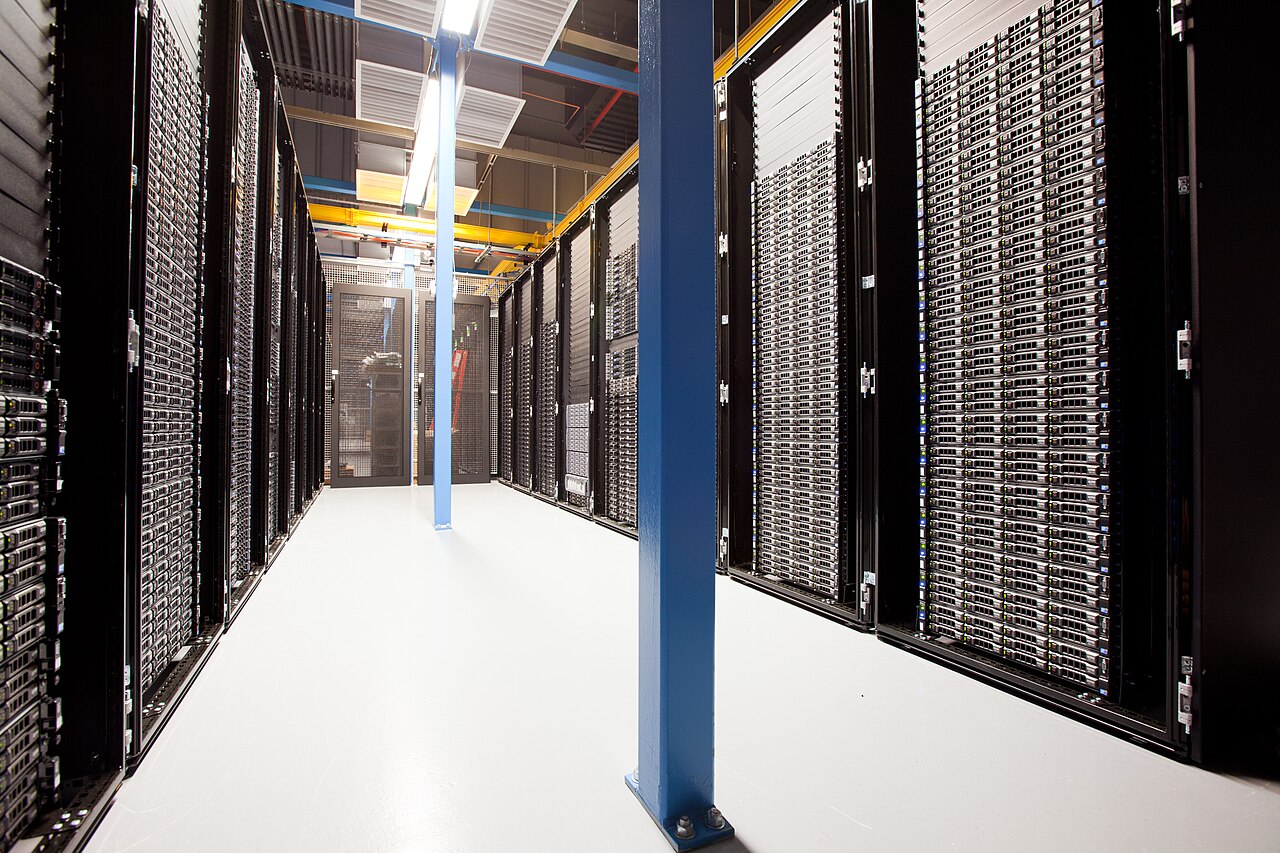
Image context: the cover is a real 2012 photograph of Wikimedia server racks. It fits this article because Semaphore UI's value is not abstract "automation." Its value appears when tasks touch concrete infrastructure: cloned repositories, inventories, runners, SSH keys, logs, schedules, and access-control decisions around machines that someone must be responsible for.[10]
The adoption case: make existing automation reviewable
The best first pilot is not a critical production deploy. It is a task people already run manually and already trust: refresh a staging service, run a maintenance playbook, rotate a small set of certificates, apply a low-risk Terraform/OpenTofu change, execute a reporting script, or run a backup verification command. Semaphore UI can then test one useful claim: can the work become repeatable without hiding how it runs?
The repository README gives the core model clearly. Semaphore can run Ansible playbooks, Terraform and OpenTofu code, Bash and PowerShell scripts; it can notify on failed tasks; and it can control access to the deployment system.[3] Its key concepts are also concrete: a project groups related resources and tasks; a task template defines reusable work; a task is one execution instance; schedules automate repeated execution; inventory describes target hosts; variable groups hold configuration and secrets.[3]
That vocabulary is why Semaphore UI is often a better fit for small and mid-sized infrastructure teams than another heavyweight pipeline stack. A 2022 independent DEV Community guide framed Ansible Semaphore as a straightforward alternative when a project needs something simpler than GitLab or Jenkins, while still giving playbooks a web interface and basic CI/CD-like flow.[9] The product has expanded since then, especially beyond Ansible, but the fit judgment still holds: Semaphore is valuable when the team wants one governed place to run already-understood automation.
The migration mistake is to import every script at once. Start with two or three templates that have stable inputs, clear owners, and visible success criteria. If the playbook needs six undocumented environment variables, fix that before it enters Semaphore. If the Terraform/OpenTofu directory lacks state-locking discipline, do not ask Semaphore to make it safe by putting a button on top. The tool can improve run control. It cannot rescue undefined automation.
Repositories and templates are the control boundary
Semaphore UI becomes useful only if repositories remain the source of truth. The repositories documentation says that, during project initialization, Semaphore searches for and installs Ansible roles and collections from requirements.yml across playbook and repository paths, with clear processing behavior and error handling.[4] That is a small detail with a large implication: the execution cockpit should pull declared dependencies from versioned automation, not become a place where operators manually re-create the real system.
Task templates are the second boundary. A good template should answer four questions before anyone clicks run: what repository and branch or revision is being used, which inventory is in scope, which variables or credentials are injected, and what kind of task is being executed. If those answers are not inspectable, the team has not gained governance; it has only replaced one command line with a web button.
This is also the natural place to separate operator convenience from review policy. Semaphore can make day-to-day execution easier, but code review should still live with the automation repository. Inventory changes, role upgrades, and Terraform/OpenTofu edits deserve the same review discipline they had before. The cockpit should execute reviewed artifacts. It should not become an unreviewed editing layer for infrastructure truth.
Runners decide the blast radius
Runners are the feature that makes Semaphore UI operationally serious. The docs describe runners as a way to execute tasks on a server separate from the Semaphore UI server: the runner connects to Semaphore, signals readiness, receives task information, clones the repository, runs Ansible, Terraform, PowerShell, or other commands, and sends results back.[5] That separation matters because it lets a team decide where execution authority lives.
The practical design question is simple: should this task run near the UI, near the target systems, inside an isolated subnet, inside a container boundary, or on a worker sized for heavier jobs? The runners page calls out two advantages directly: more secure execution, such as placing a runner inside a closed subnet or isolated container, and workload distribution across multiple servers.[5] That is the real adoption lever. You are not just adding a queue. You are deciding which network paths and credentials each class of task may touch.
The security details should shape the pilot. Runner registration uses tokens; runner data transfer uses asymmetric encryption, with keys generated when the runner registers; and the docs recommend HTTPS between server and runner, especially outside a private network.[5] Treat those as baseline design inputs, not afterthoughts. A runner that can deploy production is privileged infrastructure. It needs patching, monitoring, network policy, and a credential scope that matches the tasks it is allowed to run.
That leads to a conservative operating pattern. Use separate runners for low-risk maintenance, staging deploys, and production-impacting work. Keep production runners boring: fewer templates, narrower credentials, stricter network reachability, clearer logs, and no experimental scripts. If every task shares one all-powerful runner, Semaphore has not reduced risk. It has centralized it.
Security is a workflow, not a checkbox
Semaphore UI exposes enough security surface that a casual install should not become a shared operations hub by accident. The security docs list username/password, LDAP, and OIDC login options; TOTP-based 2FA; role-based access control; encrypted credentials and variables; runtime-only secret passing; HTTPS deployment; firewall and database restrictions; update discipline; and vulnerability reporting targets.[6] Those are useful controls, but they still need to be mapped to team behavior.
For a small team, the minimum bar is straightforward: enable HTTPS, require 2FA or SSO, give users the smallest useful role, keep credentials in the key store rather than in templates, and make every production-impacting template owned by a named maintainer. For a larger team, treat Semaphore like other privileged control planes. Access reviews, backup and restore tests, database patching, audit expectations, and runner inventory all belong in the operating model.
Logs deserve special attention. The task docs state that running and completed tasks expose status and logs, raw logs are available, and log retention is infinite by default unless configured through max_tasks_per_template or the matching environment variable.[7] Infinite retention can be helpful during early debugging and reckless once sensitive output accumulates. Before importing broad automation, decide what your tasks are allowed to print. A tool that centralizes execution also centralizes accidental leakage.
Schedules have a similar boundary. The schedule docs position the feature for routine automation such as backups, compliance checks, and system updates, and note that the default timezone is UTC unless configured otherwise.[8] That is exactly the kind of feature teams wanted from cron, but with a UI and history. It also means mistakes repeat on schedule. Use schedules only for tasks that are idempotent, scoped, and observable. A manual runbook can fail once. A bad schedule can fail every night.
Where Semaphore UI fits, and where it does not
Adopt Semaphore UI when your team has a pile of useful automation that is too important to live on laptops but not complex enough to justify a custom platform. It fits especially well for Ansible-centered operations, small infrastructure teams, homelab-to-small-business environments, scheduled maintenance, controlled self-service tasks, and mixed automation shops that need Ansible, Terraform/OpenTofu, shell, and PowerShell to share one execution surface.[1][3][5]
It fits less well when the real need is source-code CI at large scale, hermetic build infrastructure, complex deployment orchestration, policy-as-code gates, multi-environment promotion with deep artifact provenance, or a managed enterprise automation platform with formal support commitments. Semaphore can sit near those systems, but it should not be forced to impersonate all of them.
The clean adoption rule is this: Semaphore UI should make an existing automation contract easier to run, schedule, observe, and delegate. If there is no contract yet, write that first. Define the repository, inventory, variables, owner, runner, credential scope, failure behavior, and log policy. Then put the button on it.
Read that way, Semaphore UI is not "just a web UI for Ansible" anymore, and it is not a replacement for engineering discipline. It is a practical cockpit for teams that already know what they want to run and need a better way to share the responsibility.
Sources
- Semaphore UI documentation, "Welcome to Semaphore UI" - project scope, supported automation tools, runtime platforms, database options, and navigation to admin/user surfaces.
- GitHub API,
semaphoreui/semaphorerepository metadata sampled on 2026-06-17 - stars, forks, open issues, license, default branch, and push/update timestamps. - GitHub repository,
semaphoreui/semaphoreREADME - project positioning, supported tools, failed-task notifications, access-control framing, and key concepts. - Semaphore UI documentation, "Repositories" - repository deletion constraints and Ansible role/collection
requirements.ymlprocessing behavior. - Semaphore UI documentation, "Runners" - remote execution model, registration flow, workload distribution, subnet/container isolation, encryption, and HTTPS guidance.
- Semaphore UI documentation, "Security" - authentication methods, 2FA, RBAC, encrypted key store, runtime secret passing, HTTPS, patching, and vulnerability response targets.
- Semaphore UI documentation, "Tasks" - task execution model, status/log access, raw log view, and configurable task-log retention.
- Semaphore UI documentation, "Schedules" - routine automation use cases, restart note, and UTC-by-default timezone behavior.
- Denis Gukov, "Simple CI/CD on Ansible Semaphore UI," DEV Community - independent small-project CI/CD framing and Ansible Semaphore interface overview.
- Helpameout, "Wikimedia Servers-0051 19.jpg," Wikimedia Commons - real 2012 photograph of Wikimedia server racks used as the article image source.