For a small magazine, adopting Scribus means deciding how an issue will leave the editor's computer. The open-source page-layout application gives a team control over text, photographs and print output, but a successful move needs two deliverables: a project another editor can revise and a PDF the print shop can accept. Testing both on one representative article makes a better starting point than rebuilding an entire back catalogue.[1][3][6]
There is a useful example in the PCLinuxOS Magazine layout guide. Chief editor Paul Arnote begins with shared specifications and templates, then explains how contributors should assemble their articles. The guide is an older account of an established workflow, not a reference for today's interface. Its lasting lesson is organizational: a magazine needs a common way to make pages before it needs more people making them.[1]
Begin with the awkward page
Imagine a three-person community magazine: one editor gathers copy, one lays out pages, and a third checks proofs. For its first Scribus issue, I would choose a finished feature containing the publication's ordinary difficulties—a long heading, a photograph with a caption, and text continuing onto another page. Keep the previous PDF beside it as a visual reference, and retain the old editable project while evaluating the replacement.
Scribus places text inside frames, which can be linked so a story continues through successive columns or pages. Its documentation recommends ODT when importing text with paragraph styles, provided the author has actually used styles in the word processor. It also warns against expecting good table imports through that route.[2] A contributor's deliberate “Body” and “Heading” styles therefore give the layout editor more to work with than a manuscript assembled from repeated manual formatting.
For the trial, define the small set of styles the magazine really uses: headline, body, caption and byline. Import the feature, inspect those assignments, and check where the last paragraph ends. A table or a complicated sidebar deserves its own trial. These are proposed adoption steps, not a claim that every document will transfer automatically. The aim is to discover how much rebuilding the publication's actual material requires.
Make the editable issue travel
A page that opens correctly on its creator's computer has passed only the first test. Photographs may be linked from folders outside the project's directory; a second editor may also lack the fonts that made the first layout fit.
File → Collect for Output addresses this handoff. Scribus saves a copy of the document with copies of its images in the chosen directory, and can include fonts and colour profiles. Image references in the collected document are updated to the new location. The manual also notes a subtle consequence: after collection, the open document is this new copy. Subsequent edits belong there.[3]
Send the whole collected directory to the second editor, respecting any restrictions on distributing the chosen fonts. Have them open the .sla file, inspect the photographs, and export a proof. Compare the headline breaks and the final lines of each story. Moving just the .sla out of that directory can separate it from the resources it needs; gathering a project is useful only if the package stays together.[3]
For this small team, assign one person to incorporate final corrections and name each handoff clearly. Keep a separate backup of the package. Collect for Output gathers dependencies; the team still has to decide which revision is authoritative and preserve earlier work.
Give warnings a destination
Scribus's Preflight Verifier can flag missing images, missing glyphs, overflowing text and image-resolution problems. Its checks depend on the selected output profile, so configure it for the intended export. A check against one PDF target does not establish suitability for every other target.[4]
Overflow is particularly revealing. A story can look tidy on the page while its ending sits beyond the last frame's capacity. A font change can alter character widths and produce that overflow without anyone adding a word. The verifier can take the editor to the affected object; the editorial decision is then whether to cut copy, change the layout or continue the story elsewhere.[4]
Photographs need another kind of attention. Scribus's export guidance recommends around 300 pixels per inch for press photographs, while distinguishing commercial printing from office-printer output.[5] The relevant quantity is the resolution at the placed size. By simple arithmetic, a 1,800-pixel-wide photograph supplies 300 pixels per inch at six inches wide and 150 at twelve. Enlarging its frame cannot supply the missing detail.
Let the printer specify the PDF
Before settling the template, obtain the print shop's requirements for finished size, binding, bleed, colour handling and PDF format. Bleed extends edge-to-edge artwork beyond the intended cut, giving trimming some tolerance. As one concrete example, Books and Catalogues requests 3 mm of bleed, single interior pages and no printer marks; it performs the page arrangement for the press itself. Those are that supplier's instructions, not settings to impose on every shop.[6]
The same principle governs colour. Scribus's PDF/X-3 documentation explains a workflow using colour profiles and potentially leaving RGB-to-CMYK conversion until the printer's processing stage. It explicitly makes cooperation with the printer part of that workflow.[7] Meanwhile, the supplier above specifies PDF/X-1a for its own intake.[6] Choosing a standard by name alone misses the practical question: what does this printer expect to receive?
Use Scribus's PDF export, then inspect the exported file itself. Check page order, the last lines of stories, captions and edge artwork, and ask the printer to assess a representative sample before committing the full issue. A technically acceptable PDF still needs proofreading and an agreed proof; a clean preflight report cannot decide whether the wrong photograph illustrates an article.
This approach suits a small team with someone willing to own layout and learn the printer's requirements. A publication that must exchange editable layouts continuously with an outside production department should test that requirement first. The adoption decision becomes concrete when a second editor can reopen the package, make a correction, and produce a PDF the printer accepts. That is the moment the next issue has a workable route to paper.
Sources
- Paul Arnote, Scribus Layout Guide for PCLinuxOS Magazine — an independent magazine editor's account of templates, roles and article assembly.
- Scribus documentation, “Working with Text” — frames, linked stories and styled ODT imports; Version16x documentation in the community mirror of the project repository.
- Scribus documentation, “Collect for Output” — copied resources, optional fonts and profiles, rewritten image references and the active document copy.
- Scribus documentation, “Printing Tools (1)” — Preflight Verifier profiles, missing resources, glyphs, overflow and resolution checks.
- Scribus documentation, “PDF Export Targets” — distinguishing press, office-print and screen output, including photograph resolution.
- Books and Catalogues, “How to prepare your files for print” — one print supplier's specifications for bleed, page delivery and PDF export; checked November 8, 2026.
- Scribus documentation, “PDF/X-3” — printer cooperation, colour profiles and the intended output condition; cited for this workflow, not its historical feature-roadmap notes.
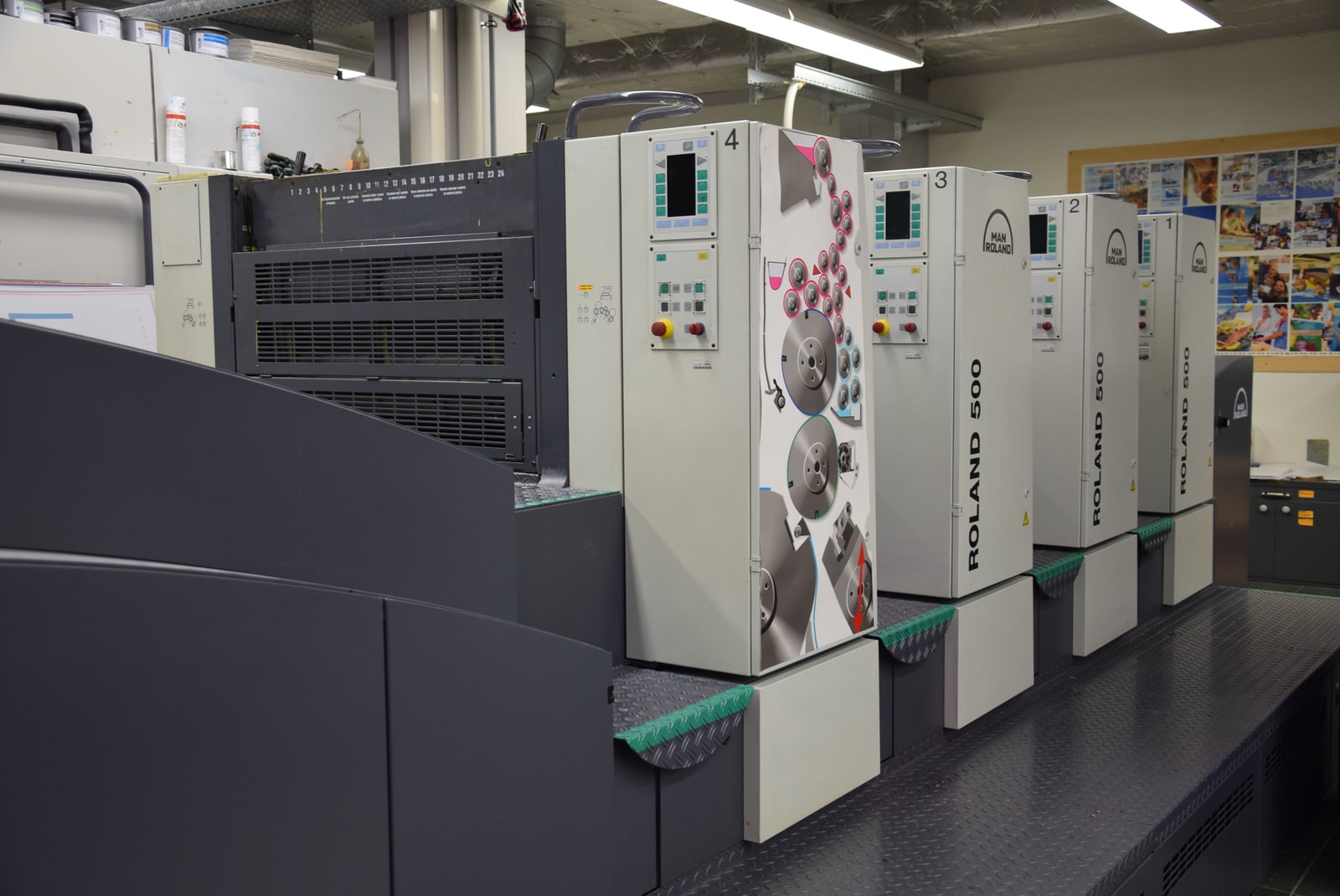
- Romain Salomon, “Offset press,” June 19, 2017 — photograph of an offset press at Eracom, Lausanne; Wikimedia Commons, CC BY-SA 4.0.