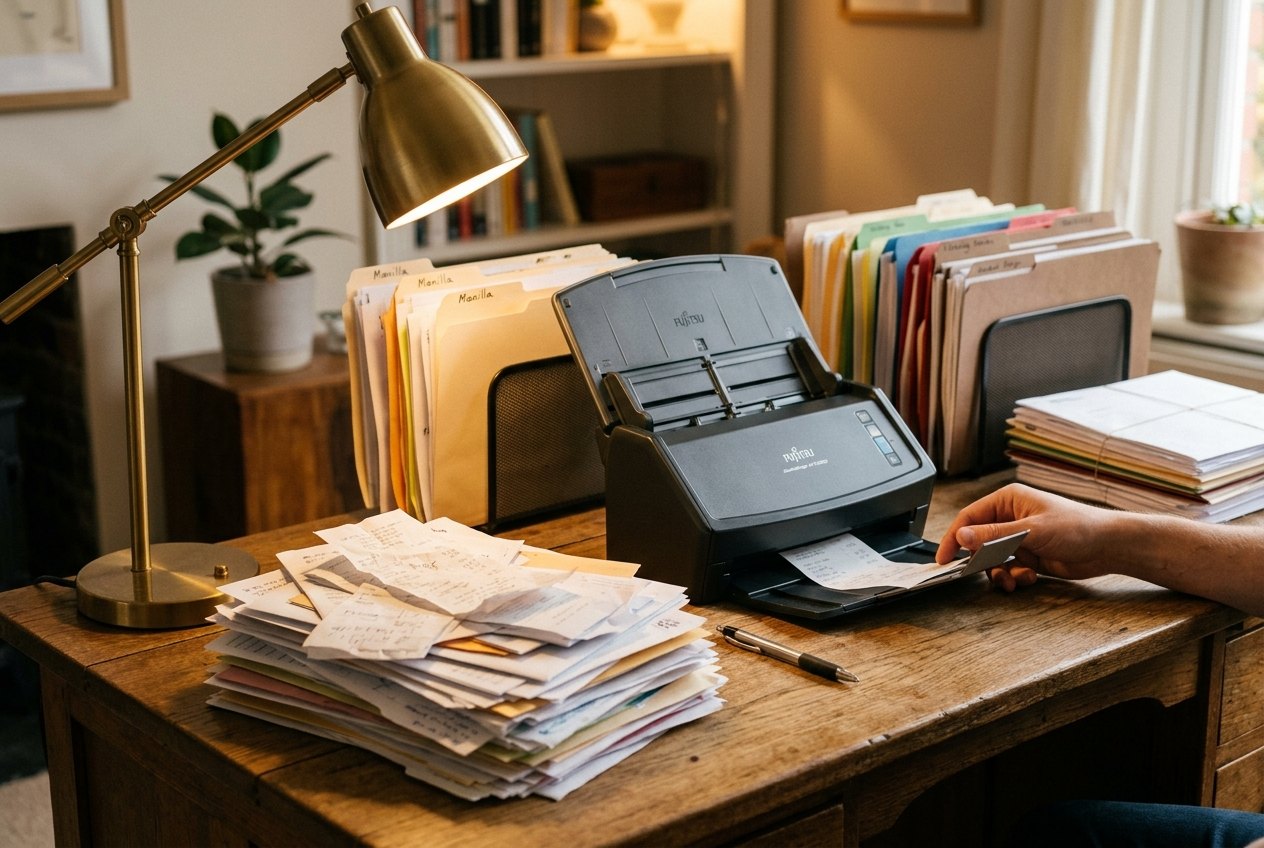
Paperless-ngx is easiest to sell as a private Google Drive for paper. That is also the easiest way to adopt it badly. The project describes itself as a document management system that turns physical documents into a searchable online archive, and its repository is explicit about the sensitive nature of the material people scan: tax records, invoices, identity documents, insurance papers, medical paperwork, leases, warranties, and the rest of household or small-office life.[1]
The adoption thesis is narrower than "go paperless." Paperless-ngx works when the inbox becomes a controlled workflow: capture documents, consume them into Paperless, run OCR or text extraction, attach enough metadata to make retrieval reliable, keep originals and archive files recoverable, then prove that the whole archive can be exported and restored.[2][3][4] If the plan stops at "drop PDFs in a folder," the system will decay into another unowned pile.
As of 2026-05-31T03:03:18Z UTC, the public GitHub API reports 41,764 stars, 2,769 forks, 6 open issues, a latest push timestamp of 2026-05-31T01:19:32Z, and a GPL-3.0 license for paperless-ngx/paperless-ngx.[5] The release surface is active too: GitHub listed v2.20.15 as a stable release published on 2026-04-27 and v3.0.0-beta.rc1 published on 2026-05-05.[6] Those numbers do not prove Paperless-ngx is right for your records. They do show that an adoption decision is about operating a live project, not rescuing an abandoned script.
Start with the capture boundary
The first migration choice is not database, OCR language, or mobile client. It is the boundary between "not yet filed" and "filed." Paperless-ngx's basic usage docs describe a consumption directory: files placed there are consumed, removed from that incoming area, and stored inside Paperless-ngx according to the configured storage and path settings.[3] That is a different model from pointing an indexer at an existing folder tree and leaving everything in place.
That difference matters. A shared folder lets people postpone decisions forever. A consume folder forces a handoff. Once a file is consumed, Paperless-ngx owns its document record, extracted text, correspondent, document type, tags, dates, storage path, and archive file. The operational question becomes: who is allowed to feed the consume directory, and what quality bar must a scan meet before it crosses that line?
A workable rollout starts small. Pick one stream with a clear owner: monthly utility bills, insurance letters, receipts over a dollar threshold, signed contracts, or incoming mail for one household. Do not start by bulk-importing a decade of everything. A small stream lets you test scanner settings, file naming, OCR language, document types, and tag habits before you create thousands of wrong records.
The local capture mechanics should be boring. A scanner, phone app, multifunction printer, email rule, or watched folder can all work, but the handoff needs a single rule: only documents ready to be archived go into the consume lane. Drafts, working copies, photos of envelopes, and incomplete multi-page scans should stay outside until corrected. Paperless-ngx can automate a lot after ingestion; it cannot reliably infer that page two never made it through the feeder.
OCR is necessary, but metadata is the real retrieval layer
Paperless-ngx uses OCR and text extraction so that scanned documents become searchable instead of image-only PDFs.[1][3] That is the emotional payoff: type a phrase from a warranty, bill, bank letter, or policy, and the archive answers. But full-text search alone is not enough for durable retrieval.
The project model includes correspondents, document types, tags, dates, saved views, and matching behavior.[3] Those are not decorative fields. They are the retrieval layer that keeps the archive useful when memory fails. "Find the tax form from last spring" should not depend on remembering a filename. It should work through year, correspondent, document type, tag, and search text together.
Tags are especially easy to abuse. The usage docs frame labels as more powerful than folders because one document can carry multiple tags.[3] That power is useful only if the tag set stays small enough to remember. A household or small team does not need separate tags for every merchant, every folder name, and every possible topic. It needs stable retrieval axes: tax, medical, insurance, warranty, vehicle, property, receipt, contract, and maybe a few project tags with clear retirement rules.
The migration pattern is to seed structure, then let automation earn trust. Start with a limited set of correspondents, document types, and tags. Import a few hundred representative documents. Correct matches. Then re-run matching or bulk edits as the docs describe for applying new correspondents and tags to already imported material.[4] The goal is not perfect machine classification. The goal is a system whose mistakes are visible, fixable, and less costly than manual folder sorting.
Treat configuration as operations, not decoration
Paperless-ngx's configuration page is long because document archives sit at the intersection of file watching, OCR, storage, task processing, email ingestion, languages, and post-consume hooks.[2] That breadth is a warning. A production-ish Paperless-ngx instance is not just a web UI.
At minimum, operators should decide five settings families before bulk import. First, consumption behavior: where documents arrive, what file types are allowed, and whether filesystem events work reliably enough in the chosen container, NAS, or VM environment.[2][3] Second, OCR policy: language defaults, skip behavior for digital documents that already contain text, and how much processing time the archive can tolerate.[2][3] Third, storage: whether path templates will remain legible if Paperless-ngx is gone. Fourth, security: which host is trusted enough to store unencrypted sensitive documents, a risk the repository README states plainly.[1] Fifth, backup and export: how to prove recovery before the archive becomes authoritative.
The trusted-host point is not theoretical. Paperless-ngx is often used for documents that would be painful to leak: identity records, tax files, medical letters, property documents, client papers. The upstream warning says it should not be run on an untrusted host because information is stored in clear text, and that the safest pattern is a local server with backups.[1] That does not forbid encrypted disks, VPN-only access, reverse proxies, or careful VPS setups. It does mean "I found a cheap public container host" is not a serious default.
The heavier deployments also need dependency ownership. The repository and third-party coverage describe a stack around Python/Django, OCR, database-backed metadata, Redis-style task infrastructure, and optional document conversion pieces.[1][7] A small team can run that well, but only if one person owns upgrades, storage growth, logs, failed tasks, and restore drills.
Export is the migration safety valve
Every document system should be evaluated by its exit path. Paperless-ngx has an administration surface for a document exporter and importer; the docs describe exporting from one installation and importing into a new empty installation.[4] That is the safety valve that makes adoption less frightening.
Use it early. Before moving the archive of record, import a test batch, correct metadata, run the exporter, destroy the test instance, and restore into a clean one. Confirm that documents, archive files, metadata, users, and expected search behavior survive. That test is more valuable than any dashboard screenshot. It proves the archive is not just pleasant to use, but recoverable.
There is also a softer exit path: sane storage paths. If Paperless-ngx is configured so originals and archive files remain comprehensible on disk, then the organization is less trapped even if the application layer fails. This is not a substitute for database backup, because metadata matters. It is a resilience layer. The best archive is one where Paperless-ngx gives you fast retrieval, but the files themselves still make some sense to a human under stress.
A practical migration sequence
A conservative Paperless-ngx migration has six stages.
First, define the scope. Pick one document stream and one owner. If the owner cannot name what should be scanned, how long it should be kept, and how someone will find it later, the stream is not ready.
Second, build the capture lane. Choose scanner or phone capture settings, decide the consume directory path, and test multi-page documents. Incomplete scans are the fastest way to poison trust.
Third, create minimal metadata. Start with a short tag list, a few document types, and the top correspondents. Do not encode your entire folder tree as tags.
Fourth, import a representative batch, not the whole archive. Fifty to two hundred documents is enough to expose OCR language issues, naming mistakes, bad scans, and tag sprawl.
Fifth, run export and restore. If the restore is not understood, the archive is not production-ready.[4]
Sixth, only then widen the stream. Add email ingestion, mobile upload, household users, office scanners, or historical backfill after the workflow has survived normal use.
This is where Paperless-ngx is strongest. It is not a magic filing clerk. It is a well-maintained open-source archive system with a clear consume model, OCR-backed search, useful metadata primitives, active releases, and a real export path.[1][3][4][5][6] It rewards teams that turn filing into a habit. It punishes teams that outsource judgment to a folder watcher and call that digital transformation.
The right adoption question is therefore simple: can your team make one incoming document stream reliable? If yes, Paperless-ngx can become the durable center of a private document archive. If no, the better first step is not more software. It is deciding what "filed" means.
Sources
- GitHub,
paperless-ngx/paperless-ngxrepository README - project description, successor history, deployment notes, community model, and security warning. - Paperless-ngx documentation source, "Configuration" - configuration surface for consumption, OCR, storage, file handling, and operational settings.
- Paperless-ngx documentation source, "Basic Usage" - consume directory behavior, document metadata, tags, OCR/archive behavior, and email/document handling concepts.
- Paperless-ngx documentation source, "Administration" - document exporter/importer, bulk correction, matching, and administrative maintenance workflows.
- GitHub API snapshot for
paperless-ngx/paperless-ngx- stars, forks, open issues, latest push timestamp, and license at article creation time. - GitHub releases for
paperless-ngx/paperless-ngx- current release train, including v2.20.15 and v3.0.0-beta.rc1 as observed at article creation time. - Abhishek Kumar Mishra, "Paperless-ngx paired with a local LLM has made managing my documents so much easier," XDA Developers, October 12, 2025 - independent user-facing context on Paperless-ngx tagging and document-management appeal.