Before a model rocket leaves the table, it already contains a prediction: that the parts, their arrangement, and the selected motor will produce a particular flight. OpenRocket makes that prediction inspectable. This free, open-source desktop application connects a component model to simulated flight, letting a builder revisit the assumptions before carrying the rocket outside.[1][2]
The project is approachable without hiding all the interesting work. Installers are available for Windows, macOS, and Linux; on October 8, 2026, the official website offers version 24.12. Its advertised capabilities include six-degree-of-freedom simulation, which follows rotation as well as movement through space, and plots of flight variables.[1] For a newcomer, however, the most useful feature may be a much quieter one: the ability to replace an estimated part weight with a measured value.[4]
A drawing with something behind it
OpenRocket presents a rocket as a tree of components. Body tubes, fins, internal fittings, and recovery equipment have their own entries. Double-clicking a component opens its dimensions and material settings; a separate Comment tab can record why those values were chosen. The supplied A simple model rocket example provides a manageable starting point for exploring that structure.[3]
That organization makes an ordinary workshop question answerable. If the finished object is heavier than expected, which entries still describe catalog parts, and which describe the pieces actually on the table? A recognizable silhouette is only the beginning. Wall thickness and material matter even when the outside of the drawing looks unchanged.[3]
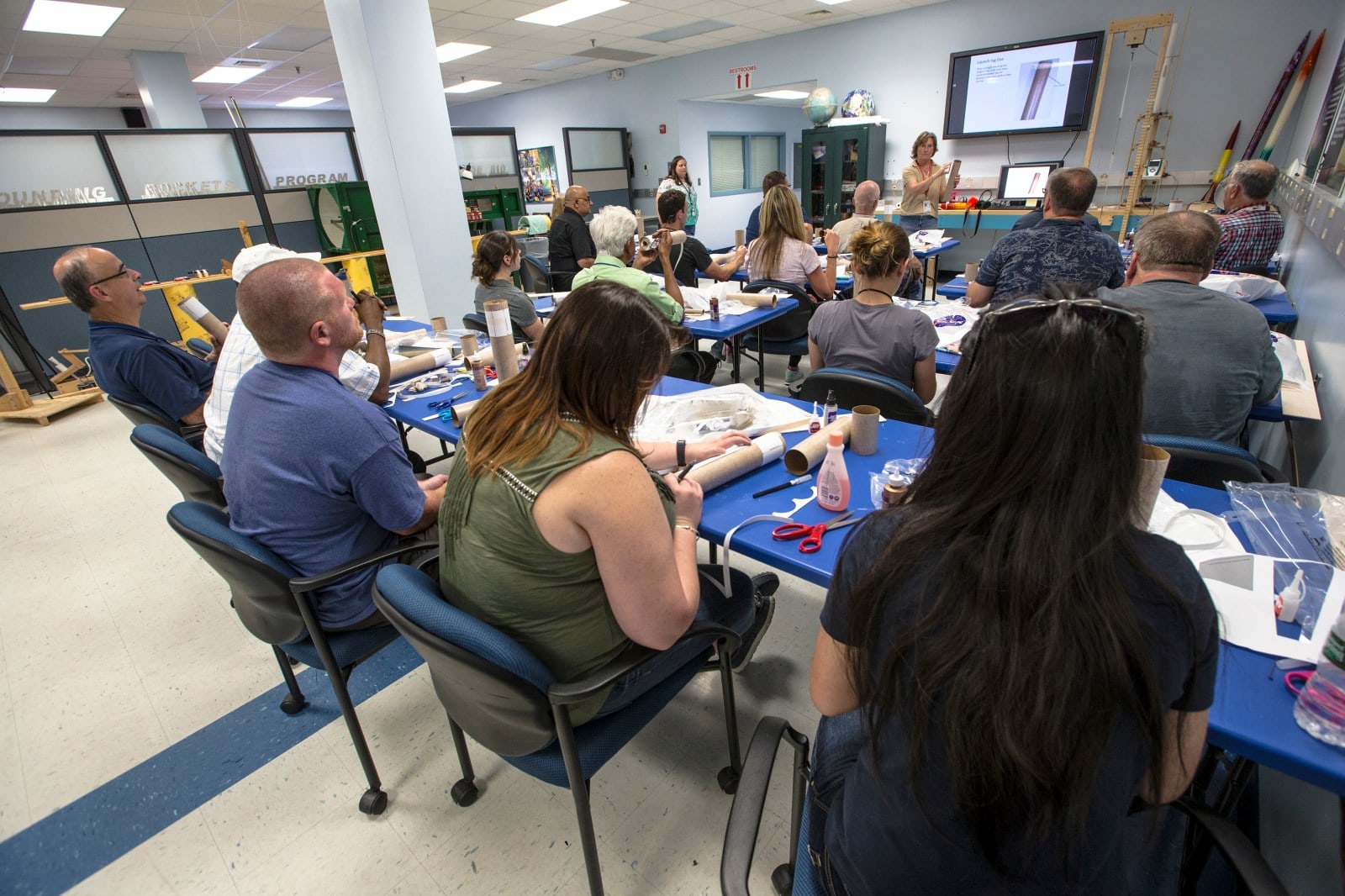
The photograph above shows teachers assembling model rockets at NASA Wallops in 2016.[7] It is a useful setting in which to imagine this workflow: the digital file belongs beside the physical parts, where someone can compare the two.
There is also a documented example beyond the project’s own demonstrations. In a 2021 account of Xyla Foxlin’s wood-veneered rocket, Hackaday reported that the OpenRocket design preceded the hurried physical build.[6] That sequence suggests a practical role for the software: keeping a design available for examination while the workshop introduces its own variations.
The model learns what was built
OpenRocket estimates mass from component information, including dimensions and material density. Glue and paint complicate that estimate. Its override controls let measured mass and center of gravity—the balance point—enter the model at component or assembly level.[4]
The scope matters: an assembly replacement must not count its parts a second time. OpenRocket’s subcomponent option controls that distinction. Its guide also warns that such overrides can change calculated rotational inertia, even when overall weight and balance match.[4]
This is the project’s most revealing lesson. A measurement improves a simulation when the software knows what was measured. A number from the scale needs a matching object in the component tree.
For a teaching group, that creates a useful division of work. One person can measure and record an assembly while another checks which components it contains. Disagreement becomes something they can locate in the file and on the bench.
Read the flight, including the return
The Flight Simulations tab allows several cases to sit alongside one another. A simulation refers to a configuration, commonly identified by its motor. Results include more than peak altitude: OpenRocket can flag insufficient speed leaving the launch guide, unsuitable parachute deployment timing, and excessive speed at ground contact.[5]
A flight includes departure, ascent, deployment, and descent. The warning list is incomplete, so a clean result cannot establish flight readiness.[5]
OpenRocket opens native .ork and RockSim .rkt files. Downloaded designs may contain overrides tailored to another rocket.[5] A familiar kit name still calls for checking the file against the object on the table.
An instructive first session is to preserve the supplied example, make a separate copy, and change one clearly identified assumption. Keep a note of the change and compare the outputs. The purpose is to learn which question each result answers before introducing several differences at once.
Keep the disagreement
After a real flight, a prediction and an observation may diverge. The project’s simulation guide identifies weather, motor variation, structural behavior, and mismatches between the modeled and actual rocket as possible causes.[5] A discrepancy deserves investigation before someone adjusts a setting simply to make two altitudes agree.
OpenRocket allows surface-finish and drag adjustments, but its documentation cautions that a drag coefficient inferred from one speed regime may mislead in another.[4] Matching one observation is a narrower achievement than demonstrating that a model generalizes.
For a hobbyist or a small club with experienced flight supervision, the software offers a shared place to maintain these questions. The operating commitment is modest but real: someone must keep the file aligned with the hardware and preserve the conditions associated with each comparison. A classroom can begin entirely with the included examples.
The source code is available under the GNU GPL, and the project welcomes documentation and example designs alongside programming contributions.[2] That openness makes the calculations and the teaching material available for scrutiny. My reading of OpenRocket’s appeal is that it gives a group something durable to improve between workshop sessions: a prediction whose assumptions remain visible.
Sources
- OpenRocket, official project website — desktop installers, version 24.12 offered on October 8, 2026, and simulation capabilities.
- OpenRocket contributors, project repository — source code, GNU GPL licensing, and contribution pathways; checked October 8, 2026.
- OpenRocket documentation, “Basic Rocket Design” — component structure, configuration fields, comments, and the included example.
- OpenRocket documentation, “Overrides and Surface Finish” — measured mass and balance, subcomponent overrides, rotational inertia, and limits of drag adjustments.
- OpenRocket documentation, “Basic Flight Simulation” — configurations, warnings, imported designs, and sources of disagreement with observed flights.
- Danie Conradie, “A High Power Wood Rocket In 5 Days,” Hackaday, May 23, 2021 — independent reporting on OpenRocket’s place in Xyla Foxlin’s build.
- Patrick A. Black, “Students and Educators Become Rocket Scientists for a Week at NASA Wallops,” NASA, June 13, 2017 — photograph and identification of the 2016 teacher workshop.