A disk that hesitates over one damaged patch poses a scheduling problem: how much time should a recovery program spend there while readable data remains elsewhere? GNU ddrescue answers by saving the easier material first and keeping a map of unfinished work. Its architecture makes a recovery attempt something that can continue, change direction, and accumulate useful results.[1]
The small text file beside the much larger disk image is central to that design. The image holds the bytes recovered so far. The mapfile tells the next run where work remains. Keeping both changes what it means to stop: an interruption can leave a useful starting point for another attempt.[1]
The map remembers unfinished work
A mapfile describes ranges by their starting position, length, and status. Its symbols distinguish untouched ranges (?), failed blocks awaiting trimming (*), blocks awaiting scraping (/), bad sectors (-), and successfully copied ranges (+). A separate status line records the current position, operation, and pass.[2]
Those distinctions matter because a failed large read does not establish that every sector inside it is unreadable. The algorithm can return with smaller reads. Treating the whole region as permanently lost would discard possibilities; treating it as entirely new would discard knowledge. The map preserves that intermediate state.[2]
The project also supplies ddrescuelog, which can inspect, compare, and manipulate mapfiles. Recovery state is therefore available to other tools and to the operator, beyond the progress display of a running process.[1]
A skipped region can be progress
In the 1.30 manual, recovery has five phases: copying, trimming, sweeping, scraping, and retrying. Copying seeks promising unread regions; trimming approaches failed blocks from edges adjacent to successful reads. Sweeping visits remaining areas skipped after errors. Scraping works through unresolved portions sector by sector; optional retry passes revisit bad sectors.[2]
This is a practical ordering of effort. An unread region remains an obligation recorded in the map, while the program has an opportunity to secure readable material elsewhere. Progress can therefore mean moving past an error rather than immediately reducing it.
Version 1.30, announced on January 4, 2026, sharpened that choice. Antonio Diaz Diaz replaced the former fifth copying pass with sweeping after trimming. The release also restricted the second copying pass and trimming to relevant boundaries beside already recovered data. The stated aim was better automatic handling of drives with a failed head.[3]
One small interface change carries a large consequence for old notes: -N now means --no-sweep; it previously meant --no-trim. A remembered command can therefore express a different recovery policy under 1.30. The release announcement is useful here as a description of changed behavior, without turning its particular recovery example into a promise for every damaged drive.[3]
The image needs its companion
By default, ddrescue preserves an existing output file and does not write replacement zeros over unreadable input regions. Later runs can fill gaps while retaining earlier successes.[1] Consequently, an unread region in a pre-existing destination can still contain old destination bytes. The mapfile is what distinguishes those locations from successfully recovered data.[2]
Consider the handoff to someone who receives only the image. A file may open, or a filesystem may mount, while uncertainty remains about particular ranges. The map provides a way to ask where acquisition succeeded before treating every byte in the output as evidence from the source. Keeping the image and map together preserves that question for the next person.
TestDisk's documentation makes the next division of work explicit: create a copy, then perform recovery work on the clone. Copying a damaged sector onto healthy storage cannot recreate the missing content. A recovered file that depended on those missing bytes may still be corrupt.[4]
Capacity also belongs to this architecture. TestDisk's example requires at least 1 TB of free filesystem space for a 1 TB disk image. A direct disk-to-disk copy needs a destination at least as large as the source, and nominally identical advertised capacities can conceal different actual sizes.[4] The output is a storage commitment before it becomes a browsable collection of files.
Acquisition is one stage of preservation
Tate's account of preserving software-based art shows where this narrow tool fits. The team used Guymager for routine imaging and ddrescue and dvdisaster for damaged media. Its setup also included write-blockers, suitable drive connections, and separate imaging reports recording the source device, tools, target format, and quality checks.[5]
That independent conservation account supports a modest reading of ddrescue's importance: a capable rescue engine becomes useful within an organized acquisition process. It does not identify an artwork's dependencies or decide whether the recovered software still behaves as intended. Tate treated emulation as a further stage, with its own report and checks against original hardware where possible.[5]
The University of Michigan Library describes a similar need for context in its work on Robert Altman's digital media. Staff photographed floppy disks, transcribed labels, created images, checked accessibility, and packaged the images with metadata and reports. Checksums helped track whether files changed during processing and transfer.[6]
For a small archive or technical team, that example suggests a manageable handoff: retain the source identifier, image, mapfile, tool version, and acquisition notes together. This is an inference from the documented workflows, not a claim that ddrescue creates a complete archival package. Someone must still inspect what was recovered and preserve the record of what was not.[1][5][6]
The useful result is more than a percentage on a terminal. It is readable data accompanied by enough evidence to continue the work. GNU ddrescue makes the next read a decision informed by the last attempt.
Sources
- GNU Project, “Ddrescue — Data recovery tool”—project overview, resumable copying, output behavior, and ddrescuelog.
- Antonio Diaz Diaz, GNU ddrescue Manual, version 1.30 (January 1, 2026)—algorithm, mapfile structure, and the meaning of unrecovered output regions.
- Antonio Diaz Diaz, “GNU ddrescue 1.30 released” (January 4, 2026)—sweeping, revised read boundaries, and reassignment of the -N option.
- Christophe Grenier, TestDisk documentation, “DDRescue: data recovery from damaged disk”—working on a clone, missing data, and destination capacity.
- Tom Ensom and Patricia Falcão, “Preserving Software-Based Art at Tate: From Research to Best Practices,” Electronic Media Review, volume 7—an independent conservation account of imaging tools, acquisition records, and emulation.
- Leigh Anne Gialanella, “Disk Imaging for Preservation: Part 1,” University of Michigan Library (January 19, 2018)—the Robert Altman media workflow, contextual documentation, and checksums.
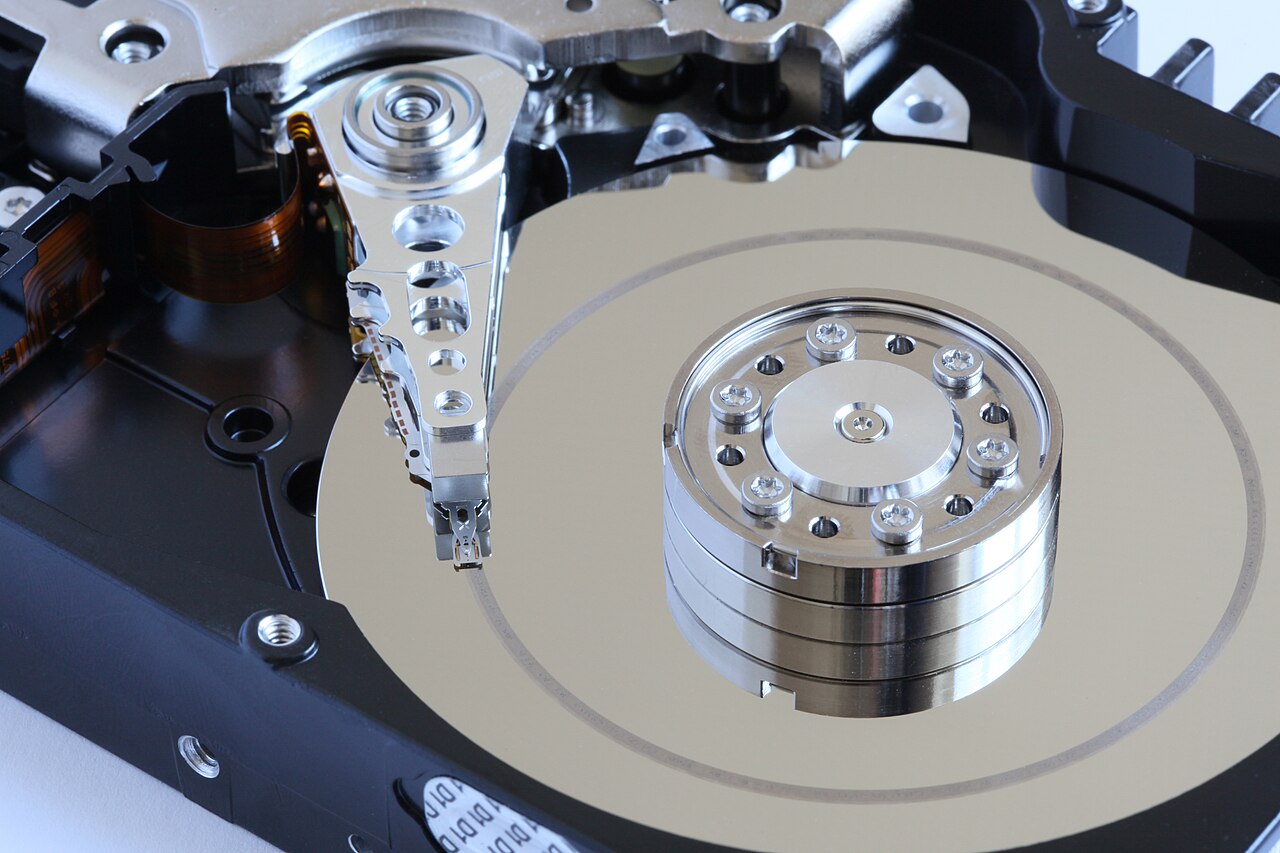
- Alchemist-hp, “Hard disk head crash” (September 12, 2009), Wikimedia Commons—original photograph and attribution.