marimo is best introduced as a notebook that refuses to treat execution order as a private ritual. Traditional notebook work often depends on what the user remembers: which cell ran first, which variable was overwritten, which output belongs to the current state, and which hidden object is still alive in the kernel. marimo's bet is that a Python notebook should behave more like a small reactive program. Cells declare names, other cells depend on those names, and the system keeps the graph honest when code changes.[1][3]
That makes marimo interesting for teams that like notebooks but distrust notebook drift. The project describes itself as a reactive Python notebook for reproducible experiments, SQL queries, scripts, apps, and Git versioning, with notebooks stored as pure Python.[1] Its public site sharpens the promise: a notebook can be Git-friendly, reusable as a module, executable as a script, shareable as an app, reproducible in execution and packaging, and still feel interactive enough for data work.[2] The important part is not that marimo has a nicer notebook UI. The important part is that it changes the contract around state.
As of 2026-06-26T08:34:19Z UTC, the GitHub API showed marimo-team/marimo with 21,595 stars, 1,147 forks, 651 open issues, an Apache-2.0 license, and a latest push at 2026-06-26T05:55:16Z.[7] The release feed listed 0.23.11, published on 2026-06-25, after 0.23.10 and 0.23.9 earlier in June.[8] Those numbers do not prove marimo is the right notebook for every group. They do show a live project where the design argument is being exercised in public, not only presented as a static manifesto.
The Core Idea Is Reactive Ownership
marimo's reactivity page makes the system boundary explicit. The docs explain that cells are run according to dependency structure, that deleting a cell deletes the variables it defines, and that variable mutations need discipline because mutation is not tracked like a new assignment.[3] A later rule is even more revealing: every global variable must be defined by only one cell so marimo can keep code and outputs consistent.[3]
This sounds restrictive until you name the failure it prevents. In a loose notebook, two cells can define df, a third cell can mutate df, a fourth cell can plot it, and the current output may depend on a sequence that exists only in the author's memory. marimo pushes against that by making ownership visible. If a cell defines clean_df, that cell owns the name. If another cell uses clean_df, the dependency is part of the notebook's execution graph. Change the upstream cell and dependent cells can rerun or become stale by design.[2][3]
The payoff is not theoretical purity. It is reviewability. A teammate should be able to open an analysis and ask ordinary engineering questions: where does this object come from, what depends on it, what changed when the upstream logic changed, and can the whole thing run from a cold start? marimo does not make every notebook automatically correct, but it removes a large class of invisible state mistakes from the default workflow.
Plain Python Changes The Review Surface
The second design move is storage. marimo's GitHub publishing docs state that marimo notebooks are stored as pure Python files, which works well with Git and the broader Python ecosystem.[4] The public site says the same thing in product terms: notebooks are .py files that can be versioned with Git, run as Python scripts, reused as modules, managed with uv and PEP 723 metadata, tested with PyTest, and integrated with developer tools.[2]
That is the part many teams should evaluate before they evaluate the interface. JSON notebooks can preserve rich outputs, but they tend to produce noisy diffs, awkward merge conflicts, and review threads where the code, output, and execution history blur together. A Python-file notebook moves the source of truth closer to the code review tools teams already use. The tradeoff is that rendered outputs may need to be exported or snapshotted when a reviewer wants GitHub-style visual preview.[4]
My inference from the docs is that marimo is not trying to abolish notebook artifacts. It is trying to split source from artifact more cleanly. The .py file is the editable program. Output snapshots, HTML exports, app deployments, and WebAssembly bundles are products of that program. That distinction is familiar to software teams, and it is exactly where notebook workflows often get muddy.
Scripts And Apps Are Not Afterthoughts
marimo also matters because it treats the path out of exploration as a first-class path. Its script guide says marimo notebooks can run at the command line like any other Python script, for example with python my_marimo_notebook.py; command-line arguments are available through sys.argv, and notebooks can also double as importable modules.[5] The public README and site both emphasize the same arc: edit interactively, run as a script, deploy as an app, or share on the web.[1][2]
This is the strongest project-introduction claim for engineering teams. Notebook work often begins as exploration and then gets copied into a pipeline, rewritten into a dashboard, or left behind as an unrepeatable analysis. marimo narrows that gap. A notebook that can run as a script can become a scheduled job. A notebook that can expose UI elements can become a lightweight internal app. A notebook whose functions can be imported can become a small library surface.[2][5]
That does not mean every marimo notebook should become production software. The boundary condition is important: production code still needs tests, data contracts, deployment discipline, secrets handling, and observability. marimo's useful promise is narrower and more practical. It gives teams fewer excuses to throw away the exploratory artifact and rewrite the same logic from scratch.
Interaction Belongs In The Graph
The project is not only about cleaner files. marimo ships a broad marimo.ui surface: sliders, tables, data explorers, date inputs, file uploaders, forms, tabs, chat interfaces, and integrations for plotting libraries.[6] The key behavior is that UI elements have values, and cells referencing those elements rerun with the latest value when the frontend changes.[6]
That is why marimo's reactive model fits notebooks so well. In many data notebooks, interactivity is bolted on after the fact. A slider changes something in a widget, a callback mutates state, and the reader has to trust that the output area still matches the current controls. In marimo, interaction is supposed to feed the same dependency graph as code. The value from a slider or table selection becomes an input to downstream cells, not a side channel outside the notebook's ordinary logic.[3][6]
For analysts, educators, and ML engineers, that matters because the notebook can remain explanatory while still being interactive. A parameter sweep, SQL filter, data-cleaning threshold, or model-evaluation slice can become a visible control. The reader can change it and see dependent computations update. The notebook becomes less like a static report and less like a hidden web app; it sits in the middle as an inspectable interactive program.
Where marimo Fits
marimo is a good fit when a team wants notebooks to survive contact with Git, code review, repeated execution, and lightweight deployment. Data science groups can use it to make exploratory analyses less stateful. Analytics engineers can use SQL and Python in one interactive document while keeping source in a Python file. Educators can build notebooks that react to student input without turning every lesson into a custom web app. AI and evaluation teams can keep prompt experiments, retrieval checks, and scoring scripts close to the code that generated them.[1][2][5][6]
It is a weaker fit when the main requirement is compatibility with a large existing .ipynb ecosystem, visual output previews directly inside GitHub, or institutional infrastructure built entirely around Jupyter extensions. marimo can convert and export, but the point of the project is not to be a drop-in clone of every notebook habit.[1][4] It asks users to accept a different state model, especially unique global definitions and clearer dependency ownership.[3]
Simon Willison's early read is still a useful outside summary. He called marimo a new twist on Python notebooks because changing a cell or input updates dependent cells, and he noted that the file format is a regular Python file that can also run as an application.[9] The article's framing matches the project docs: marimo is not merely a prettier editor. It is a notebook that tries to make the computational story harder to lie about.
The conservative adoption path is simple. Start with one analysis that currently causes review pain. Rebuild it in marimo with clear variable names, small cells, no cross-cell mutation surprises, and one or two UI controls that genuinely improve inspection. Run it cold. Review the .py diff. Export an HTML artifact if visual review matters. Then decide whether the graph discipline paid for itself. If it did, marimo has probably found its lane: not as "the notebook everyone must use," but as the notebook for work that should stay interactive while becoming more like software.
Sources
- marimo-team,
marimoGitHub repository - project description, license, README, public repository, and current release context. - marimo, "The future of Python notebooks is here" - project homepage describing reactive execution, pure-Python storage, scripts, apps, SQL, and developer tooling.
- marimo documentation, "Running cells" - reactivity model, dependency execution, cell deletion behavior, mutation caveat, and unique global-variable rule.
- marimo documentation, "GitHub" - pure-Python notebook storage, Git versioning, and output snapshot guidance for GitHub preview.
- marimo documentation, "Run notebooks as scripts" - command-line execution, importable modules, linter checks, HTML export, and command-line arguments.
- marimo API reference, "Inputs" -
marimo.uicontrols and reactive value behavior for interactive notebooks and apps. - GitHub API,
marimo-team/marimorepository metadata sampled on 2026-06-26 - stars, forks, open issues, latest push timestamp, and license. - GitHub API,
marimo-team/marimoreleases feed sampled on 2026-06-26 - recent release tags including 0.23.11. - Simon Willison, "Marimo," January 12, 2024 - independent technical note on marimo's reactive cells, regular Python file format, and app-running path.
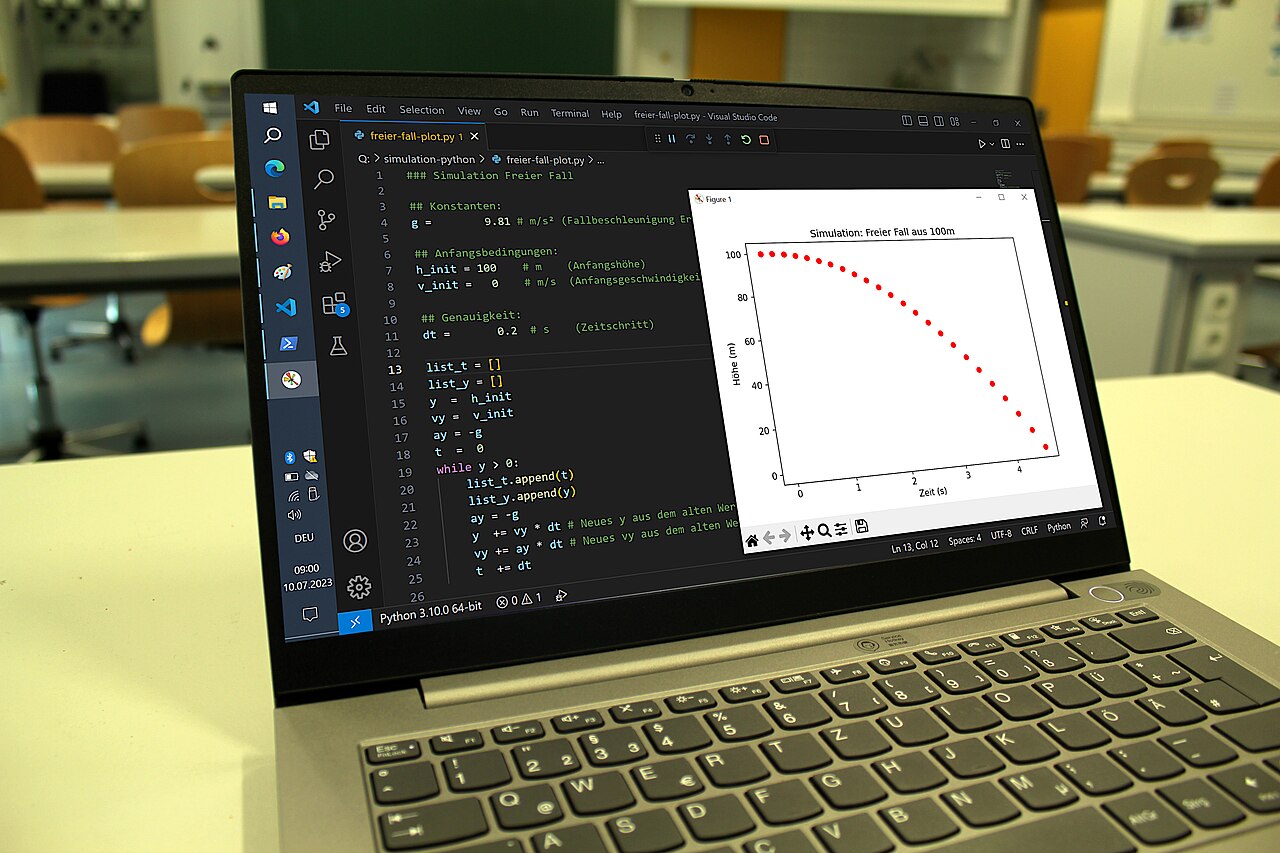
- MikeRun, "Lab-notebook-python-simulation.jpg," Wikimedia Commons - real 2023 photograph used as the article image source.