On February 20, 2016, Linux Mint's legitimate release did not have to be altered for users to receive a malicious operating system. The attackers changed a more convenient component: the website path that told a visitor where to fetch Linux Mint 17.3 Cinnamon. One normal click could lead to a modified ISO on an attacker-controlled host, while torrents and direct links to the legitimate files remained outside the affected path.[1][4]
That routing distinction is why the incident still deserves an engineering postmortem. The compromised object was not only a disk image. It was the release experience assembled from a content-management system, a download page, a destination URL, a checksum, mirrors, and the user's verification habit. Treating the ISO as the entire supply chain made the surrounding authority plane easy to miss.
The immediate lesson is sharper than “verify your downloads.” A digest can tell you that two files are identical. It cannot, by itself, tell you that the file was authorized by the project. If the same compromised page supplies both the file location and the expected digest, an attacker may be able to lie about both. Linux Mint's 2016 response, and the verification flow it documents now, make that difference unusually visible.[2][3][5]
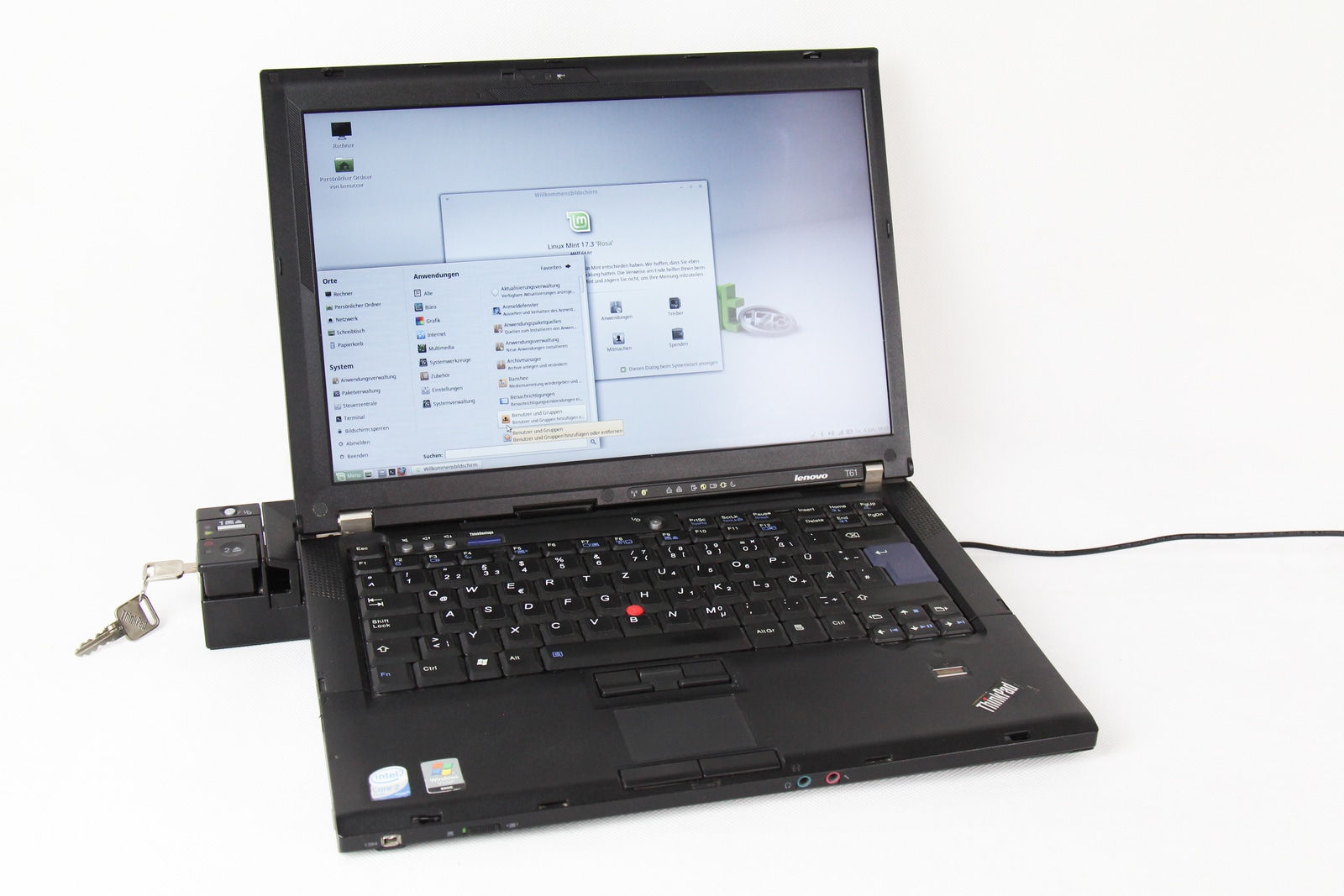
Image context: this June 2016 photograph shows Linux Mint on the kind of older personal computer the distribution could extend rather than replace. It does not show an affected machine or document the intrusion. It supplies the endpoint that a download diagram would abstract away: an ISO becomes a trusted base for passwords, files, network access, and every later package installed on the system.[6]
The first compromise was a routing change
Linux Mint project leader Clement Lefebvre's disclosure scoped the event tightly. As far as the team knew, the affected edition was Linux Mint 17.3 Cinnamon, and the dangerous window was February 20. Downloads of other releases and editions were not implicated. Neither were torrents nor direct HTTP links that bypassed the altered page. The official package repositories were also outside the reported compromise.[1][4]
The attack path began in the project's public web estate. In replies appended to the disclosure, Lefebvre said the attackers entered through WordPress and obtained a shell as the web-server account, www-data. Contemporaneous reporting described a malicious PHP redirect that sent visitors toward the substituted image.[1][4] This was enough. A download page has no compiler and signs no packages, but it exercises practical authority whenever users treat its links as the project's answer to “which bytes should I install?”
The recovery timeline exposed a second boundary failure. At 2:29 a.m. in the disclosure's comment thread, a user reported that download pages still led to a strange IP address and a PHP file. Lefebvre replied that this was a second attack, evidence that the site remained vulnerable, and shut the server down.[1] The project could not safely repair a live presentation layer while that layer was still capable of reasserting malicious state.
Only the 64-bit Cinnamon image was known to have been linked from the compromised page, although altered 32- and 64-bit images were found on the external server.[4] That distinction matters operationally: the existence of a malicious artifact does not establish delivery, and a compromised delivery route does not implicate every artifact in a repository. Incident scope has to follow observed paths rather than expand from fear.
The installer carried a small command channel
Kaspersky researchers obtained the modified images and examined the embedded malware. They found C source at /var/lib/man.cy; on first startup it was compiled to a program named apt-cache and executed. The name borrowed the appearance of an ordinary package-management command, but the program was an IRC-controlled Linux/Tsunami backdoor.[3]
The payload had four hard-coded command-and-control addresses. It could launch UDP and TCP floods, download arbitrary files, and execute arbitrary commands. While watching one available IRC channel, the researchers saw roughly 50 connected clients and observed commands probing SMB/CIFS shares with smbtree -N.[3] That count is a point-in-time observation from one channel, not a reliable total of compromised installations. It nevertheless confirms that the malicious ISO was more than a proof of concept.
This changed the remediation boundary. Deleting a suspicious ISO was sufficient only if it had never been booted. Linux Mint told anyone with the file to compare its MD5 value, and offered a second local indicator: boot the DVD or USB offline and look for /var/lib/man.cy. Anyone who had installed from the affected image was told to disconnect the computer, preserve personal data, reinstall or format the partition, and change sensitive passwords.[1]
Those instructions did not prescribe an ordinary package update because the package repository was not the source of compromise. Once an untrusted installer had initialized the machine, there was no clean in-place version transition that could prove every persistence point absent. Reinstallation restored a known base; password changes dealt with secrets the unknown system might have observed. The response matched the trust that had been lost.
The forum breach discovered in the same episode created a separate recovery track. The website and forum were taken down, and forum users were warned about exposed account data and password reuse.[4] An affected installer required host recovery. An affected forum credential required identity recovery. Collapsing both into “the Linux Mint hack” would hide two different inventories, owners, and closure tests.
An MD5 match answered the wrong question
Linux Mint's 17.3 user guide framed its MD5 step mainly as protection against a faulty download or disc. It instructed readers to run md5sum on the ISO and compare the result with the signature on the Linux Mint download page.[2] For accidental corruption, this is a sensible equality test: a changed file produces a different value.
The 2016 attacker model broke the origin of the expected value. Someone able to rewrite the page that selects the ISO may also be able to replace a checksum displayed on that page. Kaspersky's analysis made the limitation explicit: MD5 or SHA-256 alone is insecure in a website compromise if the attacker can change the published hash as well.[3] Moving from MD5 to a stronger digest would improve collision resistance, but it would not create an independent author.
The incident response worked partly because the expected values had escaped the compromised page. In the blog discussion, community members compared contradictory hashes, and Lefebvre pointed readers to a mirror carrying signed SHA-256 sums.[1] Duplication created evidence outside the first presentation path. Yet this was an emergency discovery mechanism, not a quiet default that every downloader could be expected to reconstruct at 3 a.m.
Linux Mint's current installation guide now separates two questions in plain language:
- Integrity: does
sha256sum -b yourfile.isomatch the digest insha256sum.txt? - Authenticity: does
gpg --verify sha256sum.txt.gpg sha256sum.txtconfirm that the digest list was signed by the Linux Mint ISO signing key?[5]
The guide also tells users to inspect the full key fingerprint and provides mint-iso-verify as a built-in path that performs the checks.[5] The detached signature changes the authority structure. A malicious CMS can still misdirect a visitor, and a compromised mirror can still serve bad bytes, but neither can produce a valid signature without the release key. The remaining problem is key discovery: a fingerprint learned only from the same compromised page is weaker than one already pinned in tooling or confirmed through another channel.
Recovery crossed three trust planes
The incident becomes easier to reason about when split into three planes.
The artifact plane contained the clean ISOs, the malicious copies, torrents, mirrors, and checksum files. Investigation here asked which exact files existed, where they were hosted, and how to distinguish them. Two malicious MD5 indicators recorded by Kaspersky—d945f9b959f76afe24f3a804fe316806 and 7d590864618866c225ede058f1ba61f0—were useful for identifying known bad images, not for proving every other image authentic.[3]
The authority plane contained the WordPress instance, filesystem permissions, download-page content, signing material, and the channels through which users learned a trusted key. The decisive failure lived here. The CMS could exercise release-selection power because its link was interpreted as authorization, even though it was only presentation.
The installed-state plane began when an ISO booted. Its inventory included USB sticks, discs, laptops, credentials entered after installation, reachable local shares, and any persistence the backdoor might have added. Hashes could classify retained media, but they could not certify a running installation clean. That is why the project's response crossed from file deletion to offline containment, reinstall, and password rotation.[1]
Each plane had a different closure test. Known malicious artifacts had to disappear from distribution. The website had to stop admitting the attacker and stop redirecting users. Installed hosts had to return to a trustworthy base. Credentials exposed through either the host or forum had to be replaced. “The correct ISO is back online” closed only the first sentence of that recovery.
Build the download path so the CMS cannot authorize a release
For a small project, the 2026 control set need not imitate a large distribution's infrastructure. It does need to prevent one editable web process from holding every proof a user relies on.
First, keep release objects and detached signatures on a static or separately administered service. The CMS may explain a release and link to it, but it should not be able to overwrite the artifact, its signed manifest, or the signing key. Write-once publication and narrowly scoped upload credentials reduce what a www-data-class compromise can change.
Second, sign a manifest offline or in an isolated signing service, then make verification the shortest supported path. A command such as mint-iso-verify is stronger operationally than a paragraph that assumes every reader will import a key, inspect a fingerprint, calculate a digest, and understand the difference between a good signature and a locally trusted identity.[5] Manual commands still matter for auditability and recovery, but the safe path should not depend on expert memory.
Third, publish the key fingerprint through channels that do not share one mutable origin: release tooling, package-installed keyrings, repository documentation, mirrors, and durable project accounts. Independence, not the number of copies alone, is the useful property. Five pages served by the same compromised account are one source.
Fourth, preserve enough delivery evidence to scope an incident. Redirect logs, immutable release manifests, mirror synchronization records, and exact publication times help answer who could have followed the affected route. Small volunteer teams may not retain detailed user telemetry—and often should not—but they can preserve changes to the release pointer and the digest of every published object.
Finally, rehearse the uncomfortable branch: the artifact installed successfully before the alert. The runbook should distinguish unbooted media, a live session, a completed install, credentials used afterward, and separate account systems such as forums. If a team cannot say which state requires deletion, isolation, rebuild, or credential rotation, its checksum instructions cover only the easiest case.
The durable lesson
The Linux Mint compromise did not demonstrate that mirrors or websites are inherently untrustworthy. It demonstrated that their roles must be explicit. A mirror transports bytes. A digest detects change. A signature binds a manifest to a key. A separately learned fingerprint helps bind that key to a project. A download page helps a person navigate. Trouble begins when the last role silently inherits all the authority of the others.
The incident was narrow in time and edition, and the project's public response narrowed it further with paths, hashes, a local file indicator, containment instructions, and candid updates as the second intrusion appeared.[1] That transparency made recovery possible. It also left a more durable design test for every open-source release: if the website lies, what independent evidence still tells a user which bytes the maintainers authorized?
If the answer is only another value copied from the same page, the release boundary still ends too early.
Sources
- Clement Lefebvre, Linux Mint Blog, “Beware of hacked ISOs if you downloaded Linux Mint on February 20th!”, February 21, 2016 — primary disclosure, scope, indicators, remediation, and incident updates in maintainer replies.
- Linux Mint, Official User Guide: Linux Mint 17.3 MATE Edition, 2015, preserved by the Internet Archive — contemporaneous download-integrity workflow based on comparing an ISO's MD5 value with the download page.
- Stefan Ortloff, Kaspersky Securelist, “Beware of Backdoored Linux Mint ISOs,” February 22, 2016 — independent payload analysis, command channel, observed activity, indicators, and checksum-authenticity limitation.
- Eduard Kovacs, SecurityWeek, “Linux Mint Website, Forum Hacked,” February 22, 2016 — independent contemporaneous account of affected delivery paths, malicious-image scope, website entry, and forum impact.
- Linux Mint Installation Guide, “Verify your ISO image” — current
mint-iso-verify, SHA-256 integrity check, detached GPG signature, and signing-key fingerprint workflow. - Maja Dumat, “ThinkPad T61 mit Linux Mint,” Wikimedia Commons — real photograph made June 4, 2016 and used as this article's image.