KiCad is easy to underrate if you file it under "free PCB editor." The better introduction is sharper: KiCad is an open-source EDA suite that turns a hardware design into a set of reviewable, repeatable release artifacts. A serious board is not only a drawing. It is a schematic, symbols, footprints, rules, libraries, a PCB layout, fabrication outputs, assembly files, mechanical exports, and enough metadata for another person to understand what changed before money is spent on copper.[1][2]
That is why KiCad matters beyond the hobby bench. The project describes itself as an open-source suite for electronic design automation, handling schematic capture and PCB layout with Gerber and IPC-2581 output, running on Windows, Linux, and macOS under GPL v3.[1] The current documentation broadens that frame: KiCad includes schematic capture, integrated circuit simulation, PCB layout, 3D rendering, plotting and data export to numerous formats, and a component library with thousands of symbols, footprints, and 3D models.[2]
For software teams used to Git, CI, review gates, and tagged releases, the important thing is not that KiCad has menus for drawing traces. The important thing is that a board can begin to behave like a source-controlled product. The schematic says what should connect. The PCB says where those connections physically live. The design rules say what is legal. The exports say what a supplier should manufacture. The command line gives teams a way to check and regenerate those artifacts without relying only on one engineer's desktop state.[4]
The project boundary is schematic to artifact
KiCad's own workflow language is useful because it distinguishes the layers that beginners often collapse. A schematic is a drawing of the circuit. A symbol represents a component or electrical concept. A footprint represents the physical copper and mechanical land pattern on the board. A PCB file is the physical implementation of the schematic. Plotting creates manufacturing outputs such as Gerber files, pick-and-place listings, and PDF drawings.[2]
That vocabulary matters in an open-source project because it makes the handoff inspectable. A firmware engineer can review the connector pinout in the schematic. A hardware engineer can review differential-pair constraints and return paths in the board. A mechanical engineer can check a STEP export against an enclosure. A manufacturing partner can consume Gerbers, drill files, position data, and drawings. KiCad is not magically turning hardware into software, but it is giving hardware design more of the repeatable artifact discipline software teams already expect.
Modern KiCad also hides less process glue than older EDA workflows. The docs note that early KiCad versions had separate schematic and PCB programs, with netlist files passed manually between them. In modern versions, the schematic and PCB editors are integrated through the project manager, and netlist files are no longer required in the normal workflow.[2] That is a practical adoption point. The easier it is to keep schematic intent and board implementation synchronized, the less often teams have to debug the tooling before they can debug the circuit.
KiCad 10 is a release-artifact upgrade
KiCad 10, released on March 20, 2026, is a good moment to look at the project because the release moved several professional workflow pieces forward. The release post says the version included hundreds of bug fixes and performance improvements since KiCad 9, and that KiCad 10 was built from 7,609 unique commits touching code and translations.[3] Those numbers do not prove a board will route itself. They do show an active release machine around a large desktop engineering tool.
The library work is even more revealing. KiCad 10 ships STEP files only for official 3D models, replacing a mixed model-format approach to reduce install size and improve consistency between visualization and exports. The project also reports 952 new symbols, 1,216 new footprints, 386 new 3D models, five new library team members in 2025, more than 78% of footprints generated from data, and median library merge-request processing dropping from three days to 18 hours despite 2,105 new merge requests in 2025.[3]
Those are governance and artifact-quality signals, not just feature trivia. PCB tools live or die on libraries. If symbols, footprints, and 3D models drift, the board can be electrically plausible on screen and physically wrong at assembly. Generated footprints and faster review cycles do not remove the need for engineer review, but they reduce the chance that every team has to maintain its own private pile of fragile land patterns.
KiCad 10 also adds features that make board intent easier to preserve across variants and review loops: design variants for multiple versions of one project, importers for Allegro, PADS, and gEDA/Lepton EDA, time-domain track tuning, design blocks extended to the PCB editor, pin and gate swap with forward and back annotation, and a graphical DRC rule editor compatible with the existing textual rule system.[2][3] The common thread is not novelty. It is that board state becomes easier to express as data rather than as memory in one designer's head.
Automation is the adoption hinge
The command line is where KiCad becomes especially interesting for open-source hardware and engineering teams. The KiCad 10 CLI can operate on footprints, jobsets, PCBs, schematics, symbols, and version checks. The docs give a direct example: kicad-cli pcb export gerbers example.kicad_pcb exports Gerber files from a board.[4] The same CLI surface includes PCB DRC, schematic ERC, 3D PDF, drill files, DXF, Gerber, IPC-2581, ODB++, PDF, position files, STEP, STL, SVG, VRML, XAO, and other export paths.[4]
That changes the operating model. A small team can treat a KiCad repository as the source of truth and generate release outputs from a tagged commit. A CI job can run schematic ERC and board DRC, fail when violations are present, produce PDFs for review, export STEP for mechanical fit checks, and package fabrication files for quoting. Human review still matters, especially for manufacturability and part availability, but the repeatable parts no longer have to depend on someone remembering the right dialog settings.
Jobsets push that idea further. The CLI can run predefined jobsets from a .kicad_jobset file, with controls for stopping on error and choosing output destinations.[4] That is the EDA equivalent of a release script. Once a project has agreed on what "release this board" means, the artifact list can be encoded instead of reconstructed.
Why CERN's library move matters
The ecosystem signal around KiCad is also improving. CERN's May 2026 announcement about open-sourcing its KiCad component library is important because it connects KiCad to institutional hardware practice rather than only community enthusiasm. CERN says its Design Office maintains a library of symbols and footprints with more than 17,000 electronic components, and that the complete KiCad component library is being released under an open-source license.[5]
The article's most useful point is broader than the number. CERN argues that open hardware needs access not only to software code and schematics, but also to open formats and ideally open-source tools.[5] That is exactly KiCad's strategic position. If a hardware design is published in a proprietary EDA format that most collaborators cannot open, the project is open in name but gated in practice. KiCad gives open hardware a more plausible shared editing surface.
Where KiCad fits
KiCad is a strong fit for open hardware projects, research labs, embedded startups, internal tools teams, education, maker-to-professional transitions, and companies that want board files to live in ordinary source control. It is especially attractive when the team cares about export reproducibility, transparent libraries, reviewable design files, and avoiding license cost as a barrier to collaboration.[1][5]
It is a weaker fit when the main problem is not PCB design but a vendor-specific enterprise EDA flow, deeply integrated PLM, proprietary constraint systems, or highly specialized high-speed workflows already built around other tools. KiCad 10 can import more external formats and has serious rule, tuning, library, and export machinery, but migration still deserves a pilot rather than a slogan.[2][3]
The conservative adoption path is simple. Start with one non-critical board. Put the project files, custom libraries, and release instructions in Git. Define DRC and ERC expectations. Create a jobset for PDFs, fabrication files, assembly outputs, and 3D exports. Lock the KiCad major version for the release branch because the documentation is clear that files saved by a newer major version are generally not openable by the previous major version.[2] Then tag the design only when the generated artifacts match the reviewed source.
KiCad's open-source value in 2026 is not that it makes hardware effortless. Good boards still require electrical judgment, mechanical constraints, supply-chain awareness, and manufacturing experience. Its value is that it lets more of that work become explicit: source files instead of screenshots, rules instead of folklore, generated outputs instead of hand-built zip files, and shared libraries instead of private tribal memory. That is what makes a PCB project start to look like a release.
Sources
- KiCad, "About KiCad" - official project overview, supported platforms, GPL v3 licensing, and Gerber/IPC-2581 output framing.
- KiCad Documentation, "Introduction" for KiCad 10.0 - workflow terms, components, migration caveats, and KiCad 10 feature overview.
- The KiCad Development Team, "Version 10.0.0 Released," March 20, 2026 - release highlights, commit count, library metrics, importers, variants, DRC, and PCB workflow additions.
- KiCad Documentation, "KiCad Command-Line Interface" for KiCad 10.0 - CLI subcommands, DRC/ERC, jobsets, Gerber export, and board export formats.
- CERN, "CERN's KiCad component library now open source," May 2026 - CERN's open-hardware rationale and release of a 17,000-plus-component KiCad library.
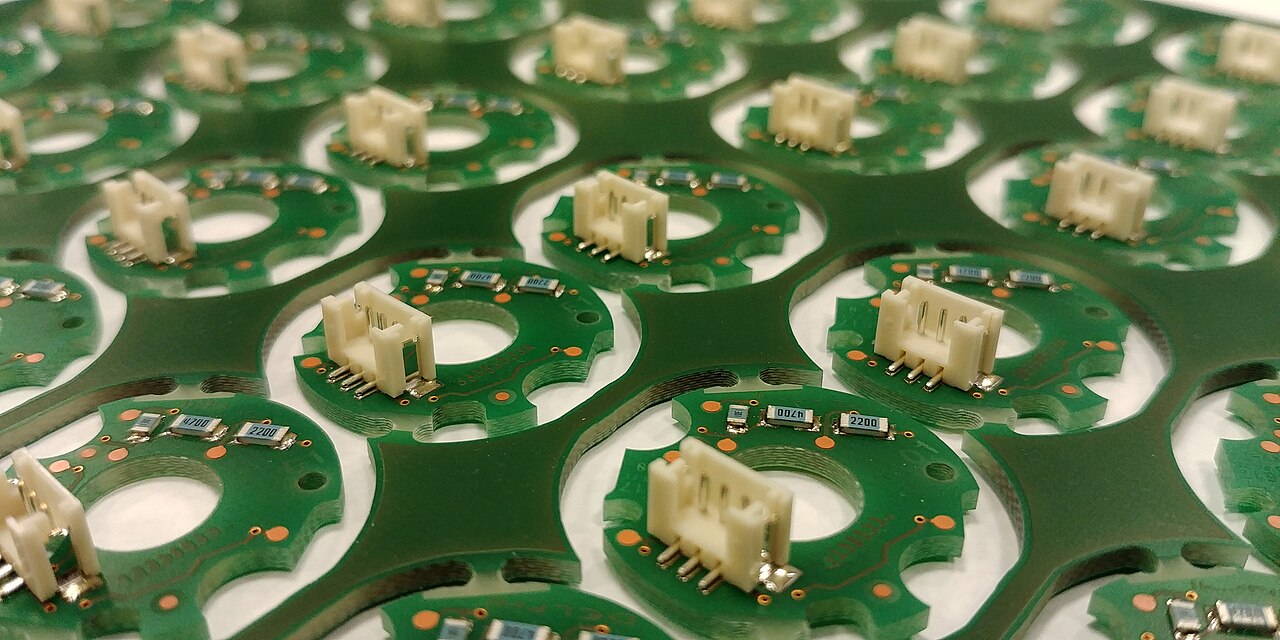
- Gabriela P., "Printed Circuit Boards in a sheet.jpg," Wikimedia Commons - CC BY 4.0 real photograph used as the article image.