
The fastest way to get confused by jq is to learn it as a bag of tiny tricks. One command prints a key. Another picks element zero. A third filters an array. That approach works for five minutes and then collapses as soon as the expressions become nested, because it trains you to read jq as a lookup utility instead of as a language.[1][2][3]
Ulrik Aabye-Hansen's MacSysAdmin 2025 talk is useful precisely because it starts with practical shell work and then, almost accidentally, exposes the deeper model.[1][4] The session is pitched at administrators working with API output from Apple Business Manager, Jamf Pro, and Microsoft Intune, but the durable lesson is broader than Apple fleet work.[1][4] Once the commands move past .[0] and single-field extraction, the talk keeps returning to the same underlying idea: jq is built from filters that take input, produce output, and can emit more than one result from the same JSON value.[1][2]
The official manual states that point directly. A jq program is a filter; filters can be piped together or collected into arrays; some filters produce multiple results; and iteration in other languages is often just filter composition in jq.[2] That is the frame that makes the talk click. My inference is that jq becomes much easier the moment you stop reading it as "find me this field" and start reading it as "send this JSON value through a sequence of transformations."[1][2][3]
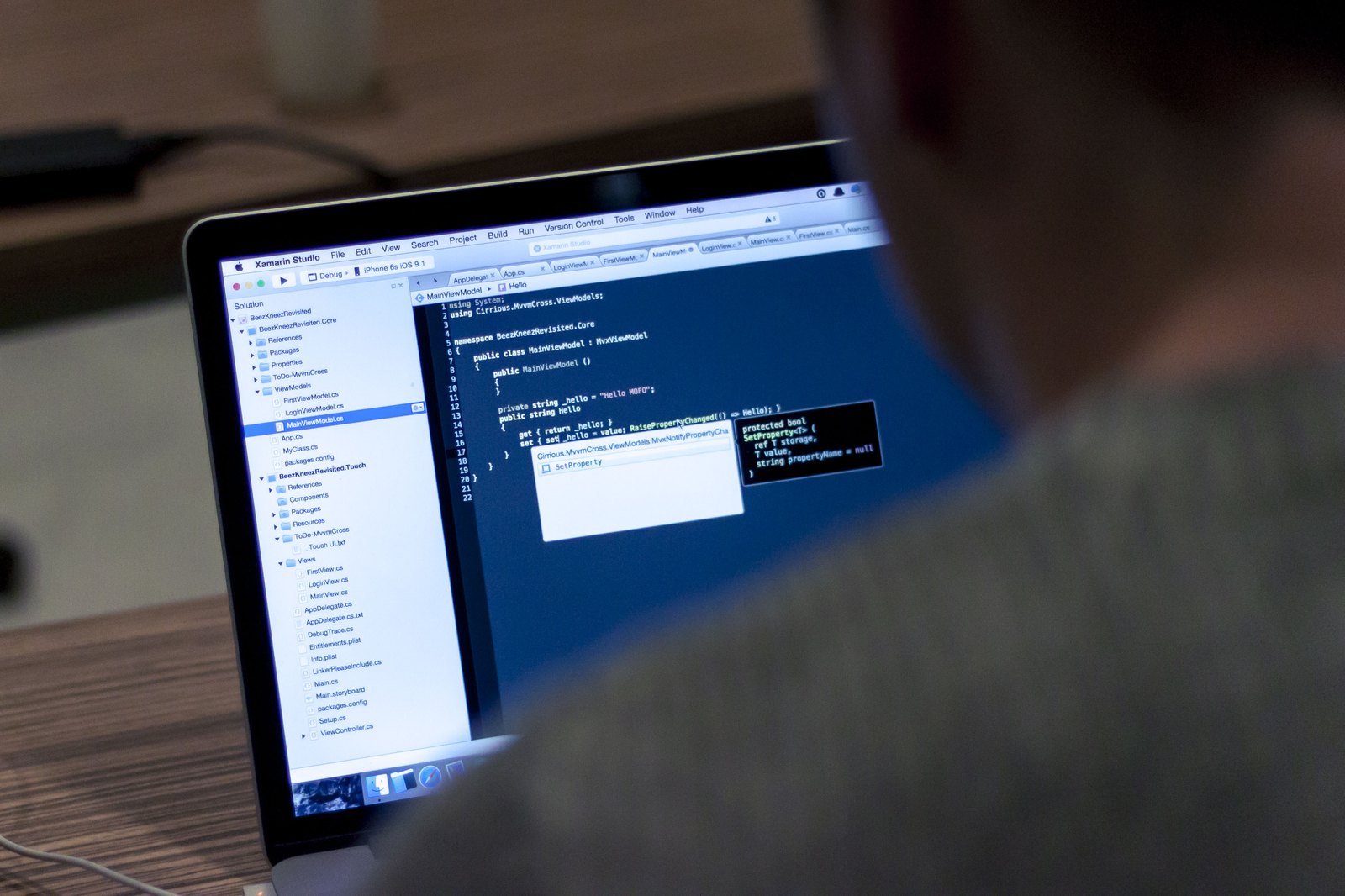
Image context: the cover now uses an immersive developer-workstation photograph rather than the prior title-slide frame, a diagram, or an abstract JSON graphic. That is the better visual register for this article because the argument is about how jq becomes readable at the shell, where JSON, filters, pipes, and re-collected output share one working surface.[1][2]
Around 20:55, the dot is not a placeholder but the identity filter
The talk's real conceptual pivot begins when Aabye-Hansen describes the quoted expression as "the filter" and explains that . refers to the root of the document.[1] On the surface, this sounds like beginner syntax coaching. Underneath, it is the whole language in miniature. The manual says the simplest jq program is ., the identity operator: it takes input and produces that same input as output.[2] The tutorial makes the same point with the familiar "pretty-print the API response" example.[3]
That is why jq '.year' file.json is more than a cute selector.[1][2] It is one filter built on top of another idea: start with the whole input, then pass it through a field-access expression. If you internalize that, more complicated commands stop looking like cryptic punctuation storms. They become compositions over a known input value.
The same stretch of the talk includes a warning about shell quoting, which is more important than it first seems.[1] The manual explicitly says quoting is essential because many jq characters are also shell metacharacters.[2] In practice, this means jq expressions live at the border between two languages. Treat the filter as a first-class program, quote it correctly, and the rest of the command line becomes less mysterious.
Around 24:30 and 26:24, empty brackets and pipes turn a JSON tree into a stream
The next important move comes when the talk reaches arrays. Aabye-Hansen first indexes one counselor directly, then shows that empty square brackets iterate across the whole array.[1] He even calls it the easiest loop he has ever built.[1] That joke lands because it reveals a central jq trick: arrays are not only containers to index into. They are also places from which you can emit one value after another.
The manual spells this out in more formal language. Some filters produce multiple results, and piping one of those filters into a second causes the second filter to run once per produced value.[2] That sentence is the missing bridge between "JSON tree" and "jq program." [] is not just shorthand for "all elements." It converts one array input into a stream of element-wise outputs. That is why .campData.counselors[].name feels so different from .campData.counselors[0].name: the first is already working over many results, not one.[1][2]
The pipe segment around 26:24 makes the same point from the shell side.[1] Aabye-Hansen explains | with ordinary terminal intuition, but inside jq the pipe is not merely cosmetic command chaining.[1] It is the mechanism that forwards each output from the left-hand filter into the right-hand filter.[2] Once that clicks, a lot of jq syntax becomes readable at sight. Pipes are not gluing together unrelated commands. They are describing data flow.
Around 28:57, select shows that control flow is still filtering
The section where the talk filters counselors older than 21 is where many new users quietly cross from lookup to language.[1] Aabye-Hansen describes select as something like an if-then statement, which is a practical teaching move.[1] But the stronger interpretation is that jq keeps control flow inside the filter model instead of escaping it.
The left side of the expression emits counselors one by one. select(.age > 21) then keeps only the values whose predicate succeeds.[1][2] That means the result is not a second temporary list in the way many imperative readers instinctively imagine. It is the same stream, narrowed. This is why jq often feels expressive with surprisingly little syntax. Selection, projection, and reshaping are all happening in one pipeline vocabulary.
The tutorial prepares this pattern by showing that even basic indexing is still a matter of applying filters to the current input.[3] The talk extends that into an administrator's real workflow: pull JSON from an API, walk into the nested array you care about, pipe each element forward, keep only the matching records, then print the exact fields that matter.[1] That is the part of the session that makes jq look less like clever punctuation and more like a compact dataflow language for operational work.
Around 53:40, map(...) is where jq deliberately turns a stream back into structure
The last valuable teaching moment comes late, when the talk moves from inspection to summary output.[1] Aabye-Hansen groups records by operating-system version and then uses map(...) to build a smaller result shape with labels and counts, correcting himself when the expression needs parentheses around the inner mapping logic.[1] This is a good ending because it shows the opposite movement from [].
Earlier, empty brackets exploded an array into a series of outputs.[1][2] Here, map(...) gathers per-group work back into a new array-shaped structure. The manual says filters can be combined and their outputs can be collected into arrays.[2] That is the deep pattern. jq is not only about drilling down. It is about deciding when to fan values out and when to re-collect them into the summary you actually want to hand to another tool or another person.
That is also why the talk's fleet-admin use cases are more than niche demos.[1][4] API-heavy operations work usually alternates between those two shapes: explode a large nested response so you can reason about individual items, then reassemble the results into a smaller, decision-ready object. jq feels elegant when those two motions stay visible.
The best way to remember this video, then, is not as a fun shell session about one horror-themed dataset. It is as a clean beginner's proof that jq has a coherent grammar. . starts with the current input. [] turns arrays into multiple results. | pushes each result onward. select narrows the stream. map(...) gathers structure back together. Once you read the language that way, the one-liners stop being tricks and start being programs.[1][2][3]
Sources
- MacSysAdmin Conference, "Friday the jq’th - Json Lives," YouTube video, presented by Ulrik Aabye-Hansen.
- jqlang, "jq 1.8 Manual" - filters, piping, multi-result behavior, quoting rules, streams, and array collection.
- jqlang, "Tutorial" -
.as identity, simple indexing, and shell-pipeline examples against JSON API output. - MacSysAdmin Conference 2025 program, "Friday the jq’th - Json Lives" - session description, speaker attribution, and administrator-facing API use cases.