Harbor is easy to pitch as "a private container registry," and that description is accurate in the narrowest sense. The project repository says Harbor is a cloud-native registry with support for container images and Helm charts, role-based access control through projects, policy-based replication, and vulnerability scanning.[1] CNCF's project page compresses the same idea into an even cleaner phrase: Harbor is an open-source trusted cloud-native registry project that stores, signs, and scans content.[4] What makes the project worth a fresh introduction in 2026 is that the useful unit is no longer the blob store alone. Harbor matters when a registry has to become a governed distribution surface.
As of 2026-05-05T19:04:25Z UTC, GitHub reports 28,426 stars, 5,218 forks, 833 open issues, and a most recent push timestamp of 2026-05-05T09:39:13Z for goharbor/harbor.[2] The latest stable release is v2.15.0, published on 2026-03-20, while v2.15.1-rc1 was published as a prerelease on 2026-04-29.[3] Those figures do not make Harbor automatically right for every team. They do show an active project whose operational surface is still moving, which matters if your registry sits in the middle of CI, Kubernetes pulls, replication, and supply-chain controls.
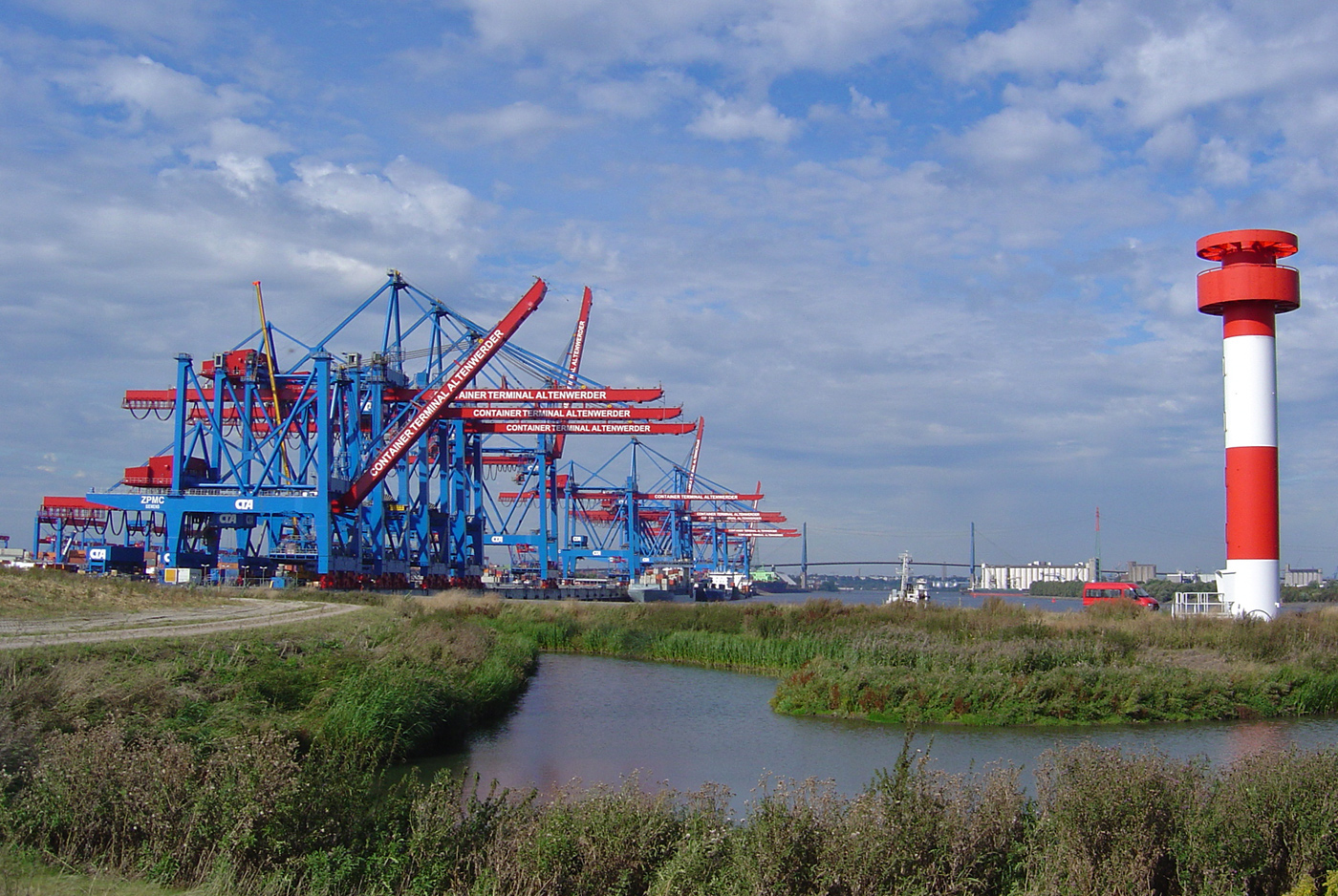
Image context: the cover image is a real photograph of Hamburg's Altenwerder container terminal from Wikimedia Commons.[10] That is a better fit than a whale logo or a dashboard screenshot because Harbor's real work is logistical: route artifacts into projects, let some credentials move them, replicate some of them elsewhere, and retire the rest without losing control of provenance.
A Harbor project is a permission boundary before it is a folder
The strongest thing Harbor does is give registry storage a first-class administrative shape. The README says users reach repositories through projects and can have different permissions for images or Helm charts under a project.[1] That sounds ordinary until you read it beside the robot-account documentation. Harbor supports system-wide robot accounts that can span multiple projects, and those accounts are explicitly described as non-user-scoped credentials for operations and API calls across projects.[5] They cannot log into the UI; they exist to move artifacts and automate policy-bearing work.[5]
That combination is what turns Harbor from "a place to push images" into platform infrastructure. A project is the place where ownership, pull rights, push rights, scanners, quotas, retention policies, and automation credentials can be kept legible.[1][5][8] When teams say they want a self-hosted registry, this is often the part they actually need. They do not only need somewhere for layers to land. They need a durable answer to who owns a namespace, which deployment job can pull from it, which replication flow can copy it, and how to avoid sprinkling human user tokens through CI.
This is also the first scope boundary. Harbor is powerful when a platform team wants a registry to behave like an internal product surface. It is less compelling if all you need is a single repository with almost no policy differences between users, environments, or artifact classes. In that smaller case, Harbor can be more machinery than benefit.
Proxy cache and replication turn upstream dependency into an explicit surface
Harbor's second major strength is that it treats upstream registries as something to govern, not something to trust vaguely. The replication-endpoint documentation says you define endpoints first, then attach credentials with the privileges those endpoints require.[9] The proxy-cache documentation goes further: a proxy-cache project can pull every image from the target registry that the configured access account is allowed to pull, and Harbor users who can access that proxy-cache project inherit that reachable surface.[6] That is a precise and useful warning. Your trust boundary is the upstream account, not the marketing label "cache."
This is the part of Harbor that matters most for enterprises and serious self-hosters. A registry is often downstream of Docker Hub, GHCR, vendor registries, or another Harbor instance. Once that is true, availability, egress, rate limits, regional duplication, and dependency control stop being background concerns. Harbor makes them configurable. The README describes policy-based replication using filters over repository, tag, and label, with retries built in for error handling.[1] The docs show proxy-cache projects as a distinct project type that cannot accept pushes and that come with a default 7-day retention policy when created.[6]
Put differently, Harbor turns "we pull from upstream" into an object you can reason about. Which account is used? Which projects can see that surface? Which images should stay warm? Which artifacts should be retained and which should age out? That is a large step up from pointing every cluster straight at a public registry and hoping the surrounding scripts remain understandable.
Retention and artifact type support are where Harbor stops being a Docker-era tool
The tag-retention documentation is more revealing than it first appears. Harbor does not ask you to write a deletion policy directly. It asks you to define which artifacts remain eligible for retention, using project-level rules, repository filters, age or count thresholds, and optional handling for untagged artifacts.[7] The wording matters. A registry filled with superseded builds is not just untidy; it is storage growth, compliance ambiguity, and operator fog. Harbor treats artifact lifecycle as part of the product.
The project has also widened beyond the narrow "store images" frame. The README still foregrounds container images and Helm charts.[1] The user-defined OCI artifact documentation shows the next step: Harbor can present richer metadata for OCI artifacts beyond conventional images, including machine-learning-oriented artifact types, through Harbor-specific annotations and icon layers while still treating them as OCI artifacts.[8] That is exactly the right architectural move. The registry stays centered on OCI mechanics, while the UI and metadata layer get flexible enough to accommodate newer artifact classes.
That flexibility is important because modern platform teams do not publish only runnable images. They publish charts, attestations, auxiliary metadata, and increasingly other OCI-shaped bundles. Harbor becomes more interesting once you read it as a general artifact logistics layer with policy, not as a Docker-era image shelf with a web UI.
Security posture is useful precisely because Harbor does not pretend to be the scanner
The security story is another place where Harbor's boundary discipline helps. The README says Harbor scans images for vulnerabilities and supports policy checks that prevent vulnerable images from being deployed.[1] The scanning documentation is more exact. Each project can point at a selected scanner, and if you enable the "Prevent vulnerable images from running" option, pull prevention is determined by the scanner set for that project or by the global default scanner if none is chosen.[1][9] The docs also note that different scanners can apply different severity levels to the same artifact vulnerabilities.[9]
That detail is valuable because it stops Harbor from being misunderstood as a magic security verdict. Harbor is a control surface for scanning and gating. It is not a universal authority on severity semantics. In practice that is a good design. Platform teams can wire in scanning and policy close to distribution, while still keeping room for scanner choice, severity interpretation, exceptions, and later attestations or admission policies elsewhere in the stack.
The best-fit Harbor team, then, is one that wants a registry to participate in supply-chain governance without claiming to solve every supply-chain problem. Harbor gives you projects, robot credentials, replication, caching, retention, artifact presentation, and scanner-linked policy at the place where artifacts are actually pulled and pushed.[1][5][6][7][8][9] It does not replace your build system, your signing engine, or your cluster admission controls. What it does is make the registry intelligent enough that those neighboring systems have a better place to connect.
Bottom line
Harbor is a strong project introduction candidate in 2026 because it answers a question many teams eventually rediscover the hard way: when does a registry stop being passive storage and become an internal control point? Harbor's answer is unusually concrete. The project boundary carries permissions. Robot accounts carry automation. Replication and proxy cache carry upstream dependency. Retention carries lifecycle policy. Scanners carry security decisions close enough to the pull path that governance becomes real.[1][5][6][7][8][9]
If your need is only "somewhere to push images," Harbor may feel heavier than necessary. If your need is a registry that can shoulder real namespace, credential, replication, and policy work across OCI artifacts, Harbor remains one of the clearest open-source options available.[1][4]
Sources
- GitHub,
goharbor/harborREADME and project page - registry scope, support for images and Helm charts, project RBAC, replication, and vulnerability-scanning positioning. - GitHub API,
goharbor/harborrepository metadata snapshot - stars, forks, open issues, description, and recent push activity at article creation time. - GitHub releases for
goharbor/harbor- latest stable releasev2.15.0and the newerv2.15.1-rc1prerelease at article creation time. - CNCF project page for Harbor - ecosystem positioning and graduated-project status.
- Harbor docs, "Create System Robot Accounts" - system-wide robot accounts as non-user-scoped credentials and project-spanning permission surfaces.
- Harbor docs, "Configure Proxy Cache" - proxy-cache project behavior, upstream-account trust boundary, and default 7-day retention on new proxy-cache projects.
- Harbor docs, "Create Tag Retention Rules" - project-level retention rules, repository filters, and keep-logic for artifact lifecycle.
- Harbor docs, "User-defined OCI artifact" - Harbor-specific annotations and richer presentation for OCI artifact types beyond ordinary images.
- Harbor docs, "Scan Individual Artifacts" and related project scanner settings - scanner selection, vulnerability status flow, and policy gating based on scanner severity.
- Wikimedia Commons, "File:Container-Terminal-Altenwerder-CTA-2004.jpg" - source page for the documentary container-terminal photograph used as the article image.