The strongest reason to adopt gitleaks is not that it can find embarrassing strings in a repository. Plenty of tools can do that. The stronger reason is that Gitleaks gives teams several control points for the same failure mode: a developer about to commit a token, a pull request that needs a repeatable scan, an old repository whose history may already contain credentials, and a security team that needs machine-readable findings instead of screenshots from a terminal.[1][4]
That matters more in 2026 because credential leakage is no longer only a "someone pasted an AWS key into source" problem. GitGuardian's 2026 report says it detected 28,649,024 new secrets in public GitHub commits in 2025, a 34% year-over-year increase, and it highlights AI-service secrets, MCP configuration files, internal repositories, and collaboration tools as expanding leak surfaces.[5] Gitleaks does not solve all of that. It is a code and repository scanner, not a complete secrets-governance platform. Its value is narrower and therefore useful: put a fast, reviewable scanner where repository mistakes happen, then make sure the response path does not stop at "remove the line."
As of 2026-05-17T00:32:59Z UTC, the gitleaks/gitleaks repository reported 27,018 stars, 2,048 forks, 382 open issues, a latest push at 2026-05-13T13:53:48Z, and an MIT license.[2] The current GitHub release feed lists v8.30.1, published on 2026-03-21T02:17:58Z, after v8.30.0 in November 2025.[3] Those are not fit guarantees. They do show an active project with a public release surface and enough adoption gravity that rollout choices matter.
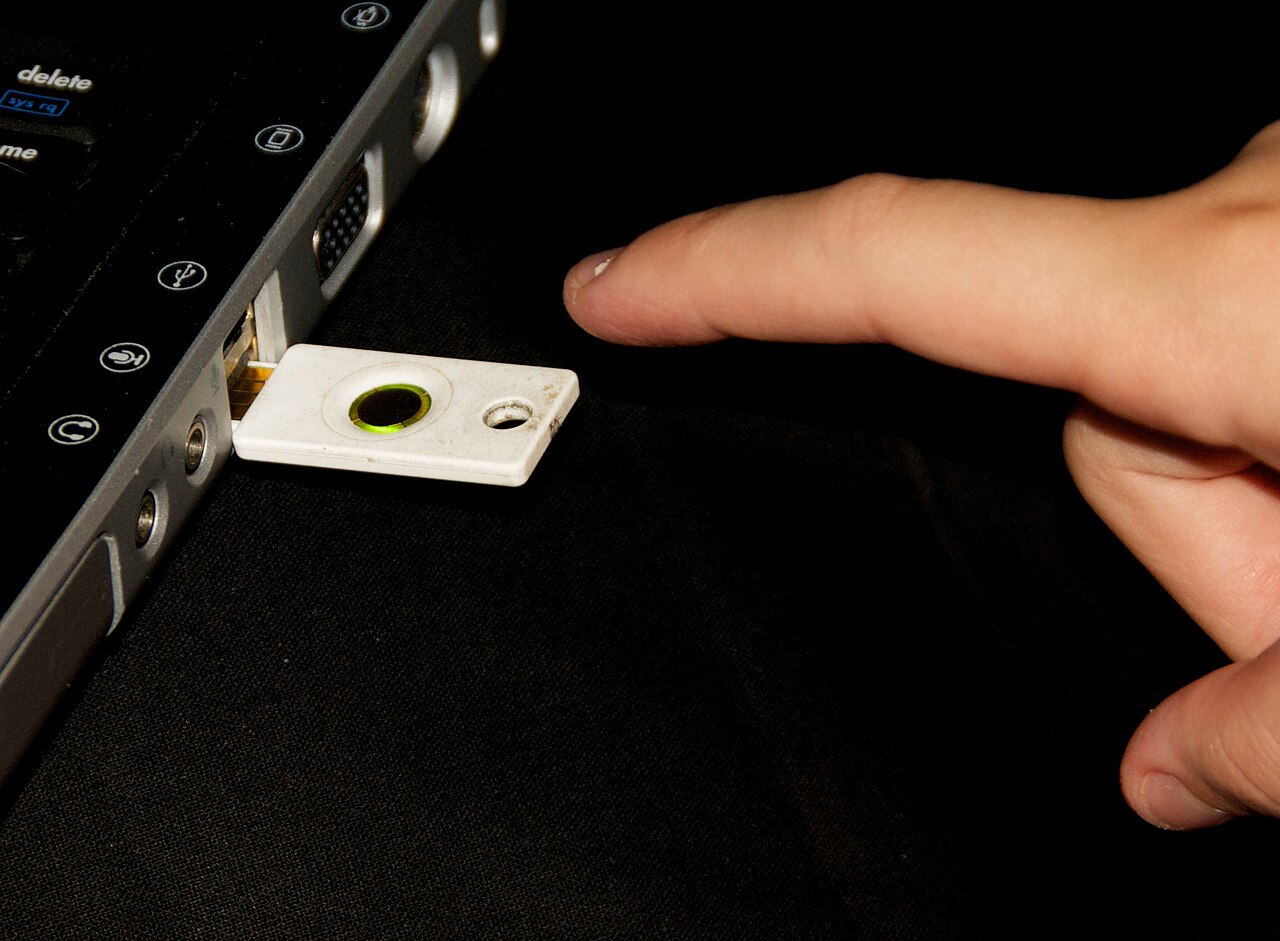
Image context: the cover is a real photograph of a YubiKey in use, not a diagram or generated security metaphor. It fits this article because secret scanning is most valuable at the boundary where human developer behavior, local machines, repository history, and CI policy meet.[7]
Start with the three scan surfaces, not with a blanket mandate
The Gitleaks README describes the tool as a scanner for secrets such as passwords, API keys, and tokens in git repositories, files, and stdin.[1] That wording is more important than it looks. It means rollout should not be one command copied into every context. The project exposes three practical lanes: git for repository history, dir for directories and files, and stdin for streamed content.[1]
For an existing codebase, the git lane is the serious one. Gitleaks says the git command scans local repositories by using git log -p, and it can accept log-opts when teams need a specific commit range.[1] That is the difference between checking the current working tree and checking whether a token lived in history for three months before somebody removed it. If the leak ever reached a shared remote, deletion from the latest file is not remediation; it is only cleanup.
The dir lane is better for generated bundles, deployment directories, extracted archives, or non-git handoff folders. The stdin lane is useful glue for pipelines that already produce candidate text. Teams should keep these lanes separate in policy. "Scan everything always" sounds strong, but it usually turns into slow jobs, noisy findings, and skipped controls. A better first design is explicit: local hook on staged changes, CI job on pull requests and pushes, scheduled full-history scan for repositories with real risk.
Local hooks should block obvious mistakes, not carry the whole program
Gitleaks includes a pre-commit example that pins the repo and hook id in .pre-commit-config.yaml, and the README notes that a developer can skip the hook with SKIP=gitleaks when invoking a commit.[1] That is not a flaw. It is a useful reminder of what local hooks are good for. They catch a large class of mistakes at the lowest-friction moment, before a branch becomes a review problem. They do not create an enforcement boundary by themselves.
This is the adoption trap: teams install a local hook, celebrate, and then stop. But local developer machines are heterogeneous, hooks can be skipped, and old commits may already be dirty. Gitleaks belongs in the local loop, but the control needs a second home in CI. The Gitleaks Action README shows a workflow shape for pull_request, push, manual dispatch, and scheduled runs; its example also checks out the repository with fetch-depth: 0, which is the right instinct when history matters.[4]
There is a commercial/licensing wrinkle in the action path. The action README states that organization repositories require a GITLEAKS_LICENSE, while personal repositories do not, and it also says the action scans inside the GitHub Actions container rather than sending code to a third party, except for license-key validation data.[4] That makes the action attractive for some GitHub-native teams and awkward for others. The boundary is straightforward: if the organization does not want that action dependency, run the open-source CLI directly in CI and publish JSON, SARIF, JUnit, CSV, or another supported report format from the CLI.[1]
Treat configuration as policy, not decoration
Gitleaks can run with a default config, but serious adoption eventually needs repository policy. The README gives a clear precedence order for configuration: an explicit --config path, GITLEAKS_CONFIG, GITLEAKS_CONFIG_TOML, a .gitleaks.toml inside the target path, and then the default config.[1] That order should be part of the rollout design. If CI and local hooks accidentally read different configs, the team has built an argument machine rather than a security control.
The most useful controls are not only new regexes. Gitleaks exposes rule IDs, allowlists, report formats, --redact, --max-target-megabytes, --max-archive-depth, and --max-decode-depth.[1] Those flags describe real operational choices. Redaction protects logs from becoming a second leak channel. Target-size limits prevent very large files from turning every scan into a performance incident. Archive and decode depth decide how far the scanner should chase secrets hidden inside compressed or encoded content.[1]
The right migration pattern is conservative. Start with default rules plus one project-owned .gitleaks.toml. Add allowlists only when there is a named false-positive class, and keep those allowlists narrow enough for review. If a team stores fixture keys for tests, mark those fixtures explicitly and make the fake-key convention boring. If a generated lockfile creates noise, do not teach developers to ignore the scanner globally; decide whether the path should be excluded, scanned differently, or cleaned at source.
Baselines let old repositories enter the program without laundering risk
The baseline feature is the difference between "we should scan someday" and an actual rollout for older repositories. Gitleaks can write a report file and later use --baseline-path so old findings are ignored while new findings remain visible.[1] That is not a security pardon. It is a migration tool.
Used well, a baseline creates two queues. The first queue is the forward gate: new leaks should fail the job. The second queue is the legacy cleanup list: old findings need triage, rotation, and sometimes history rewriting. Used badly, a baseline becomes a junk drawer where real exposed credentials disappear because nobody wants to break the build. The operational rule should be explicit: a baseline may suppress CI noise, but it must have an owner, a review date, and a remediation route for anything plausibly live.
This is where GitHub's own secret-scanning model is a useful comparator. GitHub documents secret scanning, push protection, alerts, custom patterns, validity checks, and remediation workflows as separate parts of secret security rather than one magic detector.[6] Gitleaks should be placed in the same mental model. Detection is only the first state transition. Triage asks whether the finding is real. Remediation rotates or revokes the credential. Prevention changes where credentials live, how they are injected, and whether developers are asked to paste them into files in the first place.
Adoption boundary
Gitleaks is a strong fit when a team wants a portable secret scanner that can run before commit, inside CI, against repository history, and as part of broader DevSecOps hygiene.[1][4] It is especially useful for small and medium platform teams that do not want every repository to depend only on a hosted provider's secret-scanning feature. The CLI is easy to vendor into existing workflows, the config file is reviewable, and the report output is machine-friendly enough for dashboards or issue creation.[1]
The weaker fit is any organization that mistakes repository scanning for secrets management. Gitleaks will not rotate a leaked token. It will not replace a vault, cloud KMS, short-lived credentials, workload identity, or least-privilege service design. It will not find every secret shared in Slack, Jira, Confluence, local shell history, MCP config directories, or personal notes, which the broader 2026 leak data says are increasingly important surfaces.[5] And it will not protect a team that treats --baseline-path as a way to make uncomfortable history invisible.
The pragmatic adoption sequence is therefore simple. First, run a full git scan and create a baseline only if the repository is too noisy to gate immediately. Second, wire a local hook for common mistakes. Third, add CI with a consistent .gitleaks.toml, redacted reports, and full history where practical. Fourth, define the remediation rule in writing: every confirmed live secret gets revoked or rotated, even if the offending commit is later amended. Gitleaks is most valuable when it makes that sequence routine.
Sources
- Gitleaks,
gitleaks/gitleaksREADME - scanner scope, install paths, commands, pre-commit example, configuration precedence, report formats, redaction, archive/decode limits, and baseline workflow. - GitHub API,
gitleaks/gitleaksrepository metadata - stars, forks, open issues, pushed-at timestamp, default branch, and license snapshot used at article creation. - GitHub,
gitleaks/gitleaksreleases - current release tag and recent release cadence. - Gitleaks,
gitleaks/gitleaks-actionREADME - GitHub Actions workflow shape,fetch-depth: 0, environment variables, license boundary, and action-data handling notes. - GitGuardian, "The State of Secrets Sprawl 2026" - public GitHub secret counts, AI-service secret growth, MCP configuration leaks, internal repository exposure, and collaboration-tool leakage context.
- GitHub Docs, "About secret scanning" - secret-scanning concepts, push protection, custom patterns, validity checks, alerts, and remediation workflow context.
- Wikimedia Commons, "File:YubiKey.jpg" - real photograph of a YubiKey hardware authentication token in use, used as the cover image.