A document appears in the print queue. The printer remains silent. That gap is a useful entrance into CUPS: the open-source printing system turns an application's page descriptions into data a printer understands, but accepting the request, converting the document, and delivering it are separate operations.[1] Following one job through those handoffs makes the silence easier to interpret.
This account follows the classic CUPS 2.x architecture, using the 2.4.19 manuals for version-specific behavior. Its filter and backend interfaces are marked deprecated; understanding an installed system is a different task from choosing interfaces for new development.[4][6]
The job exists before the page does
At the center sits the scheduler, cupsd. It accepts HTTP and Internet Printing Protocol (IPP) requests, manages destinations and jobs, and launches external processes for longer operations. The scheduler is a single-threaded server; document processing runs outside it.[2]
The spool directory, typically /var/spool/cups, gives a job two kinds of stored evidence. A control file with a name beginning with c contains an IPP message representing the job's attributes. Data files beginning with d contain the submitted documents. A known job has one control file and can have zero or more data files.[2]
That separation matters when someone says, “CUPS still has the job.” A history entry and a retained document are different things. In the 2.4.19 configuration manual, PreserveJobHistory controls retention of the record; PreserveJobFiles controls retention of document data after printing. The latter's documented default is 86,400 seconds, or one day, although a deployed configuration can override it.[7] Keeping history does not by itself preserve a file for another attempt.
An open queue can be a stopped queue
Consider an illustrative office queue named studio. CUPS exposes its willingness to accept submissions separately from its ability to process them. The read-only command lpstat -a studio reports acceptance; lpstat -p studio reports whether the printer is enabled; lpstat -o studio lists queued jobs.[3]
An accepting queue can therefore accumulate work while printing is disabled. There is no contradiction in a successful submission followed by an idle machine. The application crossed the admission boundary, but processing has not necessarily begun.
For a small office with one administrator, this is a useful first distinction to preserve in a support note. Record the queue and job identifier alongside those states. “The printer is broken” discards information that the system already exposes; three separate observations give the next person something to investigate.
Conversion is a chain with an explicit interface
CUPS 2.x describes available format conversions in mime.convs and additional .convs files. Each rule names an input MIME type, an output MIME type, a relative cost, and the filter executable. Cost describes resource expense; it is not a promise about elapsed time or output quality.[4]
Imagine a document whose submitted format differs from the destination's required format. A usable conversion route needs the relevant filters installed and compatible. Merely reaching the printer's address cannot supply a missing converter. Conversely, producing a valid converted file does not establish that the device is reachable.
The process interface makes this division tangible. The first filter reads the submitted file; later filters consume standard input and write standard output. The backend occupies the end of the chain and delivers data to the destination. Arguments carry the job identifier, user, title, copies, and options. These programs have a job context, rather than an interactive connection to the submitting user's desktop.[5]
CUPS also provides FilterLimit, a ceiling on the aggregate cost of concurrently running filters. In 2.4.19, zero disables that limiting mechanism.[7] On a shared print server, this is a scheduling control worth understanding before blaming a slow printer for every delay. It does not replace measurement of memory, CPU, or disk use, and a declared filter cost is not a hard memory limit.
Status takes a different route from page data
The chain's standard output carries the printable stream. Messages to the scheduler travel through standard error with defined prefixes: INFO: updates a status message, STATE: adjusts persistent printer-state reasons, and PAGE: supplies page-accounting information.[5]
Diagnostic text belongs on the correct channel: writing it into the document stream changes what downstream programs receive.
Cancellation is also cooperative. CUPS sends SIGTERM when a job is canceled or held, and its programming guide asks helpers to clean up and leave valid output or a known device state.[5] Cancellation cannot pull an already delivered sheet back through the rollers. The software request and the physical process have different stopping points.
A backend reports more than yes or no
The backend contract distinguishes several outcomes. CUPS_BACKEND_HOLD holds the job; CUPS_BACKEND_STOP stops the queue. A generic CUPS_BACKEND_FAILED leaves cancellation, retry, or queue stopping to printer-error-policy. These outcomes affect different amounts of work: pausing one document and stopping a shared destination are different operational decisions.[6]
CUPS_BACKEND_RETRY allows a later attempt with other jobs potentially intervening. CUPS_BACKEND_RETRY_CURRENT requests an immediate retry without intervening jobs.[6] The choice affects everyone waiting behind the troublesome document.
Most revealing is CUPS_BACKEND_OK: the manual defines success as transmission to the device or remote server.[6] That contract alone cannot establish that the final sheet landed correctly. A remote destination introduces another stage of processing; a physical printer adds paper handling. When investigating disputed output, record what acknowledged the job and inspect the destination's evidence before treating a local success status as proof of finished paper.
Stephane Peter's 2003 Linux Journal overview captured an earlier version of the same user frustration: submitting work without a satisfactory view of its fate. He presented CUPS as part of an improving printing landscape.[8] My reading of the architecture is that its lasting diagnostic value lies in making that fate divisible. A retained record, an enabled queue, a conversion stream, and a successful handoff each answer a particular question. Keeping those answers distinct is how an apparently silent printer becomes an investigable system.
Sources
- OpenPrinting, “Overview of CUPS”—application page descriptions, conversion, and printing responsibilities.
- OpenPrinting, “CUPS Design Description”—scheduler organization and separate control and document files; retention settings are taken from the versioned manual in source 7.
- OpenPrinting, “lpstat(1)”—commands for queue acceptance, enabled state, and queued jobs.
- OpenPrinting, “mime.convs(5),” CUPS 2.4.19—versioned manual source describing MIME conversion rules, relative costs, and deprecation.
- OpenPrinting, “Filter and Backend Programming”—process arguments, standard streams, status reporting, and cancellation handling.
- OpenPrinting, “backend(7),” CUPS 2.4.19—versioned manual source defining delivery, hold, stop, retry, and success outcomes.
- OpenPrinting, “cupsd.conf(5),” CUPS 2.4.19—versioned manual source for PreserveJobFiles, PreserveJobHistory, and FilterLimit.
- Stephane Peter, “Overview of Linux Printing Systems,” Linux Journal, July 3, 2003—independent historical reception of Linux printing and CUPS.
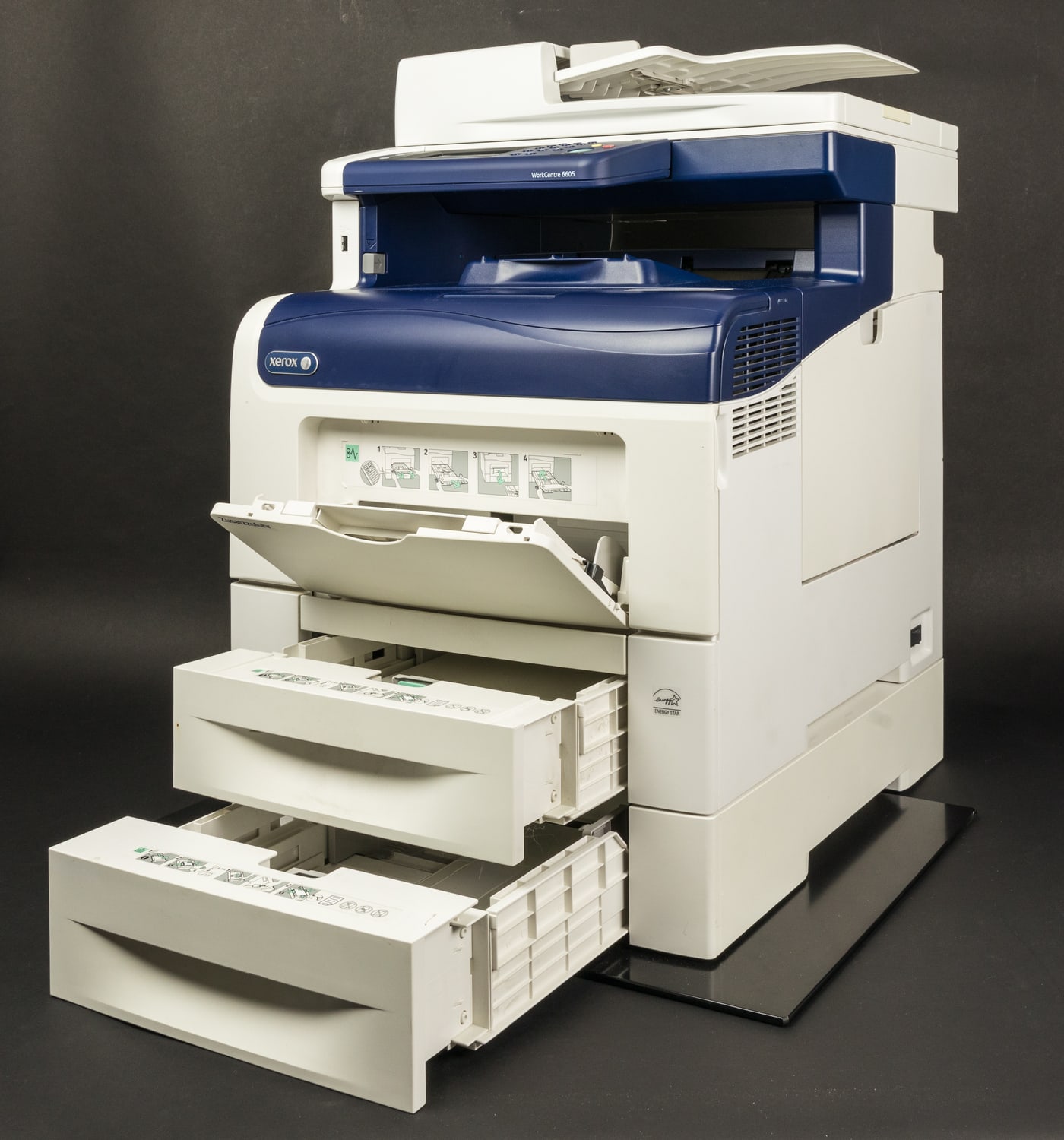
- Raimond Spekking, “Xerox WorkCentre 6605 -7527.jpg,” November 30, 2021, Wikimedia Commons—photograph, equipment identification, and CC BY-SA 4.0 attribution.