Moving a scientific workload from Docker to Apptainer is easy only if “moving” means copying the application’s user space. Apptainer can pull an OCI image, unpack its layers, and produce a single SIF file. The harder migration begins when that file reaches a shared cluster: the process runs as the submitting user, the image is read-only, host directories and environment can enter the container, and Slurm or another scheduler—not the container runtime—still decides which CPUs, memory, GPUs, and nodes the job receives.[1][2]
That difference is the reason to adopt Apptainer, not a compatibility defect to hide. Its project describes an integration-first runtime for shared systems: one immutable image can travel to the cluster while the facility’s identity, filesystems, accelerators, high-speed network, and policy remain in control. The current repository lists v1.5.1 as its latest release, published June 4, 2026, so this is an active operating choice rather than a legacy Singularity workaround.[1]
The right migration promise is therefore narrow: preserve the software artifact while rewriting the execution contract. A Docker image that starts successfully on a workstation is a candidate for Apptainer, not proof that it is cluster-ready.
Convert once, then make the SIF the job artifact
The tempting first command is also the wrong production habit:
apptainer run docker://ghcr.io/example/solver:latest
It is useful for a smoke test. Under the hood, however, Apptainer fetches OCI blobs and configuration, converts the layers to SIF, and keeps the result in its cache. The project explicitly recommends pulling a Docker image to a local SIF and running that file thereafter, especially on shared systems where many jobs can exhaust registry API limits or repeat conversion work.[2]
A stronger handoff looks like this:
apptainer pull solver-2026-07.sif \
  docker://ghcr.io/example/solver@sha256:<pinned-oci-digest>
sha256sum solver-2026-07.sif > solver-2026-07.sif.sha256
Pinning the OCI digest fixes the input. Recording the SIF checksum fixes the cluster artifact. Both matter because two conversions of the same OCI image are not guaranteed to produce byte-identical SIF files; conversion metadata such as dates can vary.[2] Do the pull or build in CI, on a designated build host, or wherever the facility permits network-heavy image work. Put the approved SIF in a versioned, read-only project location instead of letting thousands of array tasks resolve latest independently.
For teams that need cluster-specific packages or an auditable recipe, an Apptainer definition file is the better boundary. Its header selects a bootstrap agent such as docker, sections including %post, %environment, %files, and %runscript describe the build, and the definition can be embedded in the resulting image for inspection.[3] Keep that recipe beside the original Dockerfile, but do not maintain two unrelated dependency stories. One build pipeline should emit the OCI artifact used in workstation and CI tests, plus the SIF that the cluster actually executes.
The caller’s identity survives the container wall
Docker workflows often assume that the image’s USER instruction defines runtime identity. Apptainer ignores that instruction. A normal job enters the container with the same user and group identity it had on the host; --fakeroot can make that account appear to be root inside a mapped user namespace, but it does not turn the researcher into host root.[1][2]
This is the first decisive compatibility test. Software installed under /root, launch scripts that insist on a fixed service account, and entrypoints that try to chown system paths at startup may work in Docker and fail immediately on the cluster. The fix belongs mostly in the image build: install executables under /usr/local or /opt, make runtime data locations explicit, and ensure the application can start as an arbitrary non-root UID. Treat --fakeroot as a controlled build or diagnostic mechanism whose availability depends on site configuration, not as a production escape hatch.
The identity model also clarifies data ownership. Output written to a bound project or scratch directory is owned by the real researcher. Shared Unix permissions and quotas continue to mean what the cluster administrators intend. That makes Apptainer a natural fit for batch research and a poor fit for software whose core assumption is “a privileged daemon will repair permissions later.”
Read-only should be the design, not the first error
SIF is normally mounted read-only. Docker’s writable container layer is not carried across as a place for durable job state. Apptainer can provide --writable-tmpfs, a sandbox, or an overlay, but the clean migration pattern is to separate immutable software from explicit writable data.[2]
Use a bind for each real write path:
apptainer exec \
  --bind "$SCRATCH/run-$SLURM_JOB_ID:/work" \
  solver-2026-07.sif \
  /opt/solver/bin/run --input /work/input --output /work/results
Apptainer supports --bind src:dest:opts and --mount syntax, while administrators can define additional system bind paths.[4] The practical migration exercise is to run the application once with an intentionally read-only root and inventory every attempted write. Caches, model downloads, compiled kernels, lock files, temporary databases, and license state each need an owned location. If the answer is simply “make the entire container writable,” parallel jobs will eventually turn that convenience into corruption or irreproducibility.
There is a second surprise: a default Apptainer installation binds the user’s home directory, /tmp, and current working directory, and may add site-specific project paths. That makes host data convenient, but it can also let ~/.config, user-installed Python packages, or an old credential file change behavior inside an otherwise pinned image.[2][4] Test with --contain or --containall, then add back only the storage the workflow needs. A successful run should be explainable from the image, declared binds, input data, and job parameters—not from whatever happened to be in a researcher’s home directory.
Clean the environment before blaming the image
Docker does not inject the host environment by default. Apptainer usually propagates it. On a module-heavy cluster, variables such as PYTHONPATH, LD_LIBRARY_PATH, proxy settings, locale, or tool-specific configuration can silently cross the boundary. --cleanenv removes most of that ambient state; values intentionally prefixed with APPTAINERENV_, or supplied through --env and --env-file, can still be set inside the container.[2][5]
That makes --cleanenv a good acceptance-test default. Pass back only what the job owns, for example:
export APPTAINERENV_OMP_NUM_THREADS="$SLURM_CPUS_PER_TASK"
apptainer exec --cleanenv solver-2026-07.sif /opt/solver/bin/run
Apptainer also evaluates environment variables and runscript arguments differently in some OCI-derived cases. --no-eval disables the extra shell evaluation, and --compat bundles several Docker-like behaviors including containment, a temporary writable root, and no evaluation.[2] Use --compat to locate an assumption quickly; then decide which individual behavior the production job actually needs. A permanent compatibility bundle can conceal the same host, write, or namespace boundary that the migration should make explicit.
The scheduler owns resources; Apptainer exposes them
An Apptainer command is still a process inside a scheduled job. It does not grant eight cores because the image has eight worker threads, reserve 32 GiB because an application requests it, or acquire a GPU because --nv appears on the command line. NIH’s Biowulf guidance demonstrates the correct order: request resources in the batch submission, load Apptainer inside the allocation, and then execute the SIF; its GPU example requests CPU, memory, and a GPU through the scheduler before calling apptainer exec --nv.[8]
--nv makes NVIDIA device nodes and the host’s basic CUDA libraries available inside the container. The application in the image must still target a CUDA version and device capability supported by the host card and driver.[6] This is a deliberate split: user-space frameworks can live in SIF, but the kernel driver belongs to the facility. The same principle applies to AMD GPUs through --rocm.[6]
MPI draws an even sharper line. In the common hybrid model, the host’s srun or mpirun launches processes that enter the container, so the MPI inside the image must be compatible with the host implementation and fabric stack.[7] A single-node test does not validate that boundary. Before approving an image, run a small multi-node collective, confirm rank placement, and compare throughput with the facility’s native baseline. Packaging an MPI library does not package the interconnect.
A migration gate that tests the contract
A credible pilot needs one representative workload and five deliberately different runs. First, inspect id, $HOME, the working directory, and file ownership inside the container. Second, run with a read-only root and explicit binds, including two concurrent jobs that write separate output trees. Third, add --cleanenv and restore only declared variables. Fourth, let the scheduler enforce a small memory or time limit and confirm that exit status, logs, and partial outputs are understandable. Fifth, exercise the real hardware path—GPU or multi-node MPI—rather than approving the image from a CPU-only smoke test.[4][5][6][7][8]
Apptainer is a strong fit for a lab, research platform team, or software group that already publishes OCI images and can add a controlled SIF build, checksum, storage location, and scheduler template. It is especially useful when many users need the same complicated scientific stack against shared filesystems and facility-managed accelerators. It is weaker when the workload depends on a privileged daemon, mutable root state, Docker Compose-style service orchestration, private container networking, or a long-running control plane. Those are not small flags to translate; they are different operating models.
The migration is complete when the team can name the full execution contract: pinned OCI input, recorded SIF artifact, arbitrary caller UID, read-only software, explicit writable paths, clean environment, scheduler-owned resources, and tested driver or MPI compatibility. Apptainer’s value is that it leaves those cluster truths visible. It preserves the image—and refuses to pretend that an image is the whole system.
Sources
- Apptainer project repository — current release, SIF portability, integration-first design, shared-system security model, governance, and maintenance surface.
- Apptainer User Guide, “Support for Docker and OCI Containers” — OCI-to-SIF conversion, registry caching, read-only behavior,
USER, host mounts, environment propagation,--compat, and compatibility limits. - Apptainer User Guide, “Definition Files” — bootstrap agents, build sections, environment, files, runscript, and inspectable build recipes.
- Apptainer User Guide, “Bind Paths and Mounts” — administrator and user bind paths,
--bind,--mount, containment, and mount controls. - Apptainer User Guide, “Environment and Metadata” — host-variable precedence,
--cleanenv,APPTAINERENV_, environment files, and image metadata. - Apptainer User Guide, “GPU and Other Device Support” —
--nv, host driver libraries, CUDA compatibility, device visibility, and--rocm. - Apptainer User Guide, “Apptainer and MPI applications” — hybrid and bind MPI models, launcher placement, ABI compatibility, and cluster interconnect boundaries.
- NIH High-Performance Computing, “Apptainer” — independent production guidance for Biowulf caching, storage binds, interactive allocations, batch jobs, and scheduler-requested GPU execution.
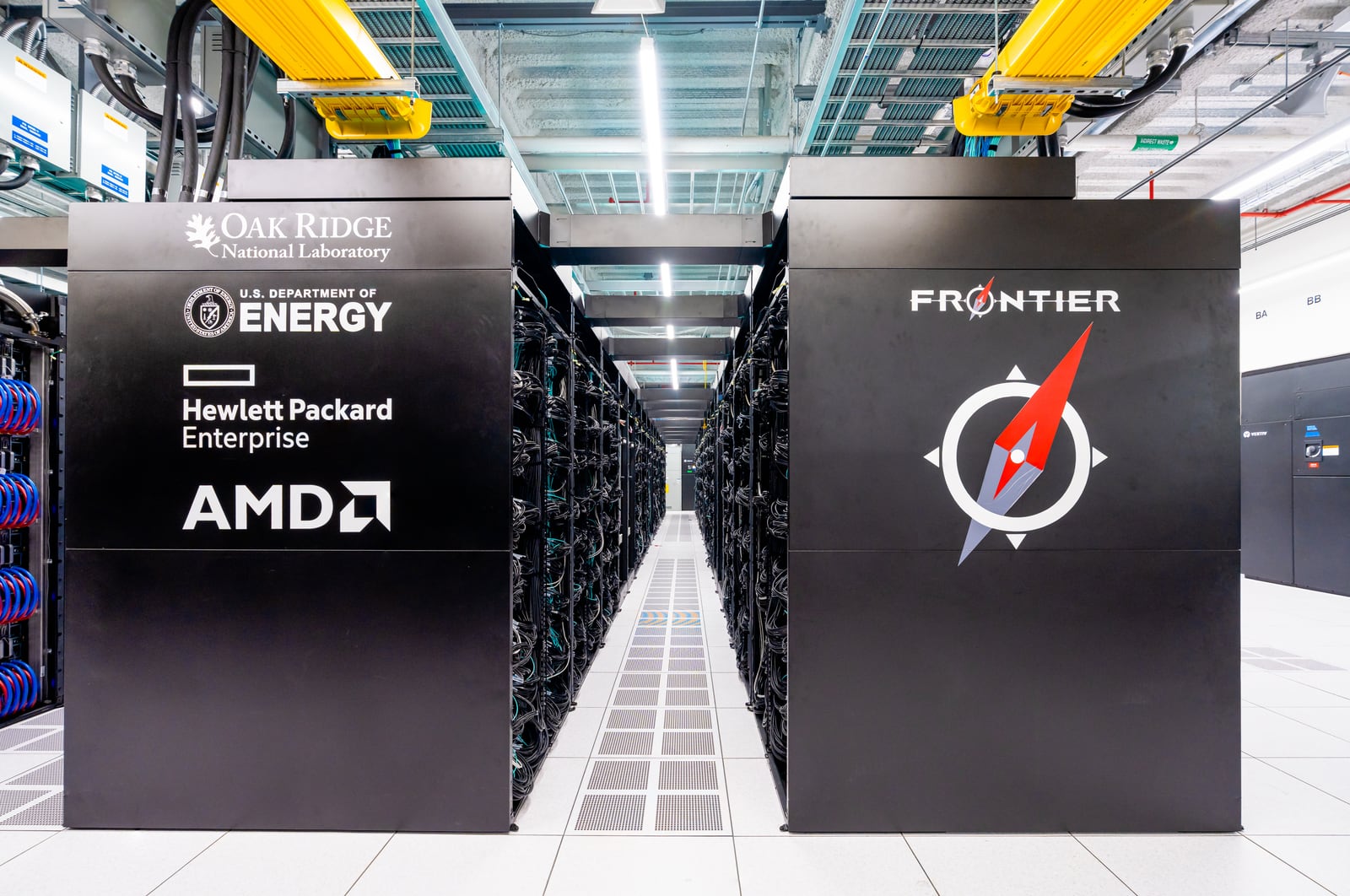
- Wikimedia Commons, “Frontier Supercomputer (1).jpg” — OLCF at ORNL’s 2022 photograph of the HPE Cray EX Frontier system used as the article image.