Look down at a 96-well plate and A1 is easy to find. The letter runs along one edge, the number along the other, and there is a little cup where they meet. Hand someone at another bench a Python file containing plate["A1"] and you have given them something surprisingly portable. Their plate can sit in a different place and the expression can still pick out the right cup. The open-source Opentrons software for the OT-2 pipetting robot makes a good introduction to programming an instrument because you can follow that one address all the way from the file to the bench.[1][2]
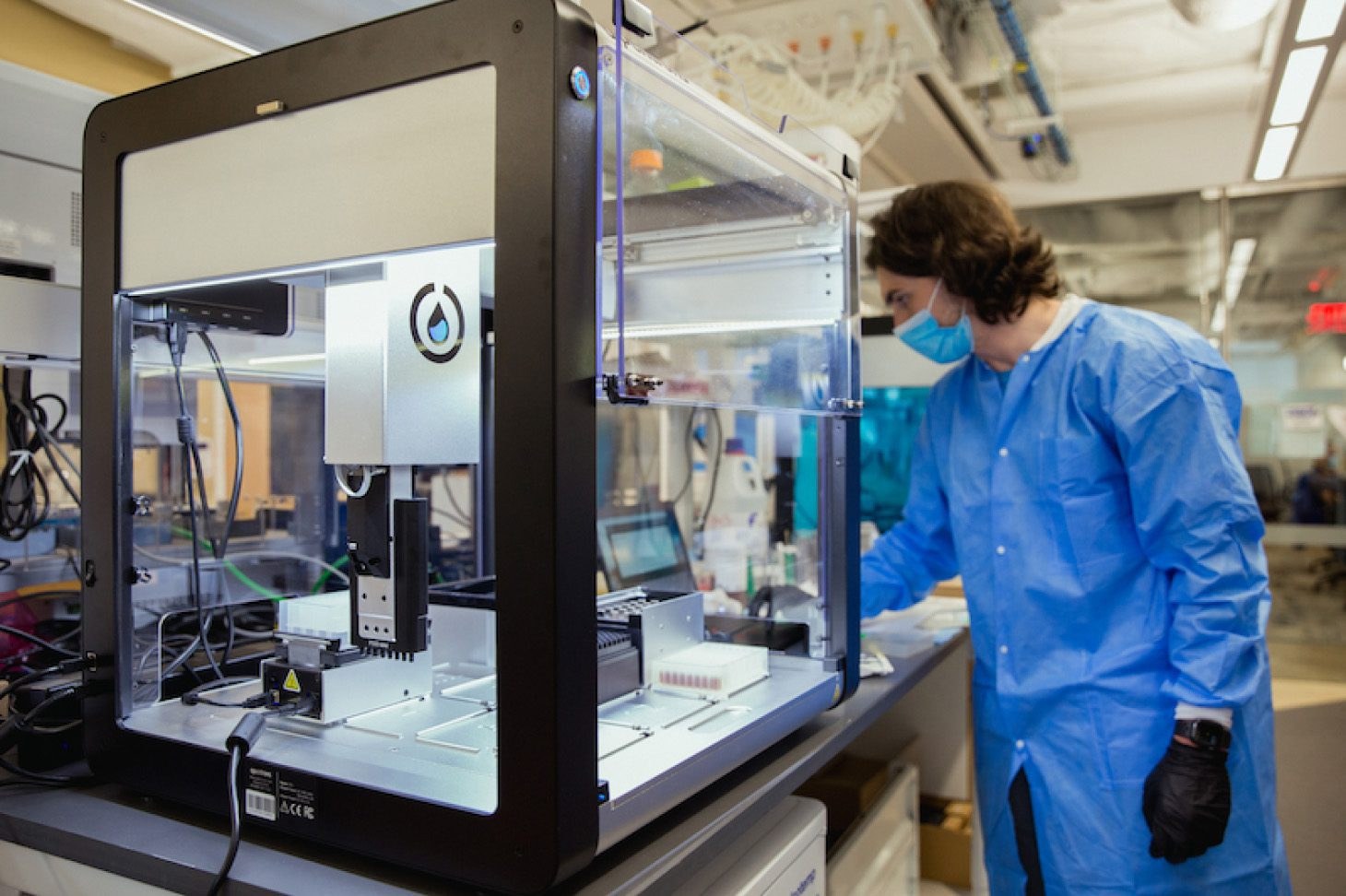
What the file carries
Suppose two labs want their robots to put colored water into the four corner wells of a plate. They agree on the well names, A1, A12, H1 and H12. That settles which cups should end up colored. It leaves open how far the pipette has to travel to reach each one. A plate with deeper wells can carry exactly the same lettering.[2]
In the Python API, load_labware() connects a named labware definition to a location on the deck. A name such as nest_96_wellplate_200ul_flat identifies a particular model of plate. The corresponding definition supplies the well geometry. The location argument says where the operator intends to put that plate. The returned object is what the programmer calls plate. With those choices recorded, the four corner addresses can stay legible to a colleague reviewing the file. Someone moving the plate to make room for a second rack can change its declared slot in one place.[2]
There is a reason to keep the letters on the page even when numbering wells in a loop would save a few keystrokes. In the API's wells() sequence, the first two entries on this plate are A1 and B1. Someone reading across the printed row would visit A1 and A2. A review that simply counts four destinations can miss that disagreement. Reading the names aloud against a sketch of the four colored corners will catch it.[2]
What the bench contributes
Now imagine the pipette tip hanging a millimeter to the left of where it belongs. The file can name the right model, slot and well while the tip still misses the intended point. During the OT-2's Labware Position Check, the operator inspects the setup and uses jog controls to bring the pipette into alignment. The software records the resulting displacement as an offset. On this robot, another protocol can reuse that measurement for the same combination of labware and slot. Moving the plate to a different slot changes one of the conditions under which the measurement was made.[4]
That distinction gives the person watching the colored water two quite different questions to ask. If all four marks land neatly in wells down the first column, read the sequence of addresses in the file. Nudging the whole plate's coordinates cannot turn a column into four corners. If the intended pattern is recognizable but every tip position is displaced in the same direction, check the physical setup and alignment. One error changes the shape of the pattern. The other can shift the pattern intact.[2][4]
OpenPlant's published OT-2 collection shows what researchers actually hand over to another lab. Alongside the scripts, the authors identify the software version and pipette generation they used and provide a place for custom labware definitions. Those details give a second operator something concrete to compare with the equipment on their own bench.[5] A colleague can read the four well names and understand the experiment before unpacking a plate. Only once that plate is seated can anyone check where the tip will land.
Sources
- Opentrons, software repository for the OT-2 and Flex robots
- Opentrons Python API manual, loading labware and addressing wells
- Opentrons, OT-2 liquid handler and product photography
- Opentrons OT-2 manual, measuring and reusing labware offsets
- OpenPlant, automation protocols and equipment assumptions