Printing software's most useful new abstraction is not another printer driver. It is a printer-shaped service.
On a current Linux system, the destination in a print dialog can come from three very different places. A network printer may speak IPP Everywhere itself. A USB multifunction device may be presented on localhost by ipp-usb. An older or specialized printer may sit behind a Printer Application that translates modern IPP requests into the language the hardware still understands. To the application and much of the operating system, all three can look like discoverable IPP destinations.
That convergence is the center of OpenPrinting's long transition. The old stack installed a model description and executable conversion filters inside the host's printing system. The emerging stack asks a destination what it can do, submits a standard document, and receives status through the same protocol. It is a cleaner boundary for sandboxed desktops, immutable operating systems, mixed client fleets, and hardware that remains useful longer than its original packaging assumptions.
The map is not the territory yet. OpenPrinting currently lists CUPS 2.4.19 as its latest release, while the project's 3.x plan describes a future all-IPP architecture with separate local and sharing services.[10][7] Operators therefore have to understand both lanes: maintain the 2.4 system that distributions ship today, while avoiding new dependencies on the PPD-and-filter model that 3.x is designed to leave behind.
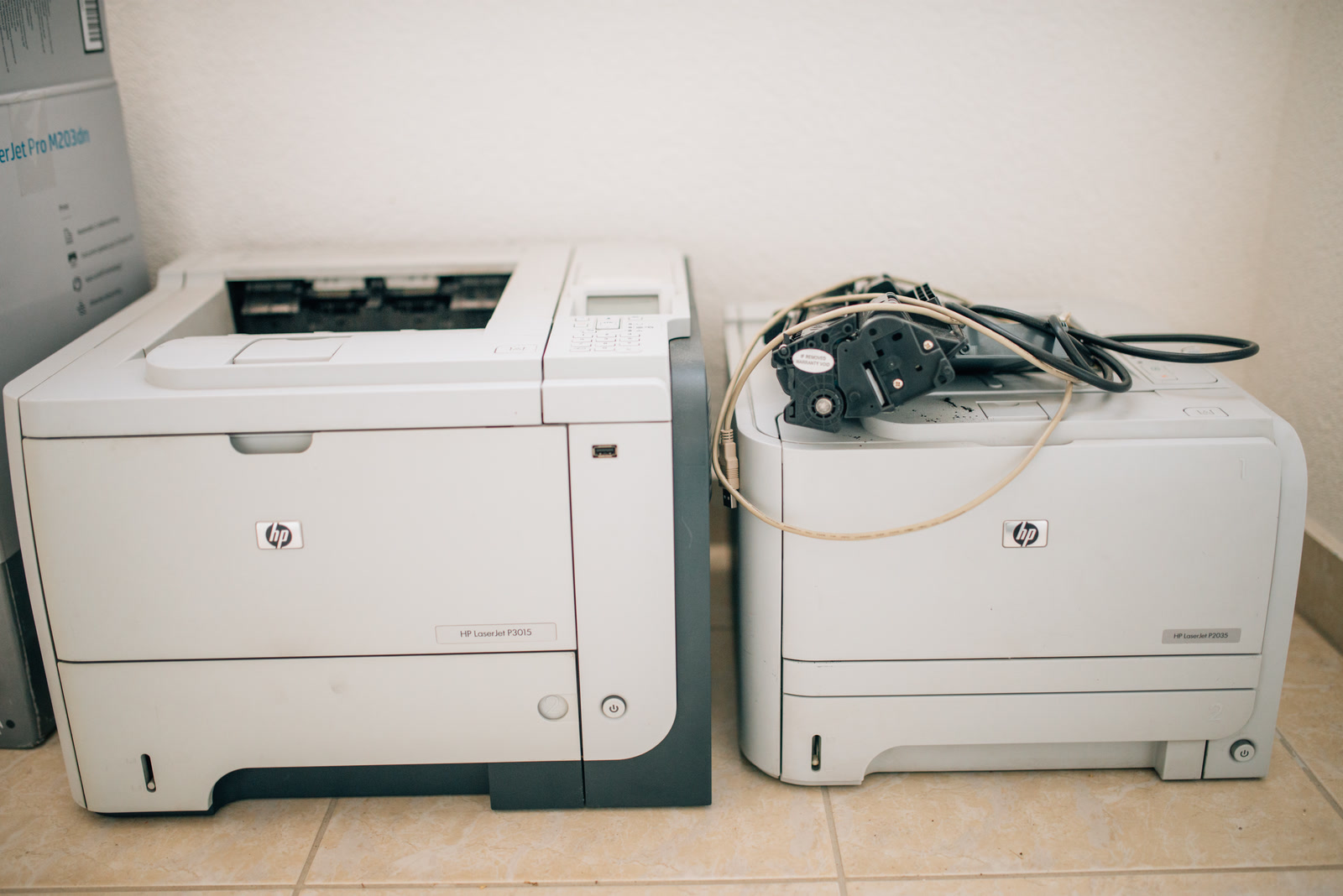
Image context: the cover shows two old HP LaserJets being repaired, not a generic cloud or protocol graphic. It fits because the OpenPrinting transition is ultimately about keeping physical machines usable without freezing the operating system around every driver they once required. The photograph does not establish whether either model supports IPP Everywhere or a specific Printer Application; compatibility still has to be checked model by model.[3][12]
Begin with the common contract
CUPS 2.x is centered on a scheduler. It accepts HTTP and IPP requests, owns printers and classes, queues jobs, reports state, and dispatches the work needed to reach a device. In the classic design, a submitted file can pass through one or more filters that convert it into a printable format, followed by a backend that sends the result over USB, IPP, LPD, SMB, or another transport.[1]
That architecture gave Linux a uniform printing surface while printer languages and connection methods varied wildly. An independent account of the CUPS 1.6 transition captured how much responsibility accumulated around the scheduler: network discovery, queueing, PDF or PostScript conversion, rasterization, page transformations, device backends, and handoffs to projects such as Gutenprint. When Apple removed Linux-oriented filters from CUPS, OpenPrinting carried them forward as the separate cups-filters project.[9]
IPP Everywhere changes where the contract lives. A compliant printer advertises itself through DNS Service Discovery, answers IPP queries about capabilities and state, and accepts standardized job formats. The Printer Working Group says the baseline requires IPP/2.0, DNS-SD, PWG Raster, and JPEG for color devices, with PDF and IPP-over-USB among the recommended capabilities. Its current overview says 98% of printers sold support IPP/2.0 and DNS-SD.[2]
“Driverless” is therefore shorthand, not magic. There is still firmware in the printer, discovery software on the host, a CUPS client and often a scheduler, document handling, authentication, network policy, and a user interface. What disappears is the requirement to install a vendor- or model-specific executable driver in every client operating system. The printer becomes an interrogable service rather than a silent box whose abilities must be reconstructed from a local file.
Native IPP printers: the device describes itself
The shortest path starts with a printer on Ethernet or Wi-Fi that already implements IPP Everywhere, AirPrint, or a compatible driverless profile. CUPS discovers the service, queries attributes such as supported media, color modes, duplex behavior, resolutions, and document formats, then submits a job to its IPP URI. Status can travel back through the same model instead of being guessed from a static PPD.
This is more than installation convenience. A PPD describes what a driver author believed a model could do. IPP attributes can expose the state the device has now: loaded media, ready formats, finishing features, consumable state, and job reasons. OpenPrinting cites that dynamic state as one reason classic PPDs and driver interfaces are an increasingly poor fit for modern hardware.[3]
The boundary still has failure modes. Discovery can fail while the printer remains reachable. A device can advertise a format that its firmware handles badly. A print dialog can omit an attribute that the IPP response contains. A queue can point to the wrong URI after an address or network change. “The printer appeared” and “the document rendered correctly” are separate tests.
That separation improves diagnosis. Fedora's printing guide asks users to locate faults across discovery and connection (avahi, libusb, backends, or cups-browsed), access policy, document filters, PPD handling, firmware, and hardware rather than treating every symptom as one CUPS failure.[8] In an IPP-first fleet, the same discipline becomes easier: first prove reachability and advertised capability, then prove job creation, then inspect rendering and device output.
USB devices: a local cable becomes a local service
USB seems like the exception to a network-service design, but ipp-usb deliberately removes that exception. For a device implementing IPP-over-USB, the daemon exposes the printer's IPP service on a local network socket, advertises it on localhost with DNS-SD, and lets CUPS talk to it as though it were a driverless network destination. For multifunction devices, the same bridge can expose eSCL or “AirScan” scanning.[4]
This is an architectural normalization, not an invitation to expose a USB printer to the internet. The cable and device remain local; the software interface becomes HTTP and IPP. That lets a print dialog, CUPS, and scanning frontend use the same discovery and capability language regardless of whether packets ultimately cross Wi-Fi or a USB controller.
It also gives each layer an observable failure boundary. If ipp-usb cannot claim or recognize the device, no IPP destination appears. If the destination appears in lpstat -e but not in an application, the desktop integration is suspect. If ipptool returns an attribute that the queue omits, the translation belongs under CUPS scrutiny. This is much more precise than reinstalling every printer package whenever a USB job stalls.[4][8]
Printer Applications: legacy translation gets an address
Older and specialty hardware is where the map becomes interesting. OpenPrinting deprecated raw queues with CUPS 2.2 in 2018 and classic printer drivers with CUPS 2.3 in 2019, but it did not pretend that installed printers would instantly learn IPP. Instead, it defined Printer Applications: daemons that present an IPP/2.0 printer service on one side and use an existing driver, filter, or native printer language on the other.[3]
PAPPL supplies the framework for this pattern. It can accept JPEG, PNG, PWG Raster, Apple Raster, or raw jobs, expose an embedded IPP Everywhere service, and send output to devices over USB or AppSocket/JetDirect. OpenPrinting has used it for applications covering PostScript, Ghostscript-based drivers, HPLIP, Gutenprint, label printers, and other families.[5][3]
The change is subtle but consequential. A classic driver is loaded into the host printing pipeline and tied to its file layout, executable environment, architecture, and package lifecycle. A Printer Application owns its translation behind a protocol boundary. It can be packaged and updated independently, and a sandboxed client only needs permission to reach an IPP endpoint rather than execute an arbitrary chain of model-specific filters.
This does not create universal support. OpenPrinting's compatibility table includes explicit gaps, including Canon CAPT and UFRII families and some Pantum GDI devices, for which it directs users back to the manufacturer.[3] A Printer Application also remains software that can crash, mis-render, lose access to USB, or expose a service too broadly. The gain is a legible component boundary—not the abolition of maintenance.
cups-filters is being separated on purpose
The supporting libraries show how OpenPrinting intends to retire old assumptions without discarding useful conversion work. The second-generation cups-filters effort split the former bundle into distinct pieces: libcupsfilters contains conversion functions without PPD support; libppd isolates the legacy PPD APIs; the cups-filters executables serve CUPS 2.x; and cups-browsed manages discovered printers and remote queues. Printer Applications can reuse the conversion library and, where necessary, the quarantined legacy layer.[6]
That decomposition is the ecosystem map in miniature. CUPS owns job and destination semantics. PWG standards define the shared protocol. Printer firmware may implement the destination directly. ipp-usb adapts a physical transport. PAPPL makes a destination out of older translation code. libcupsfilters preserves document conversion without forcing PPDs into the future core. Desktop projects decide whether users can actually see and control what all those components expose.
The split also preserves an exit. As native IPP hardware replaces a device class, its Printer Application and libppd dependency can disappear without removing PDF, raster, color, or layout functions that other components still need. OpenPrinting describes this as the reason for keeping all PPD support in its own project: the legacy layer can eventually stop being maintained while the rest continues.[6]
CUPS 3.x narrows privilege as well as scope
OpenPrinting's 3.x plan goes beyond deleting driver APIs. It divides the current daemon into a local server, running as an unprivileged user for that user's printing, and a system sharing server for publishing queues to the network. Both are described as IPP destinations built on PAPPL. The library gains supporting APIs, while the scheduler stops being the home for classic drivers and PPDs.[7]
That split recognizes two different trust problems. Sending a local user's document to a nearby printer does not inherently require a root network service. Sharing a queue across a building does require durable policy, identity, reachability, and administration. Making those roles separate reduces the amount of code and state that must cross the privilege boundary.
It does not make printing safe by topology alone. CUPS documents that its standalone default rejects remote connections, but enabling sharing or remote administration introduces ordinary internet-service risks, including unauthorized access and denial of service through large or repeated jobs.[11] A PAPPL Printer Application can likewise provide access locally or across a network.[5] Operators still need deliberate listeners, firewall rules, authentication, encryption, patching, logs, and ownership.
The current release state argues against a flag-day migration. CUPS 2.4.19 remains the published latest release, and distributions will move only when the 3.x libraries, local service, sharing service, package integration, and desktop controls are ready together.[10][7] The sound posture is to patch and understand the 2.4 fleet while making every new hardware and software choice reduce dependence on classic drivers.
Read the fleet by destination, not by logo
A practical inventory should classify each physical device by the service it can expose:
- Native IPP destination. Record the exact URI, firmware version, advertised formats, media, duplex and finishing attributes, and whether discovery survives the actual VLAN and firewall layout.
- IPP-over-USB destination. Prove that
ipp-usbowns the device, thatlpstat -esees the local service, and that printing and scanning work independently. - Printer Application destination. Match the exact model and current driver to a maintained application, then record who patches the daemon, where its state lives, and how clients discover it.
- Unsupported legacy destination. Keep the working CUPS 2.x path isolated and recoverable until a tested replacement exists. A roadmap is not a driver.
For each class, print a small but adversarial corpus: text, a vector PDF, a raster image, mixed orientation, duplex, the actual envelope or label size, and any finishing operation the organization pays for. Compare output, not just queue completion. Capture the IPP attributes and logs alongside the paper result. If a model's advertised PDF path corrupts real documents, a controlled raster workaround may be more reliable than theoretical purity.
Small teams with one modern printer can usually let distribution defaults carry most of this stack. Schools, offices, labs, and print-heavy operations need explicit owners for discovery, queue policy, legacy translation, firmware, and rollback. The system has become more modular, which makes responsibility clearer but does not make responsibility optional.
The payoff is durable interoperability. A document producer no longer needs intimate knowledge of every printer model, and a legacy translator no longer has to live inside the scheduler. Network, USB, and emulated destinations can meet at one inspectable contract. OpenPrinting's wager is that Linux printing becomes easier to evolve when every route to paper first learns how to behave like a service.
Sources
- OpenPrinting, “CUPS Design Description” — the CUPS 2.x scheduler, HTTP/IPP request path, configuration state, filters, and backends.
- Printer Working Group, “IPP Everywhere” — required discovery, protocol, document-format, capability, and self-certification baseline.
- OpenPrinting, “Printer Applications and Printer Drivers” — raw-queue and driver deprecation, PPD limits, Printer Application model, and current compatibility table.
- OpenPrinting, “ipp-usb” — localhost IPP bridging, DNS-SD discovery, simultaneous HTTP handling, and eSCL scanning over USB.
- Michael R. Sweet,
papplrepository — framework scope, embedded IPP Everywhere service, supported job formats, transports, requirements, and current release activity. - Till Kamppeter, “cups-filters Second Generation — First Beta Release” (2022) — separation of
libcupsfilters,libppd, CUPS 2.x executables, andcups-browsed. - Till Kamppeter, “25 years of working full-time for printing with free/open-source software” (2025) — OpenPrinting history and the CUPS 3.x local-server, sharing-server, all-IPP, packaging, and desktop-integration plan.
- Fedora Project, “How to debug printing problems” — an independent operational taxonomy for discovery, access, filters, drivers, firmware, queues, Printer Applications, and IPP-over-USB.
- Nathan Willis, “CUPS 1.6 shaking up Linux printing.” LWN.net, 2012 — independent history of the client/server workflow and OpenPrinting's takeover of Linux-oriented filters.
- OpenPrinting, CUPS
v2.4.19release — current published release line and shared-printing regression fix. - OpenPrinting, “Server Security” — default standalone exposure and the access, confidentiality, and denial-of-service boundaries introduced by sharing.
- Nenad Stojkovic, “HP LaserJet 3015 and 2035” (2020), Wikimedia Commons — documentary photograph of two older printers under repair, used for the article image.