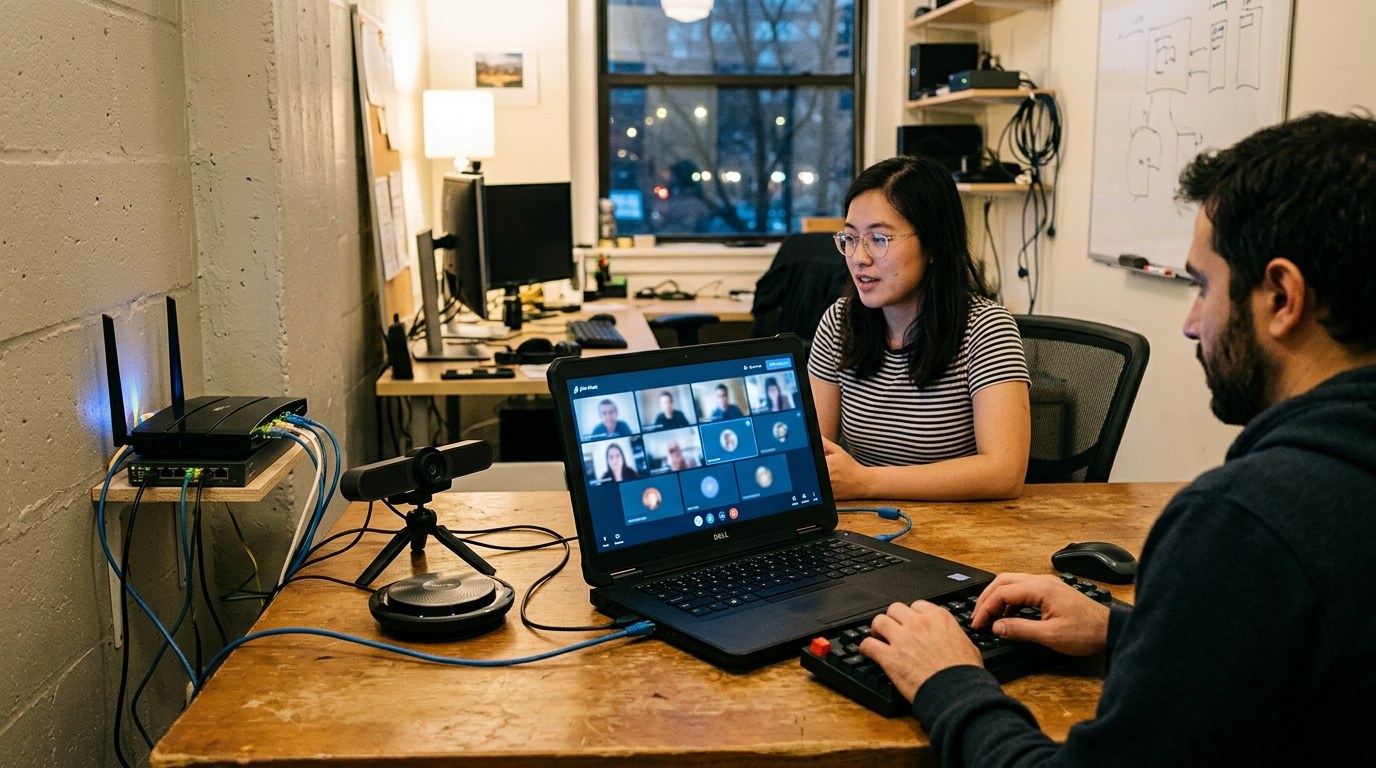
Jitsi Meet looks simple from the outside: a room URL, a camera prompt, a grid of people. The architecture underneath is more useful to read as a separation of responsibilities. The browser client renders the product surface, Prosody carries signaling over XMPP, Jicofo acts as the conference focus, and Jitsi Videobridge routes media as a selective forwarding unit rather than mixing every participant into one composite stream.[1][2]
That split is the main reason Jitsi remains interesting as open-source infrastructure. It does not merely replace a hosted meeting vendor with a self-hosted web app. It exposes the actual meeting system: identity and room policy live in one layer, conference orchestration in another, real-time packet routing in another, and optional recording or SIP integration outside the hot path.[1]
As of 2026-06-10T23:34:55Z UTC, the jitsi/jitsi-meet repository had 29,397 stars, 7,914 forks, 207 open issues, an Apache-2.0 license, and a push timestamp from the same day. Its latest GitHub release returned by the releases API was 2.0.11031, published on 2026-06-08 under stable/jitsi-meet_11031.[6][7] Those numbers do not prove operational fit, but they do show a living project with a large install and contribution surface.
The browser is not the whole system
The web client is where most users experience Jitsi: join flow, device selection, chat, reactions, screen sharing, moderation controls, and layout. In architectural terms, though, it is a participant endpoint. It negotiates media, renders the interface, and responds to conference state. It is not where the hardest multi-party scaling decision is settled.
That matters because teams evaluating Jitsi often start with the wrong question. They ask whether the interface resembles the meeting product they already use. The better question is whether the organization wants control over the real-time system behind the interface. Jitsi's architecture page lists Jitsi Meet alongside Jitsi Videobridge, Jicofo, Prosody, Jigasi, and Jibri as distinct components rather than one monolith.[1] The product surface is only one participant in that system.
This is the open-source advantage and the maintenance burden in the same sentence. You can inspect, deploy, extend, and integrate the layers. You also inherit the need to understand which layer is failing when a meeting works for two people but degrades for twenty, when remote participants cannot receive media, or when recording behaves differently from live participation.
Signaling stays off the media path
Prosody and Jicofo are easy to understate because they are not the loudest part of a video call. Prosody is the XMPP server used for signaling. Jicofo is the conference focus that coordinates the room, participants, and media-bridge selection.[1] Their job is to keep control-plane state coherent without pretending to be the media plane.
That separation is a practical design boundary. Room membership, permissions, and conference orchestration need reliable signaling semantics. Media packets need low-latency routing and adaptation. Bundling those concerns too tightly makes the system harder to reason about under load. Jitsi's component model gives operators a vocabulary for the failure: is this an auth and room-state issue, a bridge selection issue, or a media transport issue?
The distinction also keeps customization more plausible. A team can work on authentication, branding, room defaults, or moderation behavior without rewriting the media router. Conversely, bridge scaling and network placement can be approached as infrastructure work without turning every UI change into a media-system change.
Videobridge is the center of gravity
Jitsi Videobridge is the architectural center because it determines how multi-party media scales. It is a WebRTC-compatible SFU: clients send media to the bridge, and the bridge forwards selected streams to other participants rather than decoding, compositing, and re-encoding a single mixed video for everyone.[2]
The SFU choice is not just an implementation detail. An independent WebRTC engineering explainer describes SFUs as a cheaper and more adaptable alternative to traditional multipoint control units for many multi-party video cases, especially when different participants need different qualities or bitrates.[5] Jitsi's own Videobridge page makes the same architectural point from the project side: forwarding selected streams keeps the bridge focused on routing rather than full media mixing.[2]
That creates a clear tradeoff. The server avoids the CPU profile of a mixer, while clients and the bridge together take on stream selection, receiver conditions, and conference dynamics. The result can scale well, but it is not magic. Packet loss, poor uplinks, overloaded bridges, and bad network paths still show up as user-visible meeting quality. Jitsi makes the routing model explicit enough that operators can diagnose those failures as media infrastructure problems rather than vague "video app" problems.
The adoption boundary is UDP and capacity
Self-hosting Jitsi is not finished when the web page loads. The quickstart guide's firewall section points operators toward HTTPS on TCP 443 and media traffic on UDP 10000, with explicit debugging advice to check firewall and NAT rules when participants cannot see or hear each other.[3] That is the adoption boundary many pilots miss: a join page proves the web tier is reachable, not that real-time media is healthy for the range of networks your users inhabit.
The requirements guide reinforces the same point from the capacity side. Jitsi Meet is described as a real-time system, and the guide calls out CPU behavior, Prosody's single-core constraint, and the heavier resource profile of Jibri when recording or streaming is added.[4] In other words, the bridge and surrounding services need operational headroom, not just a small virtual machine that can serve static assets.
This is where Jitsi fits best and worst. It fits teams that want open-source video infrastructure, can reason about UDP reachability, can place bridges near users, and can monitor quality as infrastructure. It fits less well when the requirement is "like a managed meeting product, but with no operational surface." Jitsi can be managed by a vendor or run as a service, but the self-hosted architectural promise is control, not absence of work.
Optional components should remain optional
The architecture page's treatment of Jigasi and Jibri is also revealing. Jigasi brings SIP clients into Jitsi conferences. Jibri records or streams a conference by launching a browser-like participant and encoding the output.[1] These are important features, but they are intentionally separate jobs.
That separation keeps the core call path cleaner. SIP interop has its own failure modes. Recording has its own CPU, memory, disk, and browser automation profile. The requirements guide warns that Jibri's resource needs are far higher than Jitsi Meet itself and that colocating it can harm meeting performance or exhaust disk space.[4] A system that treats recording as just another checkbox in the main server can hide that cost until the first high-stakes meeting fails.
The better reading is that Jitsi's architecture is modular in the operational sense, not merely modular in the source-tree sense. A small private deployment can run a leaner shape. A public or institutional deployment can add dedicated bridges, recording workers, TURN support, SIP gateways, observability, and policy around room creation. Those are different systems assembled from the same project family.
What to remember
Jitsi Meet is valuable because it makes the meeting stack legible. The browser client is the user surface. Prosody and Jicofo coordinate signaling and conference state. Jitsi Videobridge carries the media-routing burden as an SFU. Jibri and Jigasi add recording, streaming, and SIP integration without pretending those are free extensions of the core call path.[1][2][4]
That is the architectural note to keep before adopting it. Jitsi is not simply "open-source Zoom." It is an open, inspectable, WebRTC meeting architecture whose strengths become real when the operator accepts the layers: signaling, media routing, network reachability, capacity, and optional services. If you want that control, Jitsi is unusually direct. If you only want a meeting link, the architecture will keep asking you to own more than the link.
Sources
- Jitsi Meet Handbook, "Architecture" - components including Jitsi Meet, Jitsi Videobridge, Jicofo, Prosody, Jigasi, and Jibri.
- Jitsi, "Jitsi Videobridge" - project description of the WebRTC-compatible selective forwarding unit and media-routing model.
- Jitsi Meet Handbook, "Debian/Ubuntu server" quickstart - deployment and firewall guidance including HTTPS and UDP media reachability.
- Jitsi Meet Handbook, "Requirements" - real-time-system notes, CPU guidance, Prosody constraints, and Jibri resource warnings.
- webrtcHacks, "Optimizing video quality using Simulcast" - independent SFU and simulcast context for multi-party WebRTC routing tradeoffs.
- GitHub API,
jitsi/jitsi-meetrepository metadata snapshot - stars, forks, open issues, license, and recent push activity at article creation time. - GitHub,
jitsi/jitsi-meetreleasestable/jitsi-meet_11031- latest release observed at article creation time. - Wikimedia Commons, "Server Rack with Spaghetti-Like Mass of Network Cables.jpg" - real 2006 photograph by Kim Scarborough used as the article image source.