Most self-hosted photo discussions still drift toward interface mimicry. People ask whether a project feels enough like Google Photos, then discover later that the real problem was never the gallery surface. A serious local photo archive is an ingestion system, a metadata system, a search system, and a backup problem at the same time. Immich is worth attention because it bundles those layers tightly enough to feel like one product while still exposing the operational edges you actually have to own.[1][2][5]
As of 2026-03-25 UTC, the official GitHub API describes Immich as a "High performance self-hosted photo and video management solution" and shows a repository with 95,653 stars, 5,176 forks, 694 open issues, and latest push activity at 2026-03-25T11:23:06Z.[1] The current release lane is also moving quickly: v2.6.0 and v2.6.1 were published on 2026-03-19, followed by v2.6.2 on 2026-03-24.[9] Linuxiac's release coverage framed the 2.6 cycle as more than 350 commits across roughly six weeks, which is a useful outside signal that the project is operating as a sustained software program rather than a stalled weekend fork.[10]
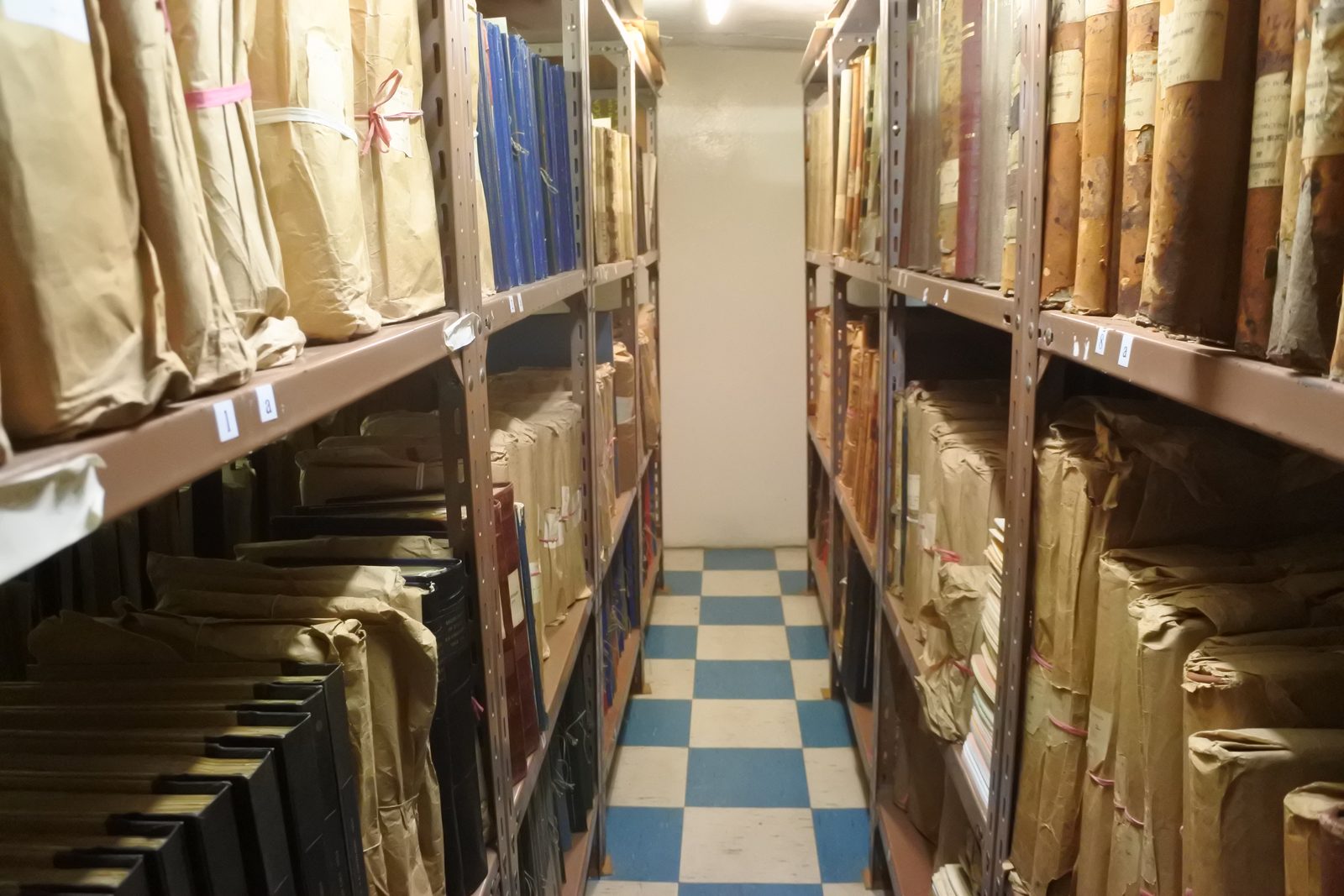
Image context: the cover photo shows archival shelving in St Helena Archives. It is included here because Immich decisions are closer to archive design than to social-photo-app design: storage layout, retrieval, and long-run recoverability matter more than gallery polish alone.[11]
What Immich actually is
The Docker Compose install docs are revealing in a good way. Immich recommends Docker Compose as the production deployment path, asks you to define both UPLOAD_LOCATION and DB_DATA_LOCATION, and keeps IMMICH_VERSION explicit in the environment file.[2] That tells you immediately that Immich is not just a thin browser over a folder share. It is a database-backed media system with a real storage boundary.
The user-facing value comes from combining several ingestion lanes under one roof:
- mobile backup for selected albums, including periodic background upload when the app is resumed or allowed to run in the background;[8]
- bulk import and migration paths through the Immich CLI, including documented Google Photos takeout workflows and duplicate-aware upload options;[12]
- external-library support for pre-existing folder trees you do not want to re-upload into a new managed store.[4]
That combination is the project's real thesis. Immich is strongest when you want one archive surface that can absorb new phone photos without forcing you to abandon older directory-based collections.
The architecture boundary that makes the product feel fast
The jobs-and-workers docs are unusually clear about where the work happens. The immich-server container includes an api worker for request handling and a microservices worker for background jobs such as thumbnail generation and video encoding.[3] The pleasant timeline view is therefore downstream of a continuous background-processing system, not the other way around.
That matters because every credible "local photo archive" promise quietly depends on four harder promises underneath it:
- uploads from unreliable phones have to land consistently;
- metadata has to be normalized and indexed in the background;
- derivative assets have to be generated quickly enough that browsing feels native;
- search and recognition features have to stay usable as the archive grows.
Immich can do those things because it is willing to run real asynchronous work, not because the UI is unusually clever.[3][6][7]
The acceleration docs reinforce the same point. Hardware transcoding can reduce CPU load, but the docs note that it often produces larger files with lower quality at similar settings.[6] Hardware-accelerated machine learning can speed Smart Search and facial-recognition workflows, but it adds backend-specific setup and more memory pressure.[7] The requirements page is blunt about the base envelope: 6 GB RAM minimum, 8 GB recommended, storage overhead from thumbnails and transcoded video can run roughly 10-20% of the library, and as of v2.6 the machine-learning container on amd64 requires x86-64-v2 or newer.[13]
That is the right way to think about the software. Immich is not storage-neutral. It turns a pile of originals into an actively maintained archive with derivatives, indexes, and job queues.
External libraries are the feature that changes the adoption story
Many self-hosted media tools quietly assume a greenfield upload path. Immich does not. Its external-libraries feature lets an admin mount pre-existing folders, assign a library to a single user, and control rescans on a schedule.[4] The server-stats docs add another important detail: external libraries are excluded from quota accounting because they live on custom mount points.[14]
This is more important than it sounds. It means Immich can sit on top of an archive you already trust instead of demanding an all-at-once migration. For people with years of photos already organized on a NAS, that is the difference between a toy install and a realistic pilot.
A practical shape emerges:
- Immich-managed upload storage for new mobile and web ingestion;
- external-library mounts for older or separately governed media trees.[4][14]
That split does not eliminate operational complexity, but it dramatically lowers the activation energy for adoption.
The real decision gate is backup discipline
This is the part many enthusiastic recommendations skip. The backup-and-restore docs explicitly recommend a 3-2-1 backup strategy and say you need both the Immich database and the uploaded photo/video files for a comprehensive backup.[5] That is not a legal disclaimer. It is the center of the whole product.
The same page draws several boundaries that should change how you evaluate the project:
- database backups and filesystem copies have to be treated as one recovery system, not two unrelated chores;[5]
- restore ordering matters, because inconsistent snapshots can leave the restored database pointing at files the filesystem backup does not contain;[5]
- if you preserve only some filesystem paths, you may need to rerun thumbnail and transcoding jobs after restore.[5]
The install and requirements docs push the same message from another angle. Postgres is called out as a critical dependency for smooth operation, the database path should not live on a network share, and the default deployment shape assumes you are willing to give the archive a real local storage home.[2][13]
That is why the most honest pre-install question is not "Do I like the interface?" It is "Am I willing to operate a database-backed media archive and test restores?" If the answer is no, then Immich is probably the wrong tool even if the demo looks perfect.
Who should try it
Immich makes the strongest case for three groups.
First, households or individuals who want local-first photo and video management but still expect mobile auto-upload, decent search, and low-friction sharing.[1][8]
Second, NAS and home-lab users with an existing folder tree who want a modern discovery layer without surrendering the underlying filesystem structure.[4][14]
Third, small groups that need a searchable private media archive and do not require full enterprise DAM governance.[1][3]
The weakest fit is also clear:
- people who want zero-admin simplicity;
- anyone unwilling to own storage growth, background-job bursts, and restore drills;
- environments that need hard multi-tenant controls or institutional asset-management workflows.
Bottom line
Immich is compelling in 2026 because it no longer reads like a mere "Google Photos alternative." It reads like a real open-source archive system with mobile ingestion, bulk-import paths, background workers, and a fast enough release cadence to matter.[1][9][10]
That maturity is also the warning label. Immich is at its best when you treat it as archive infrastructure rather than as a decorative gallery. If you can own the database, storage growth, and backup discipline, the project now looks genuinely production-credible for personal and small-group use. If you cannot, the same features that make it powerful will be the ones that make it feel heavy.
Sources
- GitHub API,
immich-app/immichrepository metadata and description. - Immich docs, "Docker Compose (Recommended)" installation guide.
- Immich docs, "Jobs and Workers" architecture and split-worker behavior.
- Immich docs, "External Libraries" feature guide.
- Immich docs, "Backup and Restore" administration guide.
- Immich docs, "Hardware Transcoding" feature guide.
- Immich docs, "Hardware-Accelerated Machine Learning" feature guide.
- Immich docs, "Mobile Backup" feature guide.
- Immich GitHub release page for
v2.6.2. - Linuxiac, "Immich 2.6 Photo and Video Management Solution Released with 350+ Commits."
- Wikimedia Commons file page, "Archive shelves (41054237191).jpg."
- Immich docs, "The Immich CLI" feature guide.
- Immich docs, "Requirements" hardware, storage, and memory guidance.
- Immich docs, "Server Stats" note on external-library quota accounting.