Gitea is easy to undersell if you describe it as a lighter GitHub clone. The official docs define it more usefully: a self-hosted, all-in-one software development service with Git hosting, code review, collaboration, a package registry, and CI/CD.[1] That list matters because it tells you what kind of bet Gitea is making. It is not trying to win by being the deepest tool in every category. It is trying to keep the day-to-day forge surface in one place so a small team does not have to stitch together a Git remote, a review layer, a package registry, and a CI system before work even starts.[1][3]
As of 2026-05-04T23:36:03Z UTC, the go-gitea/gitea repository reports 55,356 stars, 6,656 forks, 2,776 open issues, and a most recent push timestamp of 2026-05-04T23:06:02Z.[5] The latest stable release is v1.26.1, published on 2026-04-24.[6] Those numbers do not prove quality by themselves. They do show that Gitea is not a nostalgic side project. It is a large, live codebase with a release train and an active operating surface.
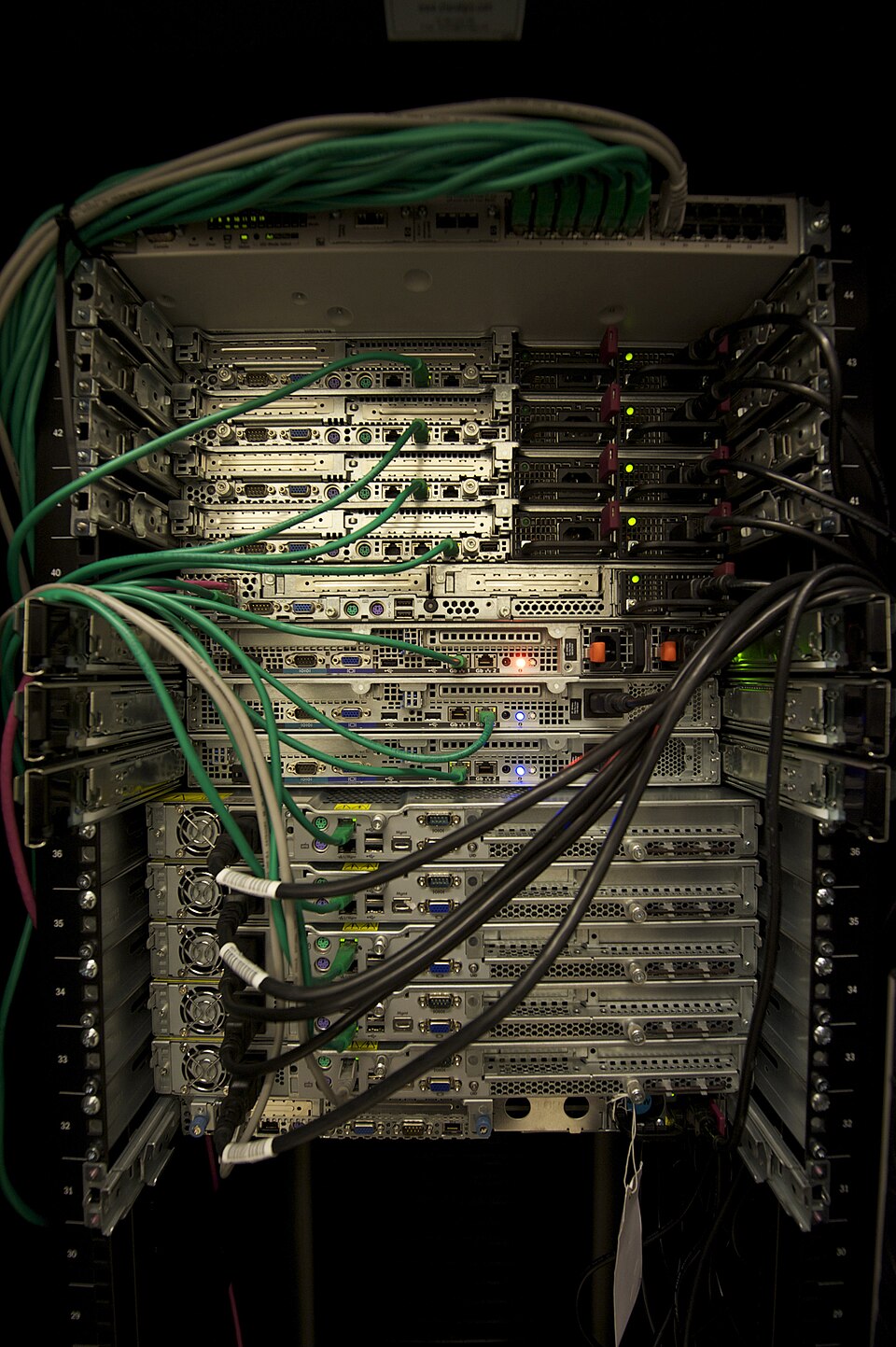
Image context: the lead image uses a real Wikimedia Commons server-rack photograph rather than a logo lockup or abstract DevOps graphic. That is the right visual ground for Gitea because the article is about an owned forge running on real infrastructure, with resource limits, upgrade cadence, and trust boundaries that have to stay visible to the team operating it.[7]
The real unit is the forge, not the repository
The strongest sentence in Gitea's own introduction is still the simplest one: the goal is to provide the easiest, fastest, and most painless way to set up a self-hosted Git service.[1] What makes that sentence more interesting in 2026 is how much now sits behind "Git service." The same docs page does not stop at repositories and pull requests. It explicitly includes package registry support and built-in CI/CD through Gitea Actions.[1] In other words, Gitea is no longer most usefully read as "a web UI for Git." It is better read as a forge: a place where source, review, build triggers, artifacts, and team permissions can stay close enough to reduce integration drag.[1][2][3]
That compactness is reinforced by the resource line Gitea publishes for itself. The docs say a Raspberry Pi 3 is enough for small workloads and that 2 CPU cores with 1 GB RAM are typically sufficient for small teams and projects.[1] Those are not magical numbers, and real usage depends on repos, runners, package volume, and search indexing. Still, they tell you what kind of deployment posture the project is aiming for. Gitea wants to be small enough that the self-hosting decision does not automatically become a platform-engineering side quest.
Actions broadens the stack, but the trust boundary stays outside the app
Gitea Actions is the feature that turns Gitea from "lightweight Git hosting" into something more structurally complete. The docs state that Actions has been built in since Gitea 1.19 and is designed to be mostly compatible with GitHub Actions workflows.[2] That matters for adoption because it lowers workflow rewrite cost. Teams can reuse familiar YAML structure and many existing actions plugins rather than inventing a parallel CI language just to leave a hosted forge.[1][2]
The more important detail is the one that keeps Gitea honest: jobs are not run inside the main application. The docs say Gitea delegates jobs to a separate act_runner program, itself based in part on a fork of nektos/act.[2] That single design choice clarifies the product boundary. Gitea can centralize workflow definition and run history, but runner trust, placement, and isolation still belong to the operator. The docs are blunt about it: do not attach runners you do not trust to repositories you care about, and do not offer runners to repositories you do not trust.[2]
That is exactly the kind of boundary a serious self-hosted forge should keep visible. A weaker product pitch would pretend that "built-in CI" erases execution risk. Gitea does the opposite. It keeps the authoring surface integrated while leaving execution as a separate operational decision.[2] For internal company instances, that is often the right trade. You get one review-and-automation surface without pretending untrusted public-runner economics have disappeared.
Packages add gravity without forcing everything into one repository
The package registry makes the same design logic visible in a different place. Gitea's package docs say the registry has been available since 1.17 and supports more than 20 package types, from npm and PyPI to container images, Helm, Maven, and Terraform state.[1][3] That breadth matters less as a checklist win than as a workflow simplifier. Many teams do not need a best-of-breed artifact system on day one. They need their build outputs to live near the code, permissions, and review history that already govern the project.
The clever constraint is that packages belong to an owner, not to a repository.[3] A package can be linked to a repository for visibility, but the ownership model stays at the user or organization layer.[3] That is a better forge model than pretending every artifact has one canonical repo-shaped home. It allows a team to keep access control and distribution centered on the people or org that publish the package, while still exposing repository context where helpful.[3]
That also explains why Gitea can feel more coherent than a pile of adjacent services. The forge surface is shared, but not every object is forced into the exact same hierarchy. Repositories host source. Packages belong to owners. Actions workflows define automation. The result is not "one database table for everything." It is a compact set of neighboring surfaces with just enough separation to stay usable.[1][2][3]
Why Gitea fits best when the team wants ownership more than platform theater
Gitea's self-description should still be read with appropriate caution. Its comparison page is maintained by the project itself and explicitly warns it may become outdated.[4] Even so, the page is revealing because it shows what the maintainers believe the product is competing on: low RAM and CPU usage, multiple database support, built-in package and container registry, extensive API support, and the absence of telemetry.[4] Those are ownership arguments, not luxury-platform arguments.
That is the right lens for a project introduction. Gitea is strongest for teams that want a forge they can run on modest hardware, back up as one administrative surface, and extend gradually as needs grow.[1][4] It is a good fit for internal engineering groups, contractors with client-separated instances, schools, labs, and small product teams that want Git hosting plus review plus artifact flow without committing to a sprawling platform from day one.[1][2][3]
The boundary is just as important as the promise. If a team needs the deepest public marketplace network effects, the broadest managed-runner ecosystem, or a highly abstracted enterprise platform with many adjacent SaaS services already fused in, Gitea is not trying to win by becoming that.[2][4] Its real strength is narrower and more durable: one self-hosted forge, small enough to own, broad enough to keep daily development work from leaking across five separate admin consoles.
Sources
- Gitea Docs, "What is Gitea?" - project scope, self-hosted all-in-one positioning, system requirements, and feature overview.
- Gitea Docs, "Actions Overview" - built-in CI/CD since 1.19, GitHub Actions compatibility, standalone
act_runner, and runner trust guidance. - Gitea Docs, "Packages Overview" - package registry support since 1.17, supported package managers, owner-based package model, and access restrictions.
- Gitea Docs, "Compared to other Git hosting" - the project's own comparison matrix for resource usage, registry support, API breadth, and self-hosting posture.
- GitHub API snapshot for
go-gitea/gitea- repository stars, forks, open issues, and recent push activity at article creation time. - GitHub releases for
go-gitea/gitea- latest stable releasev1.26.1, published on 2026-04-24. - Wikimedia Commons, "File:Servers in a Rack.jpg" - source page for the real server-rack photograph used as the article image.