A filmmaker exports the final cut; a projectionist needs something the cinema can ingest, identify and play. Between those two desks sits a small ecosystem of open-source software. DCP-o-matic provides the visible authoring tools, libdcp handles the package underneath, and separate verification and playback steps help establish whether the result is ready for a screening.[2][3][4]
The practical setting is less exotic than the machinery sounds. CalArts' School of Film/Video documents DCP-o-matic on its workstations, with a workflow that begins with a completed cinema sound mix and asks filmmakers to obtain the festival's delivery specifications. The school's instructions also recommend a test projection after a desktop check.[1] Those bookends explain the software's place: it connects people who have finished a film to people responsible for showing it.
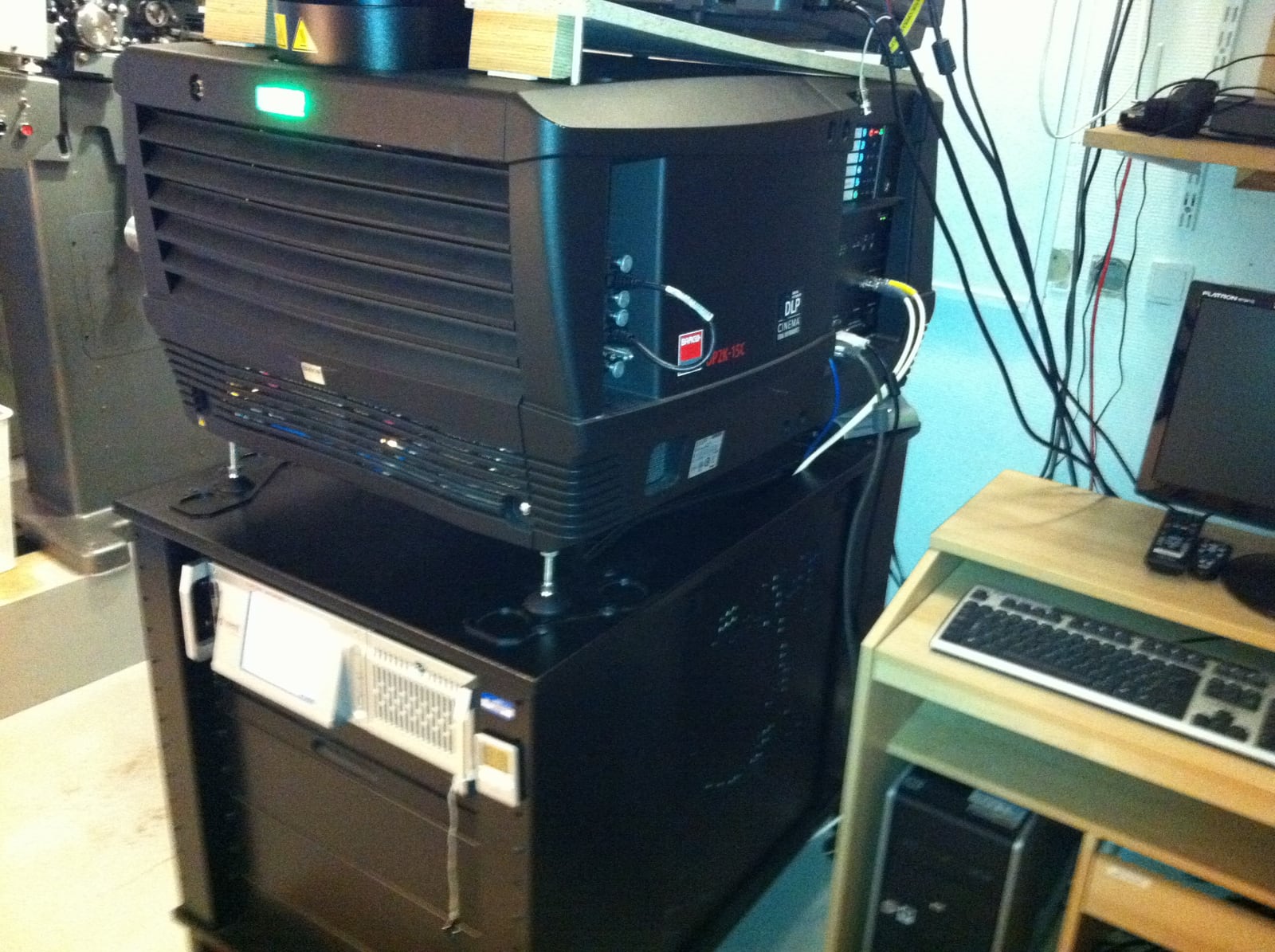
The package is the meeting point
A Digital Cinema Package, or DCP, contains related files: picture and sound in MXF containers, descriptive XML, and potentially subtitle or caption assets. DCP-o-matic keeps this deliverable inside a larger project directory containing settings, logs and working data. The actual DCP folder is what travels to the cinema.[2]
Within that package, a Composition Playlist, or CPL, identifies the picture, sound and other assets belonging to a particular composition. A package can hold several CPLs—for example, versions of a feature with different language tracks.[2] This gives the projectionist a choice with a defined set of dependencies. The familiar film title is only part of its identity.
That distinction changes how an export should be reviewed. “The film is on the drive” leaves several questions unanswered: which composition, which language, which subtitles, and whether all the referenced assets arrived. The package connects those choices in a form that the receiving system can interpret.
DCP-o-matic's main application turns source video, audio and timed text into that deliverable. Its Batch Converter runs previously prepared projects; its Combiner gathers multiple DCPs into one DCP folder.[2] These tools address different stages of a festival's workload. Preparing a film, processing a queue and assembling deliveries need different controls even when they operate on the same material.
Below the window, reusable machinery
The desktop application rests on other open-source projects. Its build configuration requires FFmpeg libraries including libavformat and libavcodec, alongside libdcp-1.0.[4] libdcp describes its job as reading and writing DCPs, and lists OpenJPEG, XML libraries and asdcplib among its dependencies.[3] The authoring interface therefore sits above machinery for media handling, image coding and cinema packaging.
A revealing detail appears in libdcp's treatment of malformed metadata. The library aims to read an invalid value, preserve it and report that it is invalid, while making incorrect new output difficult to create. Its example uses MainSoundConfiguration: a value can survive a read-and-write round trip even though asking for its interpreted channel layout raises an error.[3]
This is a useful distinction for preservation and diagnosis. If an application silently tidied every unfamiliar value, it could erase the evidence needed to understand a troublesome package. Reading a file successfully and endorsing its contents are separate capabilities. The library makes room for both investigation and stricter authoring.
There is also a practical limit to the convenience of shared components. Several applications in one suite should not automatically be counted as several independent implementations. A second window can offer a different check without providing an entirely separate view of the format.
A smaller delivery can have a larger dependency
Suppose a festival receives a film and later needs a subtitled version. Re-encoding and sending every picture frame again may be unnecessary. A Version File, usually shortened to VF, can refer to assets in another DCP. DCP-o-matic marks an imported VF that lacks its corresponding Original Version with NEEDS OV; adding the OV supplies the missing material.[2]
That economy travels with an obligation. The recipient must possess the assets the new composition references. A compact folder may be perfectly intentional and still be insufficient on its own.
For the hypothetical festival, the useful handoff is therefore explicit: this composition adds or replaces these elements and requires that original delivery. The smaller upload saves time only if the booth can resolve the relationship. Keeping the OV available becomes part of showing the revised film.
Verifier, Player, screening room
DCP-o-matic separates automated checking from viewing. Its Verifier can inspect one or more packages; verification is also available inside Player. Documented checks include missing files, hashes that disagree, invalid XML, and mixtures of SMPTE and Interop components. The results distinguish errors, Bv2.1 errors and warnings.[2]
These are concrete questions about the deliverable. A checksum disagreement can expose a damaged or inconsistent asset; a missing-file report can reveal an incomplete transfer. Neither check can tell whether a filmmaker intended a particular crop or whether the dialogue sounds right in the auditorium. Those require different evidence.
Player supplies another part of that evidence by letting someone watch and listen to the DCP. Its manual describes CPU demands at full resolution, reports dropped frames, and offers reduced-resolution decoding to improve performance.[2] A stuttering laptop preview may consequently tell you about that computer's decoding capacity. Conversely, smooth playback at reduced resolution does not establish a full-resolution examination.
CalArts' recommendation to follow the computer check with a test projection makes sense here.[1] Inspecting the package and experiencing the screening answer different questions. The venue test joins the delivered composition to the actual picture and sound system, with time left to correct a mistake.
The last transfer includes people
Encoding also consumes a real production budget. DCP-o-matic's introduction warns that conversion can run slower than real time and that output can exceed 100 GiB.[5] A late correction may therefore involve another substantial encode or transfer. Storage capacity and the screening deadline belong in the plan before someone presses Make DCP.
The delivery medium introduces another compatibility decision. DCP-o-matic's Disk Writer can prepare ext2 drives and copy packages onto them; the project's transfer guide also describes network delivery and the limits of other filesystems.[6] The sensible choice follows the receiving venue's instructions. A drive readable on the editor's machine has established only the first half of the journey.
For encrypted content, a Key Delivery Message adds a further dependency. DCP-o-matic creates a KDM for a selected CPL, recipient certificate and time window. The manual specifically calls for destination-cinema testing ahead of the show.[2] A room change or an incorrectly chosen window can matter even when the film files themselves remain intact.
For a small festival or independent production team, the workable arrangement is someone who owns the export, someone who can interpret technical checks, and a venue contact able to rehearse the result. One person may fill several roles; none disappears because the software is free. Open-source tools make the intermediate decisions inspectable and repeatable. The final handoff succeeds when the projectionist can select the intended composition, the required assets and keys are present, and the film has been seen and heard in the room where it will meet its audience.
Sources
- CalArts School of Film/Video, “DCP Creation with DCP-o-matic,” updated August 31, 2026 — independent institutional workflow, festival requirements, cinema mix and test projection.
- Carl Hetherington, DCP-o-matic users' manual — “Available tools” and Chapters 5, 10, 14, 18 and 19: version files, CPLs, KDMs, generated files, playback and verification; consulted October 31, 2026.
- libdcp project, README — dependencies and the distinction between preserving malformed metadata and interpreting it; consulted October 31, 2026.
- DCP-o-matic project, wscript build configuration, main branch — required FFmpeg and libdcp libraries; consulted October 31, 2026.
- DCP-o-matic, “DCP: the digital cinema package” — source formats, encoding time and output size; consulted October 31, 2026.
- DCP-o-matic, “Transferring DCPs to cinemas” — network delivery, filesystem compatibility and Disk Writer; consulted October 31, 2026.
- Søren Hellmann, “Barco Digital Cinemaprojektor med Doremi Server,” October 8, 2011, Wikimedia Commons — documentary photograph, CC BY-SA 3.0.