calibre is easy to describe too narrowly. "Ebook manager" is accurate, but it misses the open-source reason the project still matters in 2026. The stronger introduction is this: calibre is a local control plane for digital books. It keeps metadata, formats, conversion, device transfer, browser access, editing, and automation close to the reader instead of turning the library into a remote account feature.[1]
That distinction matters because ebooks are unusually exposed to platform drift. A bought book can be trapped in a store app. A PDF can be legible on a laptop and miserable on a small e-ink screen. A folder full of files can become unsearchable because author names, series numbers, covers, tags, and identifiers live only in filenames. A reading habit can sprawl across desktop apps, USB transfers, cloud drives, and vendor libraries until nobody knows which copy is authoritative.
calibre's useful answer is not elegance for its own sake. It is custody. The official about page says calibre can manage collections, fetch and edit metadata, convert formats, transfer books to devices, run a Content server, edit EPUB and Kindle-oriented formats, download news, and install plugins.[1] Independent user guides have been describing the same broad utility for years, often stressing cross-platform library management rather than one narrow reading feature.[9] That breadth can look messy at first. Read architecturally, it is coherent: every major feature exists because digital books have to cross boundaries.
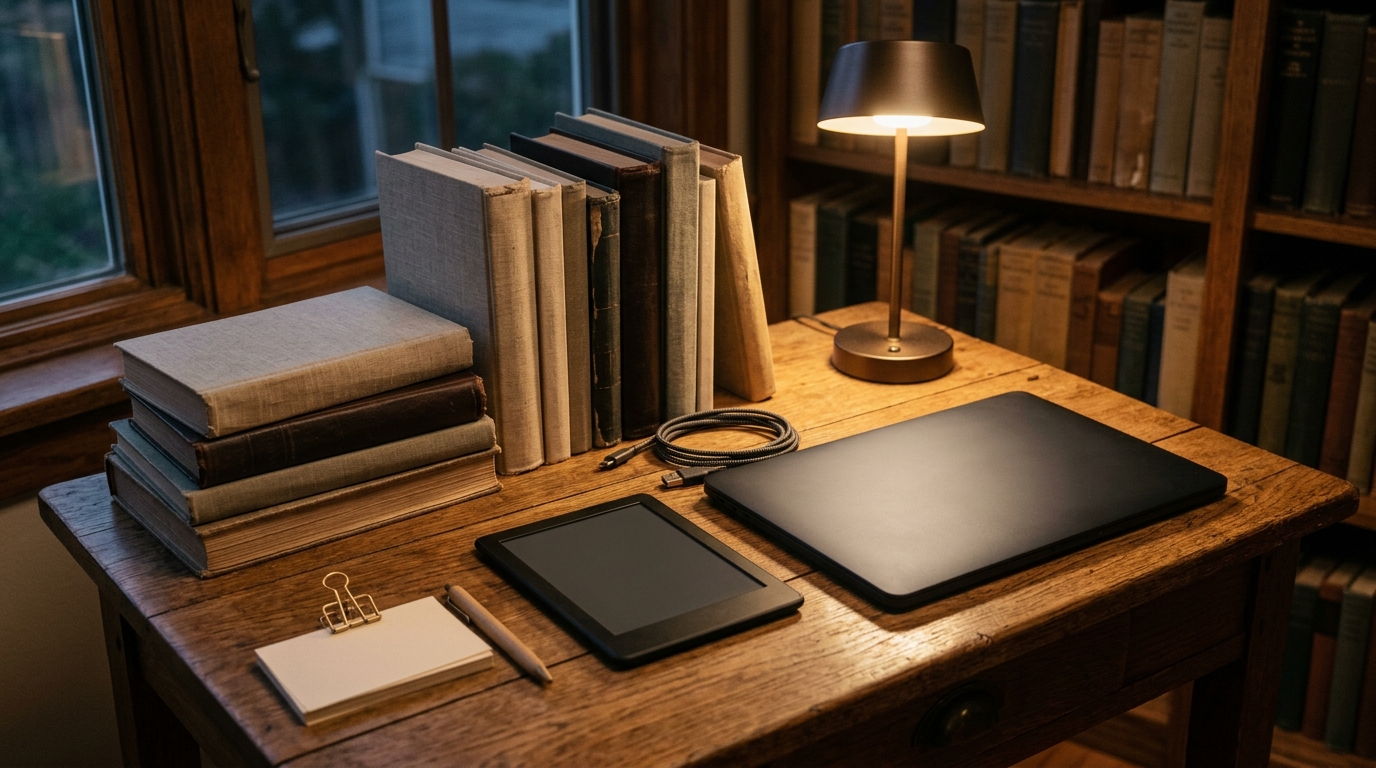
The cover photograph is a Kindle, not a calibre screenshot, for that reason.[10] The story is not one application window. The story is the older promise that an ebook should remain readable after the first store, first device, or first import path stops being enough.
The library is the source of truth
The first calibre concept to take seriously is the library. The FAQ is blunt about its shape: a calibre library is a folder; added book files are copied into subfolders by author and title; and a top-level metadata.db stores title, author, rating, tags, and related metadata for every book in the library.[4] That gives calibre a stronger model than "files somewhere on disk." The book file matters, but the searchable library is the file plus its metadata record.
That has practical consequences. If you care about a few dozen books, a folder hierarchy can be enough. If you care about hundreds or thousands, the folder becomes a weak interface. You need author normalization, series order, tags, identifiers, covers, comments, formats per title, search, and export behavior. calibre turns those into library state rather than asking every user to invent a naming convention.
The same FAQ draws an important operational boundary: do not put the calibre library itself on a networked drive or NAS, because network filesystems may lack locking, hardlinking, or other behavior calibre depends on, and running multiple calibre instances against one networked library can break things.[4] That warning is not a nuisance. It tells you what calibre is and is not. It is local-first library software with sharing and server features, not a multi-writer distributed database dressed up as a bookshelf.
For teams or households, the adoption rule follows from that. Pick one authoritative calibre library. Back it up. Do not let multiple machines write into the same library folder through a flaky sync layer. If sharing is needed, use export, the Content server, or a deliberately managed workflow rather than pretending a consumer sync folder is a database protocol.
Metadata is not decoration
calibre's metadata tools are the project at its most librarian-like. The official metadata manual describes one-by-one editing, bulk editing, internet metadata downloads, covers, tags, formats, and field cleanup.[5] That may sound like housekeeping until a library gets large enough that "which edition is this?" becomes an actual retrieval problem.
Metadata quality decides whether a library remains useful. A badly imported title can sort under the wrong author. A series can lose its order. Duplicate formats can hide under separate entries. A book without an identifier may be hard to match later. A tag can become a reading queue, a genre shelf, a research project, or a device-transfer rule. calibre is valuable because it lets readers repair that layer directly instead of waiting for a vendor catalog to agree with their collection.
This is where the project differs from pure reader apps. A reader app can remember progress in one book. calibre is more concerned with the collection that book belongs to: what it is, where it came from, which formats exist, where it should go next, and what metadata should travel with it.[1][5]
Conversion is a boundary, not a miracle
The second serious calibre boundary is format conversion. The about page says calibre can convert dozens of file types and detect an appropriate format for a device.[1] The manual is more cautious and more useful: some input formats convert better than others, conversion offers many tuning options, and the conversion system is not a substitute for a full ebook editor.[6]
That is the right posture. Conversion is not magic. It is a pipeline that takes a source document, interprets structure, transforms layout and metadata, and emits a target format with its own constraints. EPUB, AZW3, PDF, DOCX, MOBI, HTML, and comic-book archives do not carry the same semantic information. A PDF made for print may not become a graceful reflowable ebook just because it passes through a converter. A well-formed EPUB may move much more cleanly.
The engineering value is that calibre makes this boundary visible. A user can keep the original file, generate a device-friendly copy, edit metadata, and test the result. The command-line ebook-convert interface also means conversion can be scripted rather than reduced to a manual desktop ritual.[6] That matters for publishers, archivists, researchers, and obsessive readers who need repeatable transformations rather than one-off dragging and dropping.
The safe rule is simple: use calibre conversion to adapt a library to reading contexts; do not expect it to rescue every malformed source. When the source itself needs structural repair, the built-in editor exists for EPUB, KEPUB, and AZW3 work, and conversion should come after cleanup rather than before it.[1][6]
Devices are adapters, not the center
calibre began from a device problem. Kovid Goyal's history on the project site traces the origin to the Sony PRS-500, which did not work with Linux; the early work reverse-engineered the USB protocol and grew into libprs500, then into calibre.[1] That origin still explains the product. calibre is not trying to make one branded reading surface dominant. It is trying to stand between a book collection and many devices.
The project page says calibre supports almost every e-reader and can transfer ebooks wirelessly or by cable, choosing or converting to the best format when needed.[1] That is the everyday version of the same architectural idea: the device is an endpoint, not the owner of the library. A Kindle, Kobo, tablet, phone, or desktop viewer can be a place where reading happens without becoming the only place the collection makes sense.
This is also where calibre's local-first philosophy remains valuable. If a vendor changes USB behavior, cloud policy, file-download rules, store formats, or app support, a local library with known formats and metadata gives the reader more options. It does not make every DRM or platform rule disappear. It does keep the user's own non-locked files from being organized only through someone else's interface.
The Content server widens access without changing the custody model
The calibre Content server is the feature that most cleanly prevents "local" from meaning "stuck on one computer." The manual says it lets users access calibre libraries and read books directly in a browser on a phone or tablet, with offline caching for books being read.[7] The calibre-server command exposes libraries over the internet and can take library-folder paths as arguments.[7]
That is not the same as turning calibre into a giant hosted reading platform. It is a local library being served outward under the user's control. The distinction matters. If the collection lives first in the calibre library, the web surface becomes an access layer. If the web service becomes the only source of truth, you are back to platform dependency by another route.
The command-line database tool reinforces that model. calibredb can manipulate a library by path or operate against a Content server, but the docs warn that authentication is required before remote changes can be made.[8] That is exactly the right tension: expose enough control for automation and remote administration, but treat write access to the library as consequential.
For self-hosters, the operational boundary is clear. Run the Content server when browser access, household access, or remote reading is valuable. Put authentication, HTTPS, backups, and firewall exposure in the same plan. Do not confuse "I can serve the library" with "the library is now a casually exposed public website."
calibre 9 shows the project is still moving
As of the current public changelog, calibre 9.9 was released on May 28, 2026, with smaller but telling improvements: search behavior across virtual libraries, fixed-layout EPUB page counting, ISBN import handling, Content server metadata behavior, Linux SSL loading fixes, and news-source updates.[2] The broader calibre 9.0 page describes a Bookshelf view and opt-in AI features, while emphasizing that AI code is not loaded until a provider is configured.[3]
Those details are useful because they show the project evolving without abandoning its core. Bookshelf view is a collection-browsing improvement. Fixed-layout page counting is a metadata-and-reading improvement. Content server fixes are access-layer maintenance. Opt-in AI is framed as an add-on that must be explicitly configured rather than a cloud feature silently inserted into the library path.[2][3]
The open-source signal is not that every new feature is equally important. It is that calibre can keep absorbing new workflows while preserving the older custody model: local library first, adapters around it.
Where calibre fits
calibre is strongest for readers, researchers, small publishers, archivists, teachers, and self-hosters who want their ebook collection to remain inspectable and portable. It is especially compelling when the library contains mixed sources: public-domain EPUBs, purchased DRM-free books, PDFs, DOCX exports, research documents, web news recipes, and device-specific copies. The project gives that variety one place to become organized.[1][5][6]
It is weaker when the user's real need is a polished cloud bookstore, an enterprise digital-asset-management system, a collaborative annotation platform, or a multi-writer shared database. calibre can serve, export, convert, and extend. It should not be adopted under the assumption that it will erase every rights-management, sync, or collaboration problem.
The conservative adoption path is straightforward. Install calibre on the machine that will own the library. Import a small sample first. Clean metadata before scaling. Decide which formats you preserve as originals and which you generate for devices. Back up the library folder and metadata.db. Use the Content server only after you have decided who needs access and how authentication will work. Add plugins only when they solve a concrete workflow gap.
calibre's durable value is not nostalgia for desktop software. It is a specific open-source stance toward reading infrastructure: the library should be yours before it is convenient, searchable before it is pretty, convertible before it is trapped, and shareable without surrendering custody. That is why calibre still earns attention in 2026. It makes ebooks behave like a local library again.
Sources
- calibre, "About calibre" - official project overview, feature list, history from
libprs500, open-source framing, device support, Content server, plugins, and install/community notes. - calibre, "What's new" - current changelog including calibre 9.9 on 2026-05-28 and recent Content server, metadata, fixed-layout EPUB, and news-source fixes.
- calibre, "New in calibre 9.0" - Bookshelf view and opt-in AI-provider behavior in the calibre 9 line.
- calibre User Manual, "Frequently Asked Questions" - calibre library folder structure,
metadata.db, restore behavior, and network-drive warning. - calibre User Manual, "Editing e-book metadata" - individual and bulk metadata editing, covers, tags, formats, and cleanup workflow.
- calibre User Manual, "E-book conversion" - conversion workflow, format caveats, tuning options, and the boundary between conversion and editing.
- calibre User Manual, "The calibre Content server" - browser reading, mobile/tablet access, offline cache behavior, and server usage.
- calibre User Manual, "
calibredb" - command-line database interface for local libraries and authenticated Content server operations. - Siddharth Mankad, "Manage Your eBooks with Calibre," Open Source For You, 2012 - independent user-oriented overview of calibre as a cross-platform ebook-management tool.
- NotFromUtrecht, "Amazon Kindle 3.JPG," Wikimedia Commons - real 2010 e-reader photograph used as the article image.