Imagine reopening an interview and finding that every word is present, but a pause has moved. The recording survived; an editorial decision did not. For a small oral-history team or podcast desk moving from Audacity 3 to 4, that is the useful migration question: can another editor reopen the session and continue the same piece?
There is good reason to try the new version. MusicRadar's launch coverage presents Audacity 4 as a substantial modernization of a familiar open-source editor.[9] My reading is that the most consequential change for an established team is the combination of a new project format and new editing behavior. Both deserve a rehearsal using work the team already knows.
As checked on October 17, 2026, the current release is Audacity 4.0.1, issued September 30. Its fixes include disrupted clips during .aup3 conversion, project corruption following a failed save, and VST3 settings reverting when playback begins.[2] These are particularly relevant reasons to record the exact version used for a trial.
Keep the session you can return to
Audacity 4 converts an Audacity 3 .aup3 project to its new .aup4 format while leaving the original file unchanged. The conversion cannot be saved back to .aup3.[1] That makes the untouched original useful long after the new file first opens.
For the rehearsal, choose a completed, modest-sized interview with several edits, labels, and whichever effects the team actually uses. Keep its original project, source recordings, and a reference audio export together. Record the Audacity version, operating system, and plugin versions that produced that reference. Keep the old working environment available until the pilot passes.
The project and the export preserve different things. Audacity's saving guide describes the project as the editable container for tracks, clips, and edits; reopening it lets you adjust realtime effects or recover trimmed material.[3] An exported mix is the sound an audience hears.[8] Having both lets an editor ask two separate questions: does this sound right, and can I still change the right part?
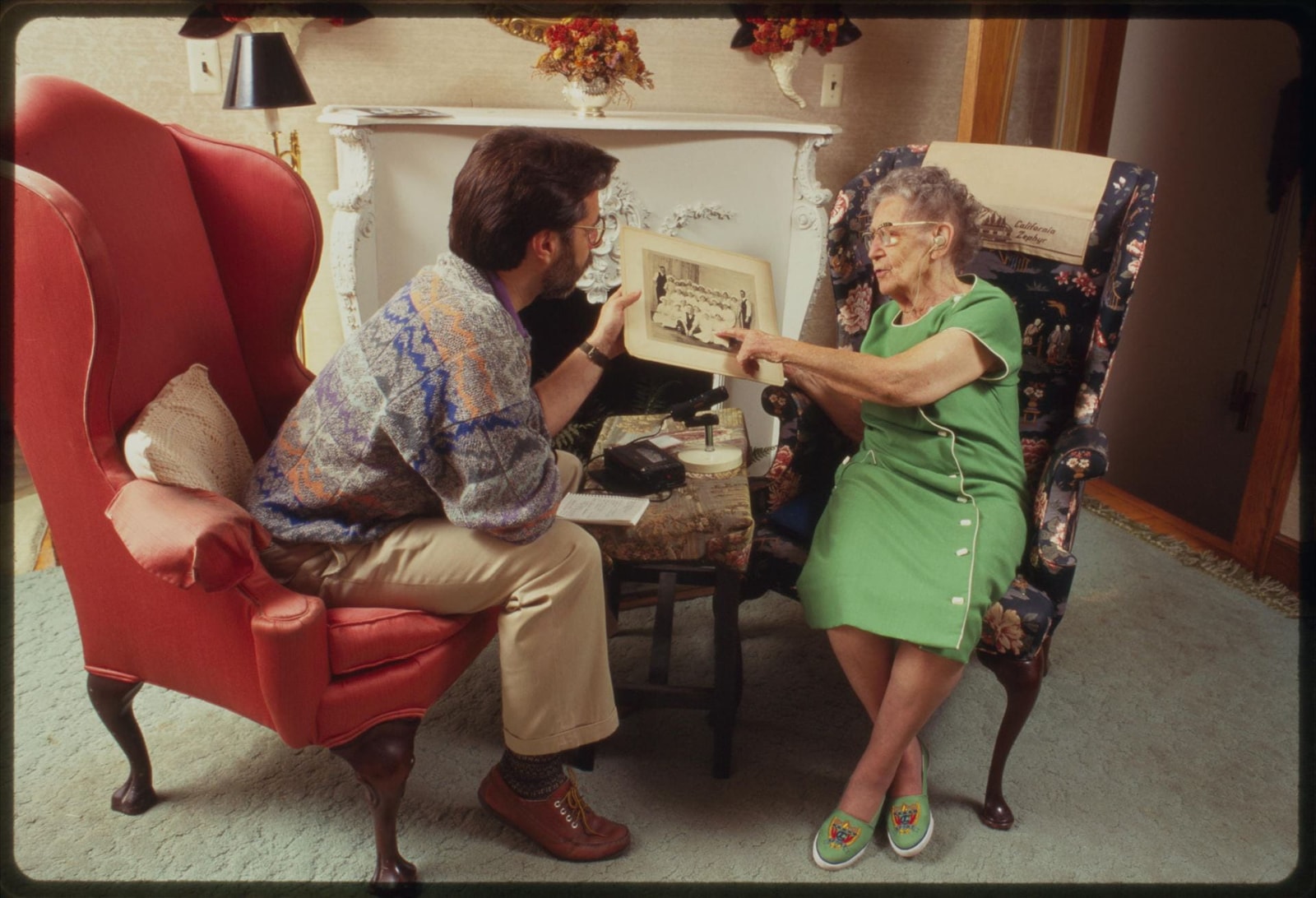
Martha Cooper's 1994 photograph of David Taylor interviewing Anne Murphy captures the human setting behind such files: a conversation prompted by an older factory photograph.[10] The image predates this software. Its relevance is the work being carried forward—voices, questions, and relationships that an editing session needs to keep intelligible.
Rehearse one ordinary cut
A migration trial becomes more revealing when someone makes a familiar edit.
In Audacity 4, a selected clip has separate handles for trimming and changing speed. Trimming hides audio beyond the edge so it can be revealed again. Moving a clip over another can replace the overlapped portion of the underlying clip.[4] A hand accustomed to the old interface needs to learn where an ordinary drag now leads.
Use a copy of the pilot session to shorten a hesitation. Then listen across the join. Check the neighboring clip's start and its speed, and undo the edit to confirm what changed. This is a practical test of the editor's habits as well as the conversion.
Deletion needs the same attention. The manual distinguishes leaving a silent gap from closing the gap by moving later audio. It also provides a form that closes the gap across all tracks.[4] In a two-microphone interview, shifting only one speaker's track can change the relationship between question and reply. Decide whether the edit should preserve the original clock or shorten the conversation, then check both tracks at a later recognizable sound.
Give the second editor the same short task. If the result depends on someone remembering an undocumented preference, the migration procedure still needs work.
Carry the processing choices with the audio
Realtime effects remain adjustable because they process playback without rewriting the track's stored audio. Their order matters, and the chain contributes to the exported result. Audacity also has master effects acting on the combined mix.[5]
After conversion, inspect the track and master chains. Check effect order, bypass states, and settings against the reference session. Listen to a quiet phrase and a louder one. A compressor that looks familiar may still be set differently; hearing both passages makes the comparison more useful than checking the loudest peak alone.
There is a specific documentation problem to account for. The 4.0.0 release notes list Nyquist support and say LADSPA hosting is unavailable.[1] The transition guide, updated October 13, says Nyquist is unsupported and lists LADSPA as supported.[6] These pages disagree. Treat compatibility as something to verify with the actual plugin and installed build before depending on it.
Platform matters too: the Windows download page explicitly says its ARM64 builds lack plugin support.[7] A project moving between machines therefore needs a playback check on the destination machine.
The 4.0 release notes also list Macro Manager and the scripting pipe among unavailable features; the 4.0.1 notes do not announce their return.[1][2] A desk that processes many interviews through an established macro should rehearse that batch operation separately. Successfully editing one conversation does not establish that the day's production routine has survived.
Save, close, reopen, deliver
Save the converted project under a clearly distinct name, close it, and reopen the saved .aup4. Now repeat the timing and effects checks. The exercise should begin from the file a colleague will receive, with the plugins and settings available on their machine.
Export the full piece and compare it with the reference at the same playback level. Audacity's export dialog distinguishes the entire project from a selection or loop region, and separately sets format, channels, and sample rate.[8] A short selected passage can be a useful test; it can also be an accidental delivery if the editor forgets which scope was chosen.
If the workflow produces one file per interview segment, include that task. Version 4.0.1 adds export by track or labelled region.[2] Check the filenames and listen at the boundaries of the resulting files. A correct full mix does not prove that the segments start and end where intended.
For a solo editor or a small team with a repeatable backup routine, this rehearsal can be compact: one representative session, one actual handoff, and a written record of the result. A larger archive or a desk dependent on automation needs a broader sample covering those dependencies before changing its working environment.
Proceed when the intended edits remain editable, the required processing works, and the reopened project's export passes the team's listening review. If a required plugin, timing relationship, or batch operation fails, keep that work in the verified Audacity 3 setup while resolving it. The meaningful finish is a colleague opening the file and recognizing where the last editor left off.
Sources
- Audacity, “4.0.0 Release Notes,” September 3, 2026 — project conversion, plugin formats, and unavailable features.
- Audacity, “4.0.1 Release Notes,” September 30, 2026 — current release checked October 17, 2026; conversion, saving, effect-state fixes, and multiple export.
- Audacity Manual, “Save your project,” updated October 13, 2026 — editable projects and local saving.
- Audacity Manual, “Basic audio editing,” updated October 13, 2026 — trim and speed handles, overlapping clips, and deletion timing.
- Audacity Manual, “Realtime Effects” — processing order, bypass controls, master effects, and export behavior.
- Audacity Manual, “Audacity 3 to 4 transition guide,” updated October 13, 2026 — migration guidance; its plugin list conflicts with the release notes as discussed above.
- Audacity, “Download for Windows,” checked October 17, 2026 — Windows ARM64 plugin limitation.
- Audacity Manual, “Export your audio,” updated October 13, 2026 — full-project, selection, and loop exports; channel and format settings.
- Matt Mullen, “Audacity enters a ‘new era’ with the biggest update in the free and open-source audio editor's 26-year history,” MusicRadar, September 4, 2026 — independent launch coverage and modernization framing.
- Library of Congress, “Oral Histories,” Family History for Kids — attribution and context for Martha Cooper's 1994 photograph of David Taylor interviewing Anne Murphy, Working in Paterson Project Collection.