Fedora Atomic Desktops are easiest to misunderstand when they are sold as "immutable Linux." The better adoption frame is narrower and more useful: they make a workstation behave more like a deployment target. The base operating system is updated as a coherent image, graphical apps move toward Flatpak, development tools move into Toolbx or other containers, and host-level package changes become deliberate exceptions instead of the default shape of daily computing.[1][2]
That is why this is an adoption note, not a hype note. On July 8, 2026, Fedora's Atomic Desktops page lists Fedora 44 as the current release and presents Silverblue, Kinoite, Sway Atomic, Budgie Atomic, and COSMIC Atomic as a family rather than as one GNOME-only experiment.[1] The practical question is no longer "can I boot this?" It is "which parts of my laptop should be treated as base OS, app layer, development workspace, and local override?"
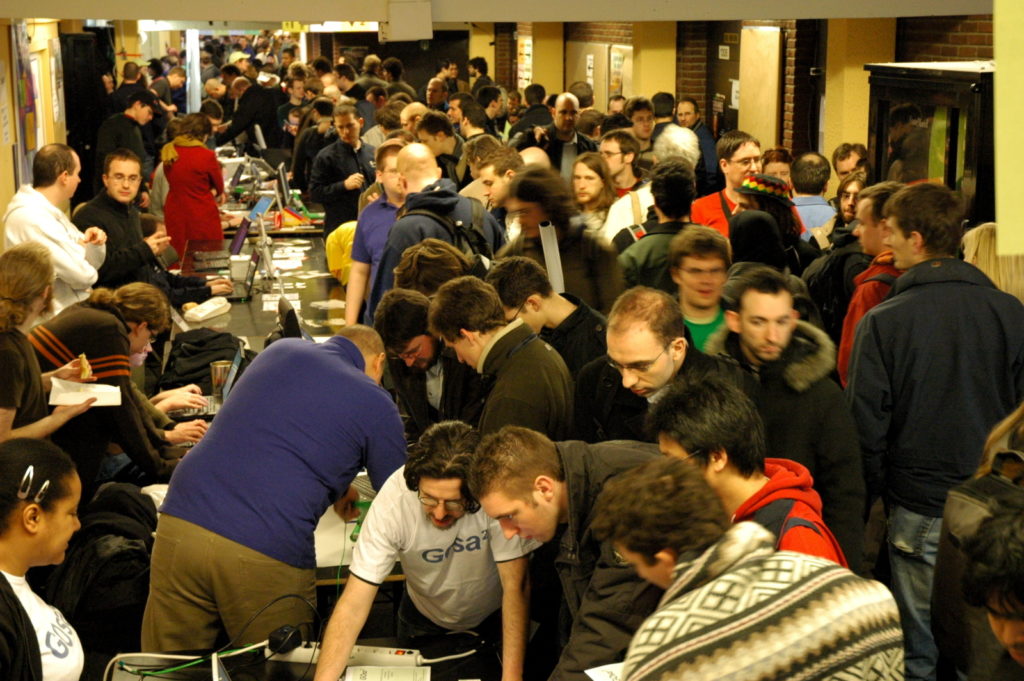
Image context: the cover uses a real photograph of Fedora's community booth at FOSDEM, sourced through Fedora Magazine. It fits because an image-based workstation is still a distribution project: release engineering, packaging policy, user support, and contributor feedback decide whether the technical model stays livable.[9]
What Actually Changes
The important shift is not that the machine becomes untouchable. It is that the default write path changes. In Fedora Silverblue's public positioning, updates take effect on the next reboot, the whole system updates in one go, a previous version is kept for rollback, graphical applications are expected to live as Flatpaks, and development tools are expected to sit in Toolbx containers instead of in the host package set.[2]
That creates a cleaner operational split. The base OS should be small, boring, and recoverable. User-facing desktop software should update without editing the host. Project-specific compilers, language runtimes, SDKs, and CLIs should live in containers that can be rebuilt or thrown away. Host changes should be reserved for drivers, shells, VPN hooks, security agents, input methods, kernel modules, and other things that truly need to live below the app and container layer.[2][4]
If a team adopts Fedora Atomic Desktops and then layers every package it used to install with dnf, it has mostly recreated the old workstation model with a new update command. The migration works when the team can name its boundaries. "The browser is a Flatpak or vendor package" is an app decision. "Go, Python, Node, and a cloud SDK live inside a Toolbx image" is a development decision. "This smart-card daemon or hardware driver must be layered on the host" is an exception decision.
The rpm-ostree Contract Today
The current Fedora Atomic desktop model is still grounded in rpm-ostree. The upstream documentation describes it as a hybrid image/package system that combines libostree as a base image format with RPM handling through the Fedora packaging stack.[3] The key feature for workstation adoption is not just rollback. It is that package layering remains possible while the base image stays a named, coherent deployment.
The administrator handbook exposes the contract in commands. rpm-ostree status shows bootable deployments. rpm-ostree upgrade prepares a new deployment for the next boot. rpm-ostree rollback swaps back to the previous deployment. rpm-ostree install <pkg> creates a new deployment with the package layered in, and layered packages persist across upgrades, rebases, and deploys.[4]
That is powerful, but it is also the main drift risk. The same handbook explains that /usr is read-only, while /etc and /var remain writable, with /var shared across upgrades.[4] This keeps the base image from becoming a mutable package pile, but it does not save a team from unclear policy. If every developer has a different set of layered packages, debugging "the Fedora workstation" becomes debugging ten private variants.
The practical rule is simple: layered packages should be reviewed like infrastructure exceptions. A team should be able to answer why a package cannot be a Flatpak, a Toolbx/Distrobox dependency, a dev-container layer, or a project-local binary. If the answer is "because that is how our old laptop script worked," the migration is not done.
bootc Is the Direction, Not a Free Weekend Cutover
The next important signal is bootc. The bootc project describes itself as transactional, in-place operating system updates using OCI/Docker container images, applying the container-layer model to bootable host systems rather than only to applications.[5] Its documentation also states that the CLI and API are now considered stable, while the underlying logic still builds on ostree.[5]
For workstation operators, the attraction is obvious. A base OS can be built, tested, signed, pushed to a registry, and deployed with tooling that looks more like container delivery than classic package management. LWN's independent workstation-focused writeup captures both sides: bootc can make customized image delivery more familiar to people who already use container tooling, but building custom desktop images remains an expert workflow, especially once kernel modules, registries, and deployment mechanics enter the picture.[8]
Fedora's own roadmap language shows why this should be treated as a staged migration. The Fedora Atomic Desktops SIG roadmap names unresolved work around rebasing to Fedora bootc manifests or container images, graphical updater integration, local package layering, installer and disk-image work, signed container images, update size, and documentation.[7] That is not a warning away from bootc. It is the reason to pilot it deliberately.
The best adoption posture in 2026 is therefore two-track. For normal laptops, treat rpm-ostree Atomic Desktops as the stable operating model. For platform teams, classroom labs, kiosk-style deployments, reproducible developer workstations, and managed fleets, start a bootc prototype where the desired state is already image-shaped. The first pilot should answer boring questions: where is the Containerfile, who approves image changes, what registry holds the image, how are rollbacks tested, how are host secrets kept out of the image, and what happens when Secure Boot or a proprietary driver changes the boot path?[5][7][8]
The Sealed-Image Signal
Fedora's April 2026 note on sealed Atomic Desktop bootable container images is worth reading as a boundary marker, not as a default recommendation. The post announces test images and describes the direction: bootable containers, UKIs, and composefs working together toward a verified boot chain.[6] It is equally explicit about the current gate: the images are testing images, sshd is enabled for debugging, the root account has no password set, and they should not be used in production.[6]
That is exactly the kind of signal an adoption plan should respect. Sealed images could matter for managed endpoints, labs, sensitive developer machines, or environments where the organization wants stronger evidence that the booted base matches the intended image. They are not a casual laptop tweak. They move the discussion from "Can I roll back after an update?" to "Can I verify the base system I meant to boot?"
This creates a governance question as much as a technical one. A locked or verified base can reduce accidental drift, but it can also frustrate users who need legitimate local control. Fedora's own comment thread around the sealed-image post shows the concern directly, including questions about Secure Boot and whether sealed images might become mandatory; the maintainer response says users do not have to use sealed images and there are no plans to drop the current split-kernel-and-initramfs setup.[6] An engineering team should preserve that distinction in its own rollout: verification is a policy choice, not a synonym for user trust.
Who Should Move First
The strongest early adopters are teams that already feel pain from workstation drift. A small platform team supporting ten developers may not need this if their machines are disposable and their development environments are already containerized. A larger engineering group with regulated dependencies, hardware variance, VPN agents, security tooling, and repeated "works on my laptop" failures has a better reason to care.
Atomic Desktops are also a good fit for people who can accept reboot-based base updates. Fedora positions Silverblue and Kinoite updates as next-reboot changes, not live mutation of the running base.[2] That is a feature when predictability matters. It is a poor fit for someone who expects the host to be a constantly edited scratchpad.
The failure modes are concrete. Kernel-adjacent software can still be awkward. Third-party repositories may need layering policy. Flatpak coverage is not identical to every team's app list. Toolbx keeps development tools away from the base, but teams still need conventions for images, mounts, secrets, and project bootstrap scripts. A rollback protects the base deployment; it does not automatically roll back data in /var, user files, or an application-level migration that already touched state.[4]
A Practical Migration Path
Start with one Atomic variant that matches the user's desktop environment, usually Silverblue for GNOME or Kinoite for KDE Plasma.[1][2] Install it on a secondary machine or a replaceable primary, then record the first-week exceptions. Every time someone reaches for rpm-ostree install, force a classification: host necessity, app packaging gap, dev-environment dependency, or old habit.
Keep a short host baseline. It should include hardware enablement, identity or VPN hooks, security agents, shell-level necessities, and little else. Move GUI apps to Flatpak where practical. Move compilers and project tools into Toolbx, Distrobox, dev containers, or project-specific container images. Use rpm-ostree status as an audit surface: it should tell a small story, not reveal a personal package archive.[4]
For teams considering bootc, split the pilot from the daily laptop rollout. Build one bootc image for a constrained use case, such as a lab image or a managed developer workstation class. Test bootc upgrade and rollback behavior, image signing expectations, registry availability, update size, and the emergency path when the image is bad.[5][8] The goal is not to prove that every developer should build an OS image. The goal is to discover whether the organization has enough release discipline to own one.
Fedora Atomic Desktops are valuable because they make workstation state discussable. The base OS is one layer. Apps are another. Developer tools are another. Overrides are exceptions. bootc points toward a future where the base layer can be built and delivered with container-native habits, but the migration is only healthy if users still know where control lives. Treat the laptop as a deployment target, and Fedora's atomic model becomes less exotic: it becomes a way to keep the operating system from absorbing every local decision.[1][3][5][8]
Sources
- Fedora Project, "Atomic Desktops for Fedora," current product-family page listing Fedora Atomic Desktop variants and Fedora 44 as the latest release.
- Fedora Project, "Fedora Silverblue," product page describing reboot-applied updates, whole-system atomic updates, rollback, Flatpak, Toolbx, and rpm-ostree.
- rpm-ostree documentation, "A true hybrid image/package system," covering libostree, RPM integration, transactional upgrades, rollbacks, package layering, and the shift of major new development toward bootc.
- rpm-ostree documentation, "Client administration," covering
status,upgrade,rollback,deploy, package layering, overrides,usroverlay, and filesystem layout. - bootc documentation, "bootc" introduction, describing transactional in-place OS updates using OCI/Docker container images and the stable CLI/API status.
- Timothee Ravier, "Sealed Fedora Atomic Desktop bootable container images," Fedora Magazine, April 28, 2026.
- Fedora Atomic Desktops SIG, "Roadmap to Fedora Bootable Containers," GitLab work item.
- Pavel Brezina, "Bootc for workstation use," LWN.net, November 7, 2025.
- Bogomil Shopov, "Fedora Project at FOSDEM 2023," Fedora Magazine, January 20, 2023, source page for the Fedora booth photograph by Francesco Crippa.